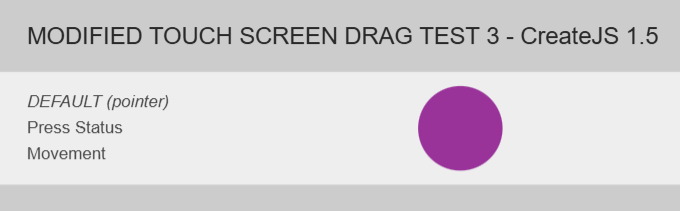
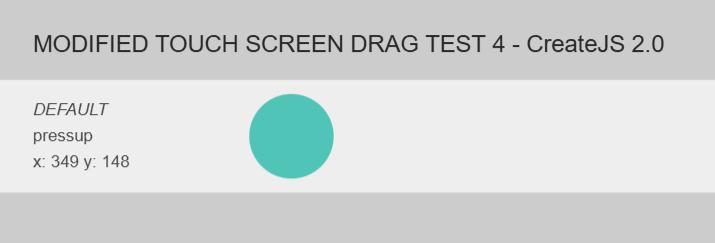
We have removed the second part (maxTouchPoints) which was reporting false on some boards. So now, those boards are considered Touch enabled. We reported the issue to the board creators via their support email.
We switched to pointer event priority as the boards were also not recognizing
'ontouchstart' in window
Possibly we could have replaced this test with:
typeof window.TouchEvent !== 'undefined'
But in the end, the consensus was to solve it by testing for pointer events first rather than touch events. Pointer events were new when CreateJS was made so I think they may have hesitated to do this.
CONCLUSION
We will see how it goes for the next while and then consider updating older versions of CreateJS. And providing the change to the CreateJS GitHub.
Thanks @Chris_S and @Ferudun for the work on this. And others for the testing. Please keep testing
I'm going to BETT in London this week. I'll ask all the board manufacturers there if I can test the page. It's the biggest event in the UK so there should be a good range. Also I've written to my the school where I used to teach to ask if I can go in and test the page there as there's 18 boards to try.
Much of what you're talking about goes above my head here... Can I just check what we need:
Thank you. I can't help with the programming. I have my doubts that they'll all let me try it at BETT, but a few might.
Am I right that this is a complete change and so we need to know if all boards are happy with this version?
It is not that much of a change on boards. All we did there was drop the maxNumTouches > 0 requirement which was for some reason not returning true on some boards - this is the what started the thread. But we are wanting to test on as many touch screens as possible to make sure that we work on all of them now.
It is a some-what big change for non-touch screens as we are now using pointer events rather than traditional mouse events.
@Chris_S has prepared a modernized version of CreateJS see CreateJS Modernization? that takes out older code and this greatly simplifies the touch events tests. So... maybe we should also test
The more I think about this, I question whether the Touch.isSupported code is still required at all. Pointer Events don’t care whether touch is supported so why should it matter?
It depends on how this Touch handling is used, which I want to explore further but not when I should be asleep.
If Pointer Events aren't supported by a user's old browser, perhaps explode in the console:
Touch.isSupported = function() {
  var supported = !!window.PointerEvent;
  if (!supported) {
    console && (console.error || console.log)("Pointer Events are not supported in this browser. Touch functionality will not work.");
  }
  return supported;
};
Hello, I got back from BETT last night. I stayed for two days; Wacebo said I could try the test files if I came at the very beginning of the day.
There were 5 board manufacturers there. BENQ, Wacebo, SMART, Promethean and Viewsonic. Wacebo and Viewsonic allowed me to try the test files and an existing game. The other three were keen but said we needed to do it away from the sales floor, (via email).
Summary: Viewsonic & Wacebo - all files worked
I arranged to meet the Viewsonic lead technical lady at the end of the day. She was incredibly helpful. Each time I tested my PV Counters game, Drag3 then Drag4. We tested the files on Playstore OS (no idea?!) then an Android OS. I have video for each.
Promethean:
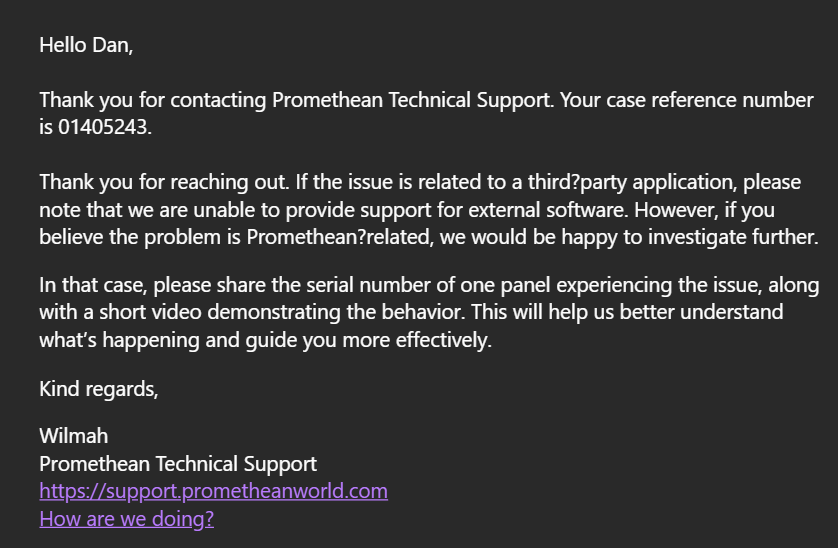
I spoke to the Technical Product Manager and he referred me to someone he felt knew better than him. They were both super helpful. When I explained our issue he said STOP! Don’t change anything! He was emphatic about it. Their hardware Infrared provider had changed their Human Interface event handler. It was within spec but when touch was released rather than reporting the down/touch flag as false with its Touch ID it was sending them to the Microsoft HI separately. Affecting the number of touches and their ID etc. He said three times that he guaranteed that if this was the issue it will be resolved with a software update. I guess we can’t be sure but he was adamant. He was very professional; didn’t look inclined to hyperbole but was animated when he said stop.
They gave me their emails to send the files to test.
I found SMART in a building outside. I thought it was their offices and decided to be brave and walk in. I explained our issue and by luck a chap who knew me from my games back in 2006 came out of a room and that helped a lot. He was saying they had to talk to me which was lovely.
Thanks, James. Good hard research. It appears then that we are good with these latest two versions.
The drag3 is our current fix based on the Ferudun swap and the Abstract removal of maxTouchPoints (which we could put back if Promethean patches their software). This has the current createjs 1.5. So if you updated to ZIM 019 then it will work on Promethean boards. I think we will leave it as is regardless any patch by Promethean.
The drag4 is the rewrite by Chris which basically assumes pointer events and therefore assumes users have at least:
Browser
Minimum Version
Chrome
66+ (Apr 2018)
Firefox
60+ (May 2018)
Safari
13+ (Sep 2019)
Edge
79+ Chromium (Jan 2020)
We have another thread here: CreateJS Modernization? where we discuss modernizing CreateJS in general. Chris's version is in consideration - for details and discussion, see that post.