Hi everyone,
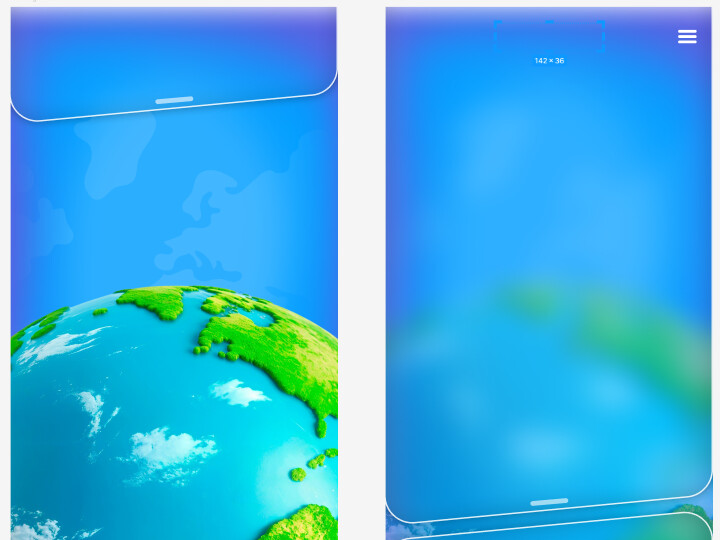
I'm trying to achieve a "glassmorphism" effect where a PNG image (acting as a header/panel) applies a blur effect to the background directly underneath it.
I have two main challenges:
- Masking the Blur: I tried creating a Rectangle, applying a blur filter to it, and then masking it using
AlphaEffect with my PNG shape, but I couldn't get the mask to work correctly.
- External Background: My main background image is set via HTML/CSS (not on the ZIM stage) because the app needs to be fully responsive and fullscreen. Since ZIM can't "see" the HTML background to blur it, is there a recommended workaround?
Attached is an example of what I'm trying to achieve (the header should blur the background when open).
Not sure if this is exactly what you are looking for but it might lead to an answer...
https://zimjs.com/test9/background.html
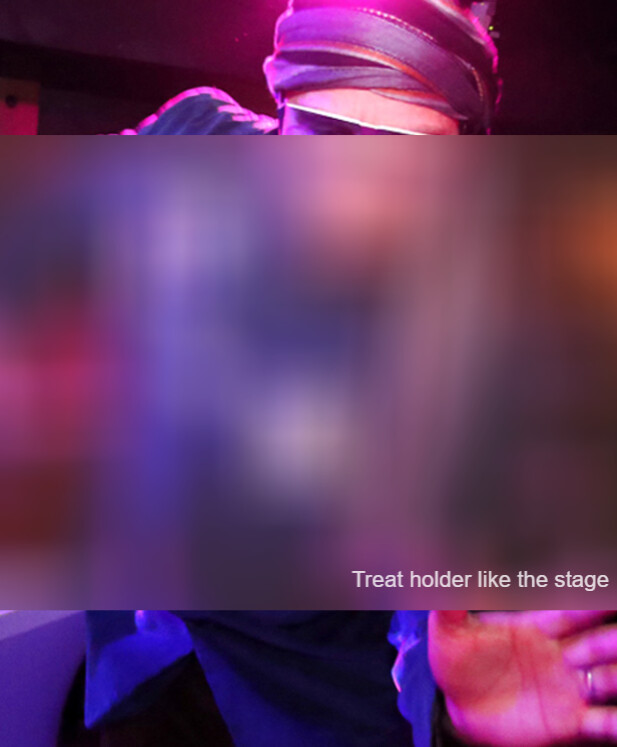
new Frame(FULL, null, null, light, dark, ready, "dancing_viewmaster.jpg", "assets/");
function ready() {

	// given F (Frame), S (Stage), W (width), H (height)
	// put code here

	const pic = new Pic("dancing_viewmaster.jpg").center()
	const pic2 = pic.clone().effect(new BlurEffect(100,100))

	W = 1024;
	H = 768;
	const holder = new Container(W, H);
	const mask = new Rectangle(W,H,brown).alp(.2).addTo(holder);
	new Label("Treat holder like the stage", null, null, white).alp(.8).pos(30,30,RIGHT,BOTTOM,holder)

	pic2.setMask(mask,true);

	F.on("resize", ()=>{
		pic.scaleTo().center();
		pic2.scaleTo().center();
		holder.scaleTo(S,100,100).center();
	});
}
1 Like
The glob is video with HTML element we want to blur the HTML element under the ZIM
CSS filter: blur() maybe?