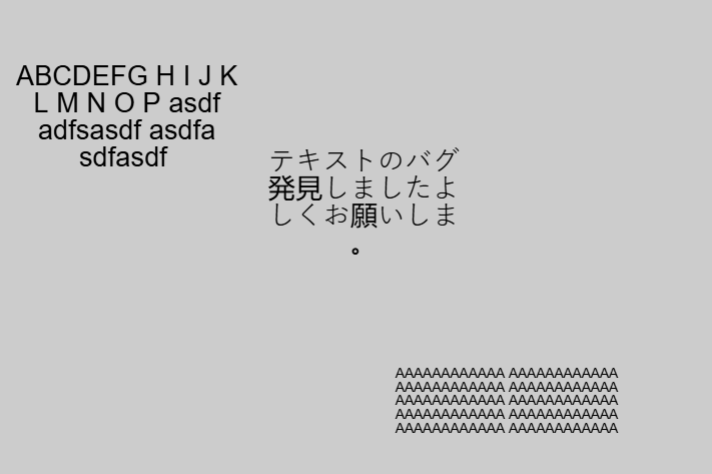
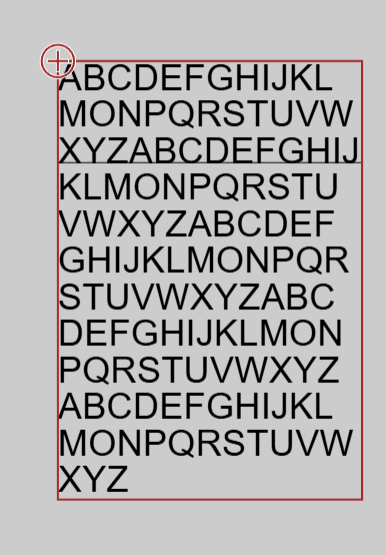
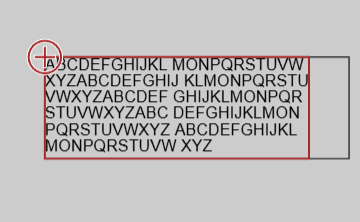
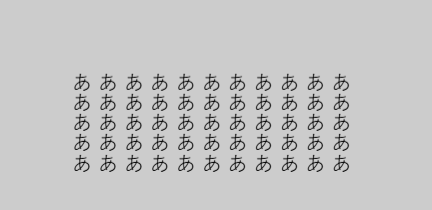
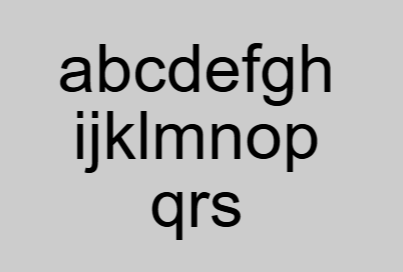
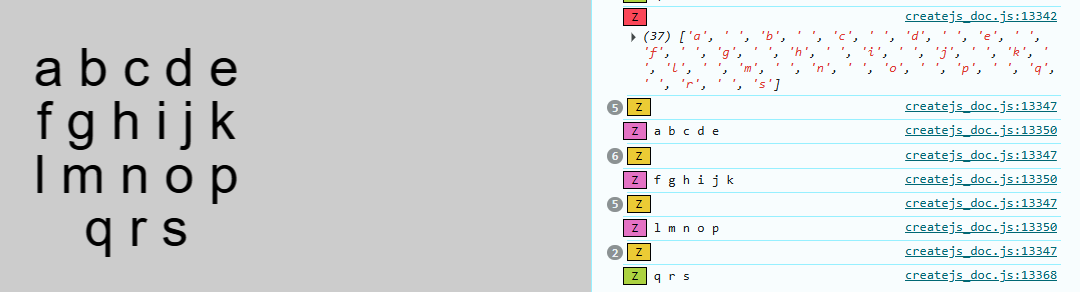
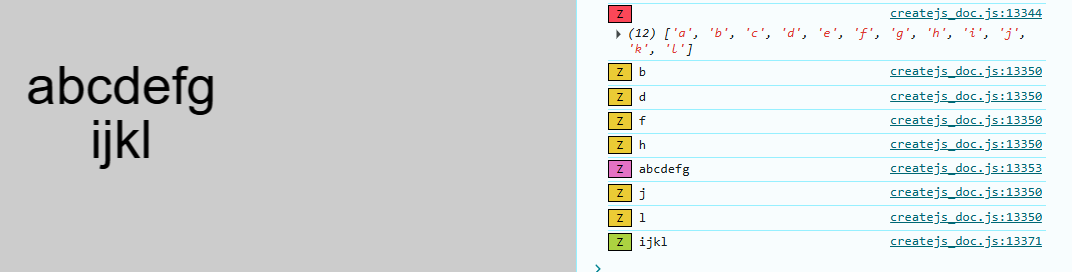
But have not been able to get the undefined with English letters.
Will have a look at it when we can - we are just trying to launch ZIM 019 tomorrow and have a big event tonight. But hopefully, we can get a fix in for tomorrow.
Ah... we have an order bug with both splitWords and labelWidth/labelHeight.
The words are being split at the width before trying to fit them into the height. Then it takes those and the new lines are considered spaces as it tries to fit them in the size.
That is a tricky one. Could do it pretty easily if we assume or know that it is all letters with no spaces. Then we just fit all letters and don't worry about words. In Japanese, would this happen a lot? We could provide an extra parameter called fitLetters and if that is set to true, we just fit the characters into the space provided.
Would that be a good solution? I am not sure I can do an iterative word based solution. If anyone wants to think about it, they are welcome to check out the Label code.
Another solution would be to put spaces between the characters
Thank you for your quick support! And congratulations on the new version!
I used to use Phaser, Its wordWrap works correctly with Japanese text.
Since Phaser lacks a built-in labelWidth and labelHeight feature, I had to manually adjust the font size using a while loop.
Phaser's original codes might be a helpful reference for fixing this issue.
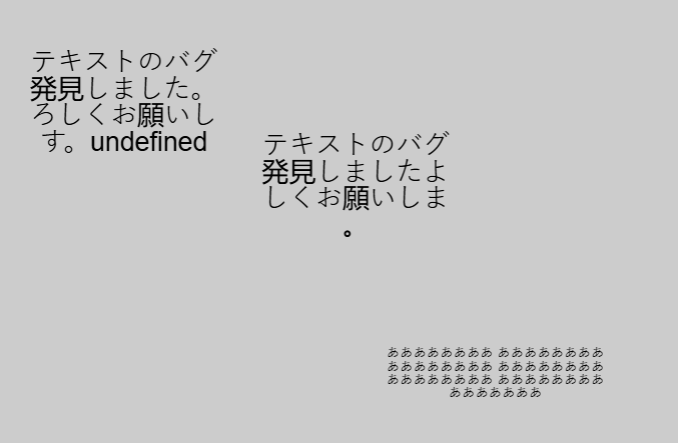
Hi! The "undefined" bug has been fixed completely.
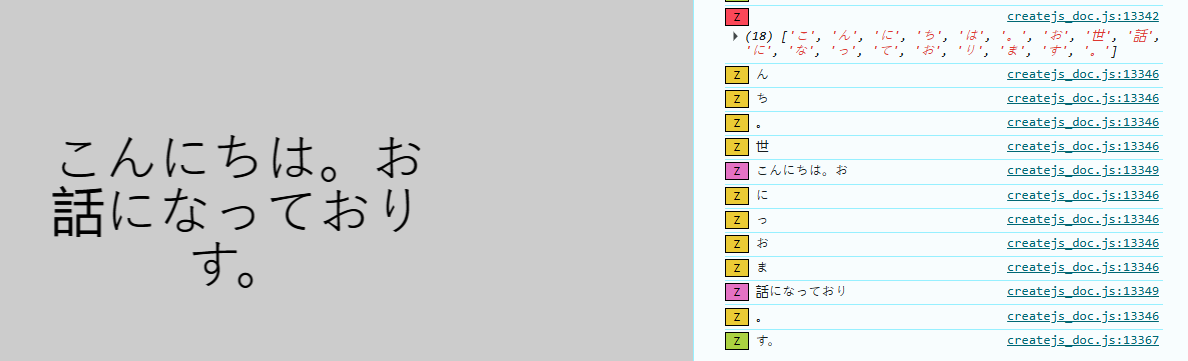
But I found a new bug.
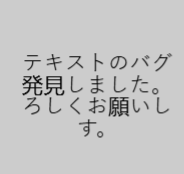
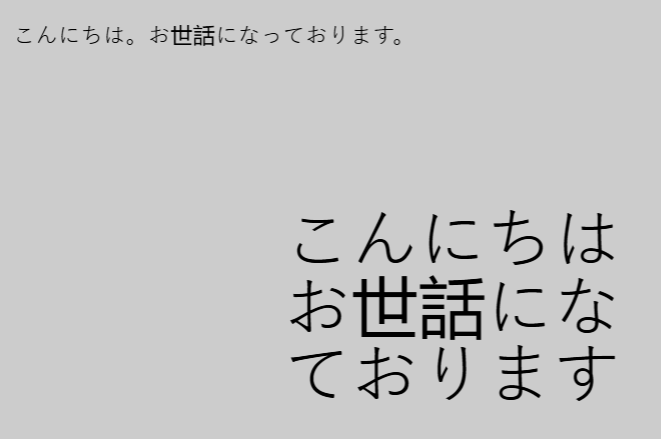
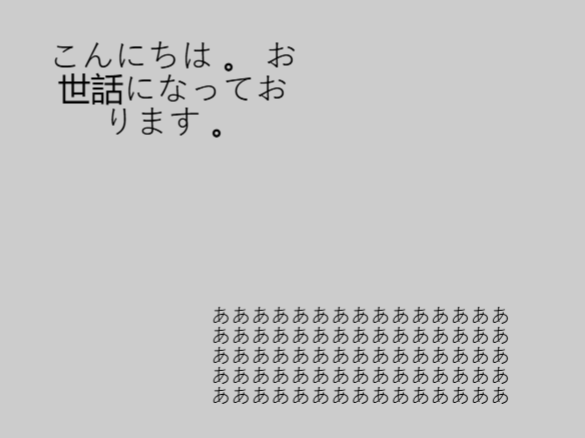
When I use labelWidth, one character disappears.
I'd be happy if you could check it out when you have time.
ZIM - Code Creativity
<!-- zimjs.com - JavaScript Canvas Framework -->
<script type="module">

    import zim from "https://zimjs.org/cdn/019/zim";

    new Frame(FIT, 600, 800, light, dark, ready);
    function ready() {
        //〇
        const text1 = new Label({
            text: "こんにちは。お世話になっております。",
            size: 20,
            align: CENTER,
        }).loc(300, 100);

        //✕
        const text2 = new Label({
            text: "こんにちは。お世話になっております。",
            size: 60,
            align: CENTER,
            splitWords: true,
            labelWidth: 250,
            labelHeight: 100
        }).center();
    }

</script>
<meta name="viewport" content="width=device-width, user-scalable=no" />
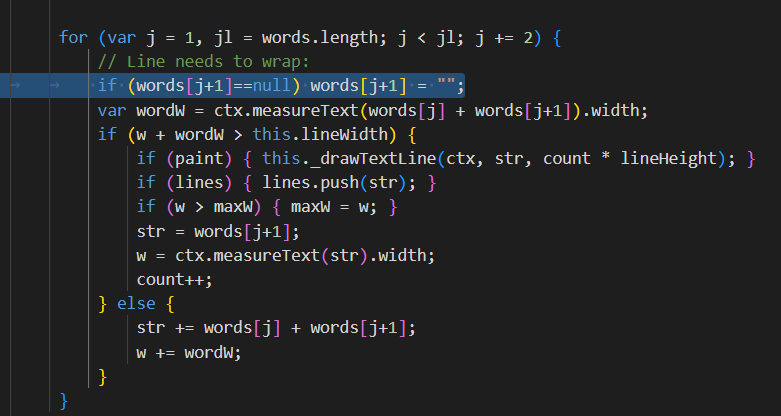
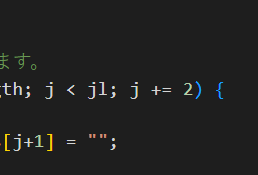
Oh!! Okay - the space on the end of the line is being removed but with the CJK there is no space so it is removing the previous character. Maybe that is in the j+=2 - I don't usually work in the +=2 - anyway... will have a nap and get back to it after.
We did not notice the missing characters when adjusting to the j += 2. This also means the undefined was probably us as well.
Okay... seeing if we can figure a solution.
On a good note, it probably means we have a solution to the space in the lines as to fit cjk characters into a box you just wrap on the character and avoid spaces all together. So can work on that too.
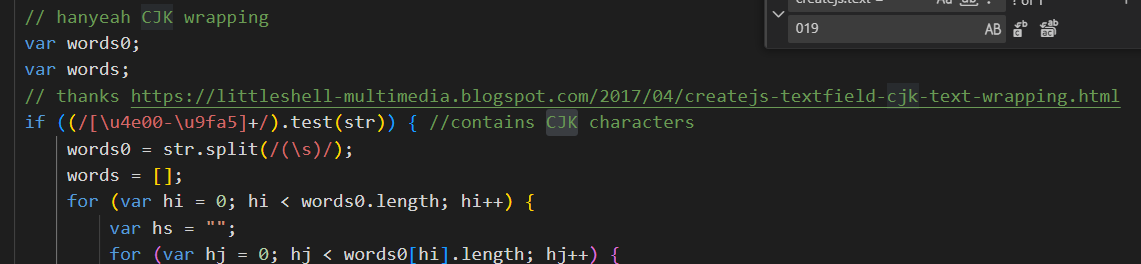
Okay - the code was using a test that did not detect all the JCK characters.
We rebuilt the loop that the blog was using with a better test and so it handles a mix of the characters as well including spaces. If there are no JCK characters it does the original CreateJS code.