It is the same - with the pointer events
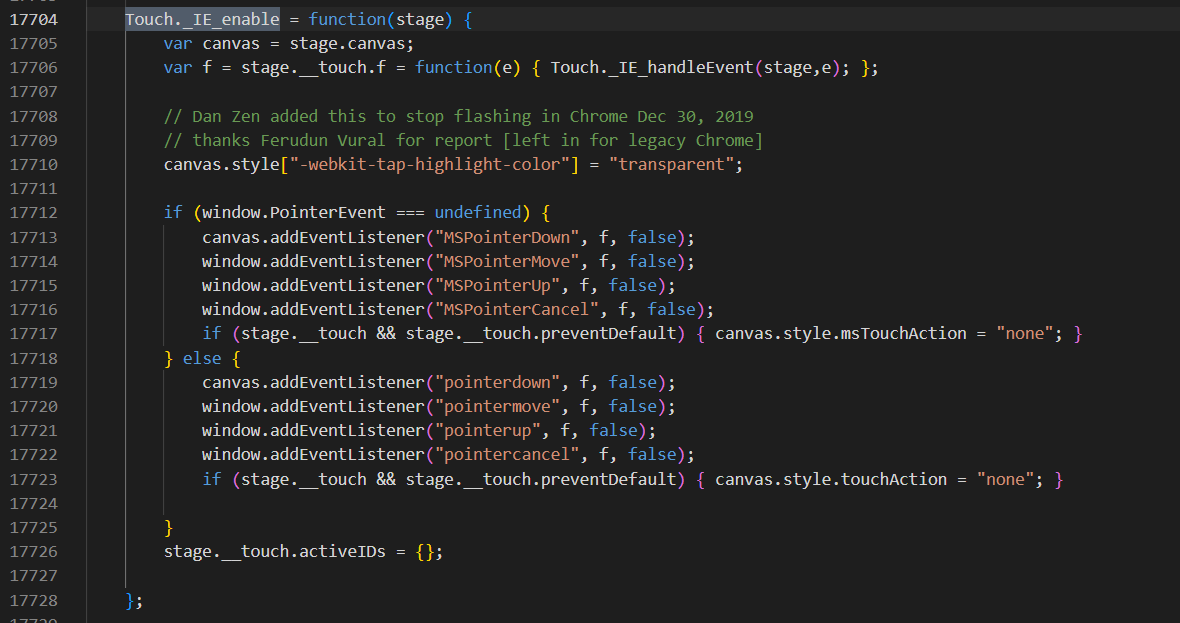
I think that is what is run - but it is a little complex and I have not looked at it in a while. We could console log from a test version if we get a chance.
Actually, I will do that now to see if locally I get that code running.
Okay - it looks like on my touch screen windows / chrome we are not using pointerevents but rather the touch events:
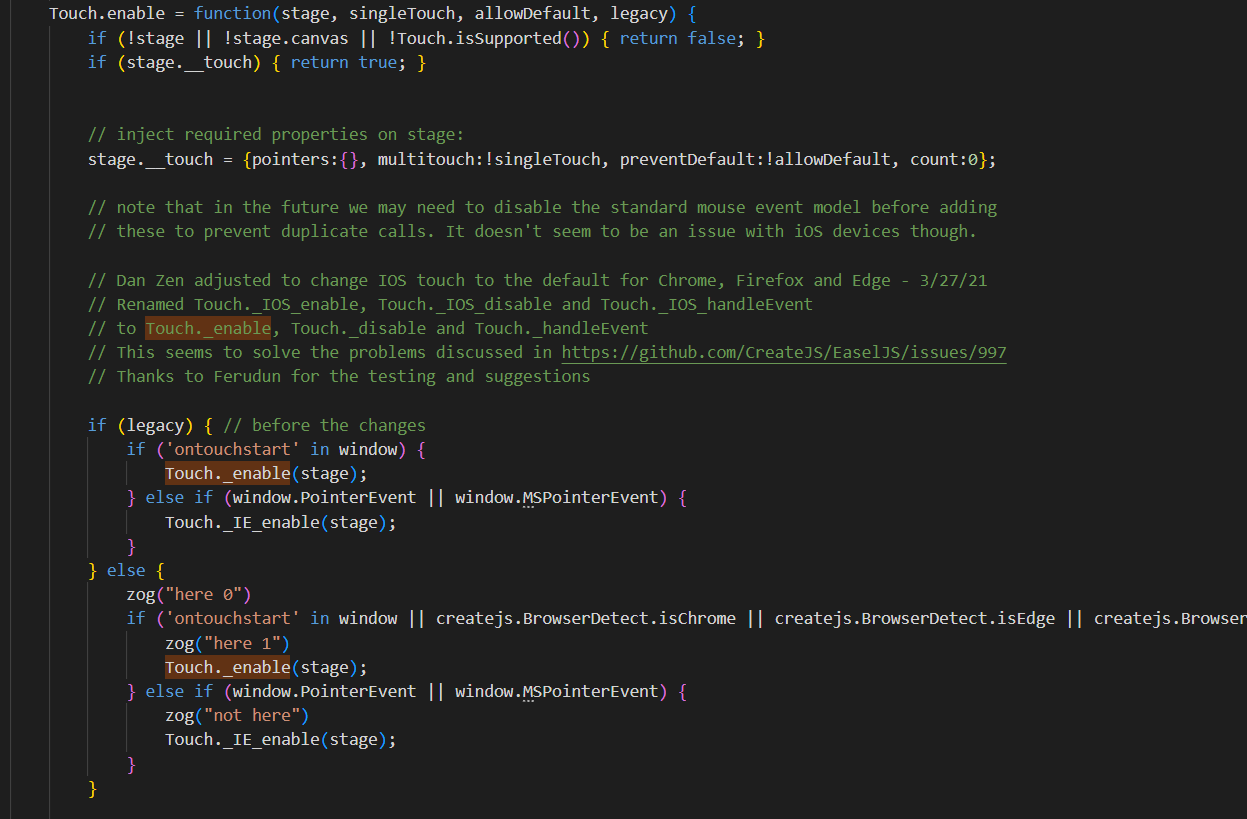
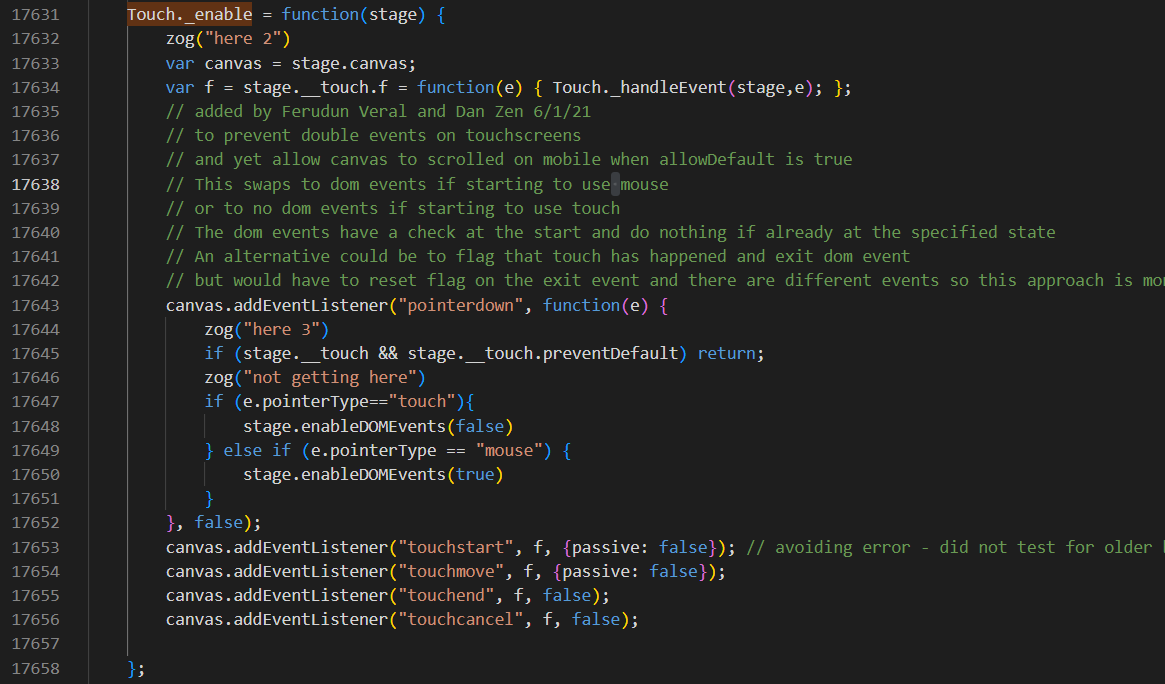
I get here 0, here 1, here 2 then here 3 when pressing. Which is a pointer event but just one... the touchstart, touchmove, etc. are what are being used and passed into ZIM.
I think that just means that my setup does not need pointer events so it uses the touch events. But... maybe the test is going wrong and when it needs pointer events it is still using touch events. Sounds like it, if there are problems.
Let me try forcing the pointer events and see if it still works.
Interesting, yes. I recognise that this is a complex area, but reading the unified thinking behind the Pointer Events API, it feels like it would be much simpler and comes with performance gains.
Obviously it's only supported in modern browsers from around 2018-2019 onwards so the old interface may be required for backward compatibility.
Yes - if I force pointer events (the IE_enabled code), my touch screen drag still works
Okay - well... we have a ZIM 019 coming up in about a week. So we will put the changes in place for CreateJS 1.5.1 which will be called by ZIM 019. Do some testing, etc. and try and default to pointer events and fall back to touches or whatever.
Thanks, Chris. Also waiting to hear from @Ferudun - right now... off I go to a Christmas party!
Cheers.
1 Like
Enjoy! Thanks for looking into this!
1 Like
Hmmm... I was just going to send you a modified version of CreateJS 1.3.2 that forces pointers. And... sigh. It does use pointers on my computer. So I am seeing the inside log.
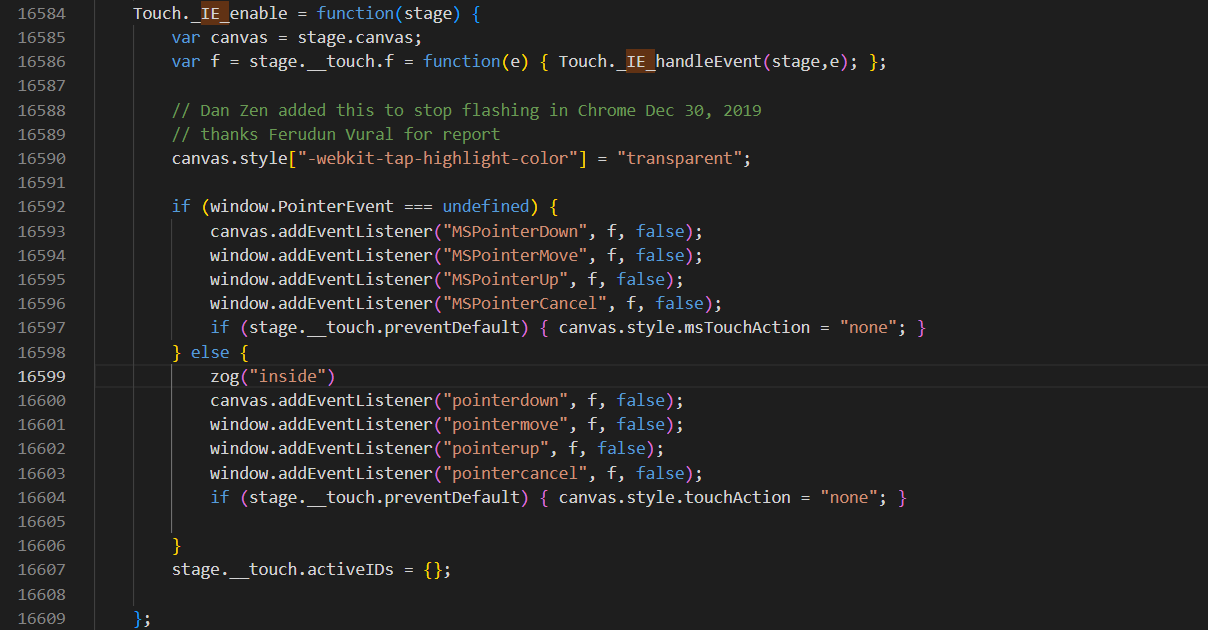
Well... I have to race. Perhaps there is something in this screen shot test that is not working for their boards even though it works for us on our touch monitors. More testing to come.
I'm using 1.3.4
Hello. I actively use CreateJS and ZimJS on interactive whiteboards. I don't have any problems. I use CreateJS in the root of my site, not as a CDN. So it's most likely version 1.5.0, because it's 262KB in size. This file, https://zimjs.org/cdn/1.5.0/createjs.js, is also 262KB in size. The most likely, and I think most probable, problem is that Chrome isn't up-to-date. @Chris_S, if you share the link where the problem occurred with me, I can test it tomorrow and let you know the result here. Because I personally saw the same thing on a friend's interactive whiteboard. It was solved after updating Chrome on the whiteboard.
We have many games with drag and drop in them, for example:
Touch drag and drop often doesn't work in Edge or Chrome on some whiteboards.
Looking back through my emails, I have been receiving a steady flow of complaints about drag n drop not working on interactive whiteboards since late 2021. I'm getting several per day now, so it's hard to recognise that it's flawless.
I have been recommending that users enable the "Touch initiated drag and drop" experimental feature in chrome://flags or edge://flags/, depending on the browser. It might be that this setting is enabled on the whiteboards of users that don't complain.
It's getting to the point though where our games don't work for too many schools to keep ignoring the issue.
Yes - we should be able to get this fixed up. I will have some time to look at it on Tuesday.
I don't have that in my Chrome Flags settings. I have not been in there to do any changes and touch works on my touch screen. But obviously touch is not working on all boards - so will get to the bottom of it.
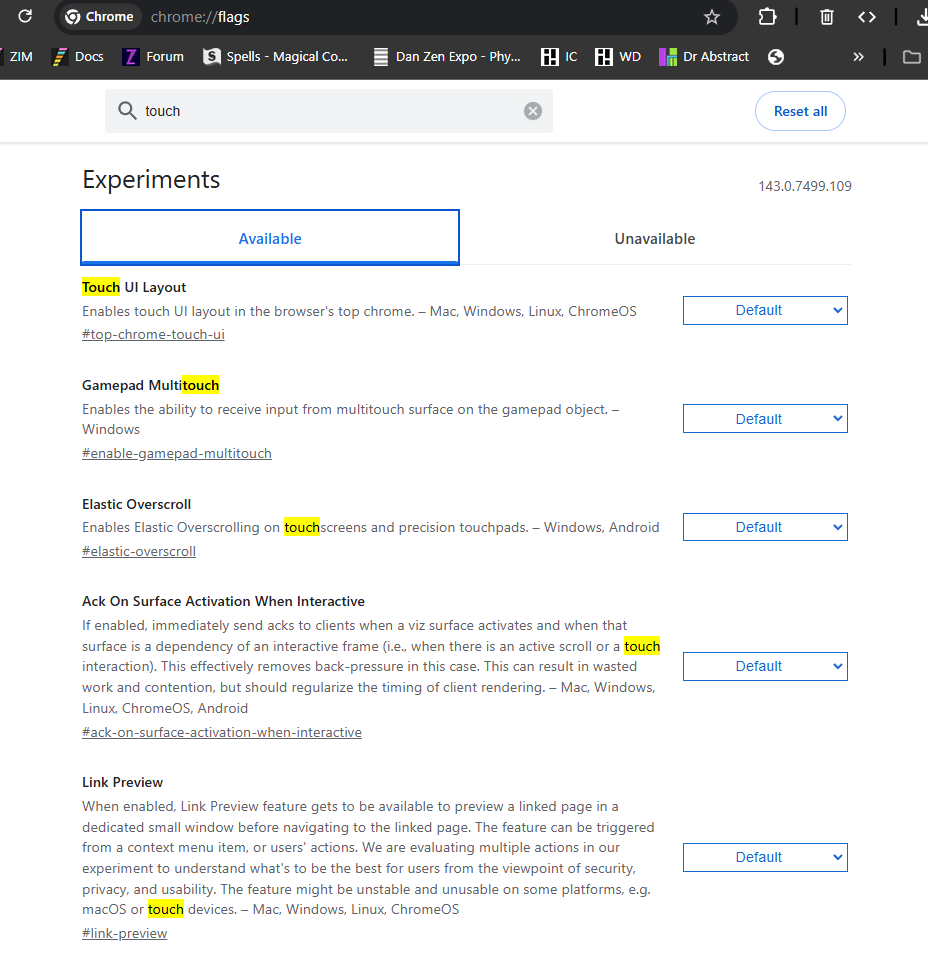
Sorry I missed this yesterday, great question @Chris_S . I too am getting multiple queries each week. It would be amazing to have it resolved. Thank you for anything you can do Dan! Coincidentally I DM'd Promethean this morning asking to talk about this issue. It's hard to reach out to Promethean as they require a serial number to investigate issues. I spoke to Clever Board earlier in the year and they tested games on all types of boards. They were super-helpful. It's a problem that keeps coming up so any progress would be brilliant! Hope the party was good Dan!
I imagined it would affect your resources too. It is frustrating to hear so many schools can't get drag and drop working in your games either.
@Jamesbrrtt and @Chris_S have you found out what versions they are on? I can't imagine that they have not updated Chrome... it should auto update, should it not? Anyway, good point - let's check that.
Now that we know there are still issues around, we will work to fix it. A test file from us that they can try will be the second step - but I await the version answer.
Cheers.
Hi Dan,
Thank you. Yes it makes sense to check. I've written to 4 recent enquirers and will report back when I hear from them. Yes I thought updates were automatic but it could be possible that some schools don't update as their machines are locked-down to prevent unwanted installations. I have worked in a school where that was the case. One problem I find is that people don't tend to reply after things work again.... or maybe they give up. Thank you for considering this for further investigation. James
Hi Chris, at least this is only a problem for IWB use, it doesn't affect tablet, laptop or desktop users. Like you mention it's so difficult to know how many people have this issue.
There must be a solution if other apps of theirs are working. Mind you we are the canvas, but still... anything in the last 10 years should work properly.