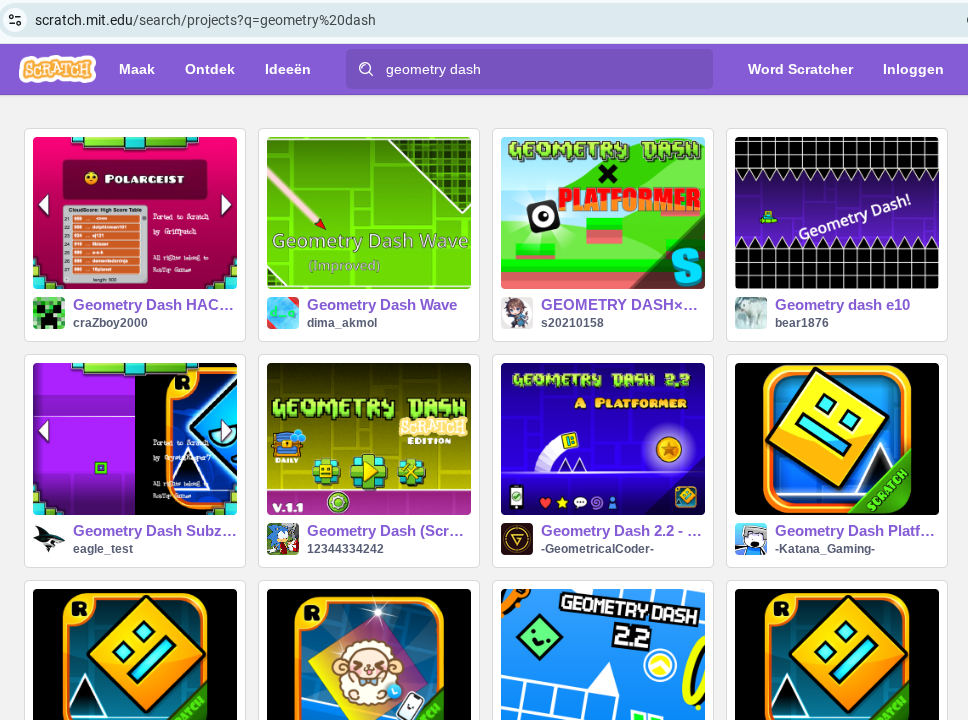
new game Geometry Dash
is played and remade in Scratch a lot, now in ZIMjs
scene with face rot(ated)
game not counting
new game Geometry Dash
is played and remade in Scratch a lot, now in ZIMjs
scene with face rot(ated)
game not counting
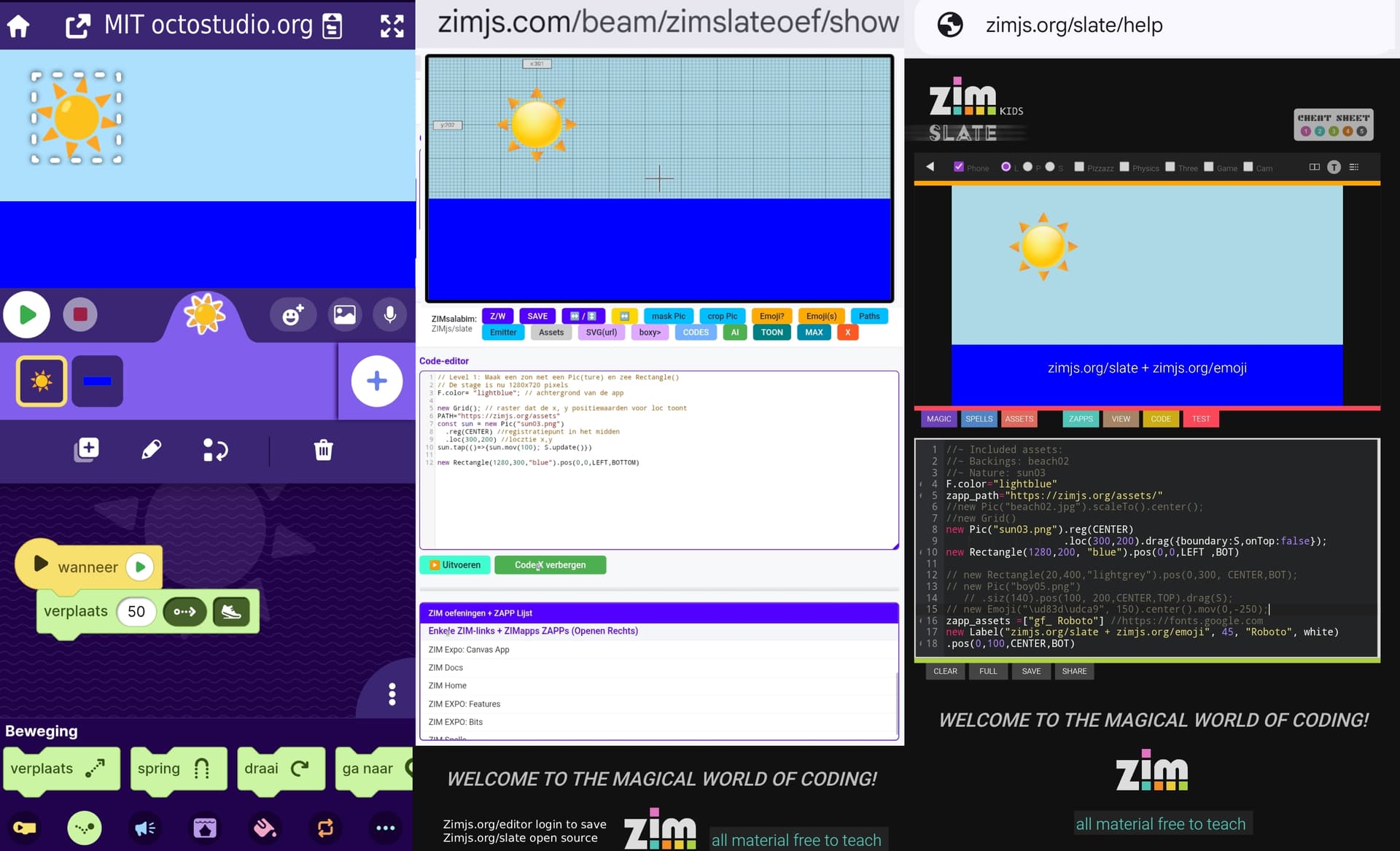
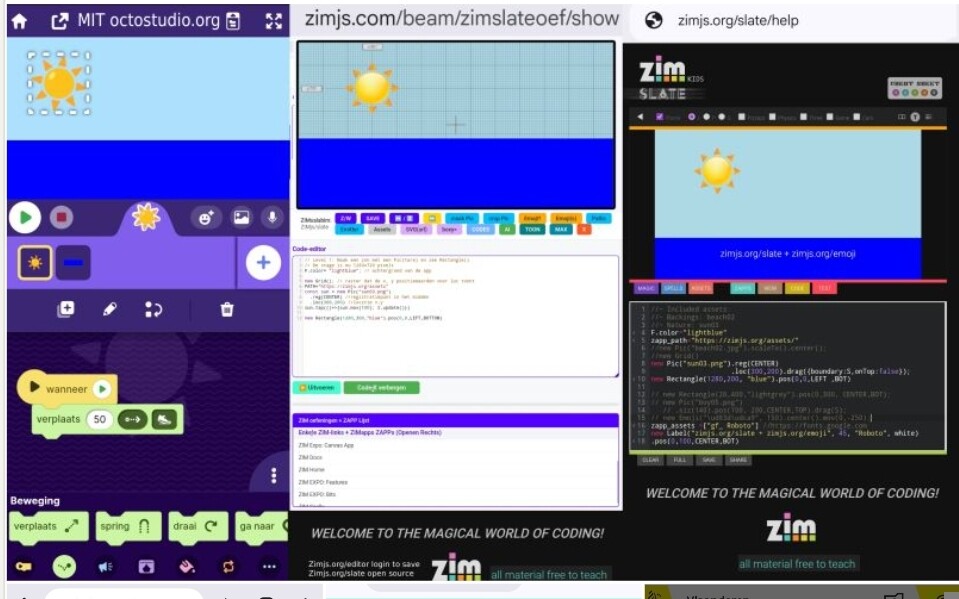
I created a versus between my extercices in dutch to get a sun moving in Octostudio or with ZIM code
Idea to make the header smaller by a hide button possible?
Happy to see new video of @Abstract
Made this pics workflow to inspire people
thumb DPad is easy but would be cool if it would be a circle turning around in a circle
as multiple game have possible
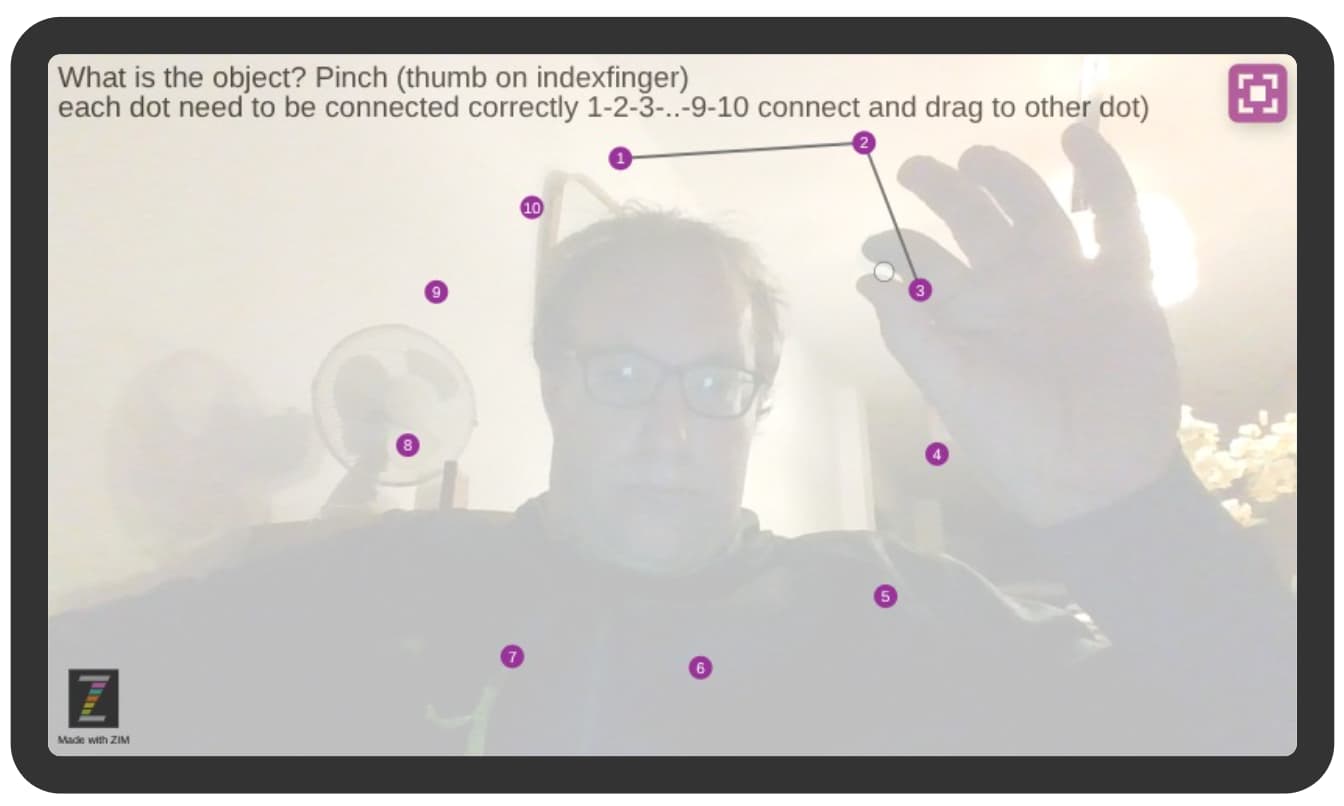
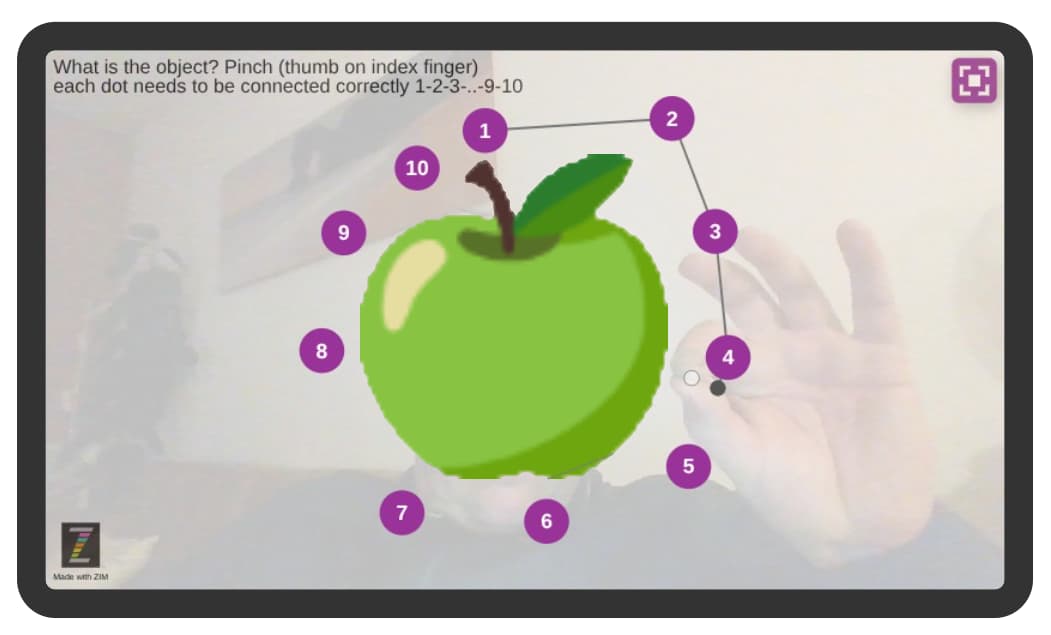
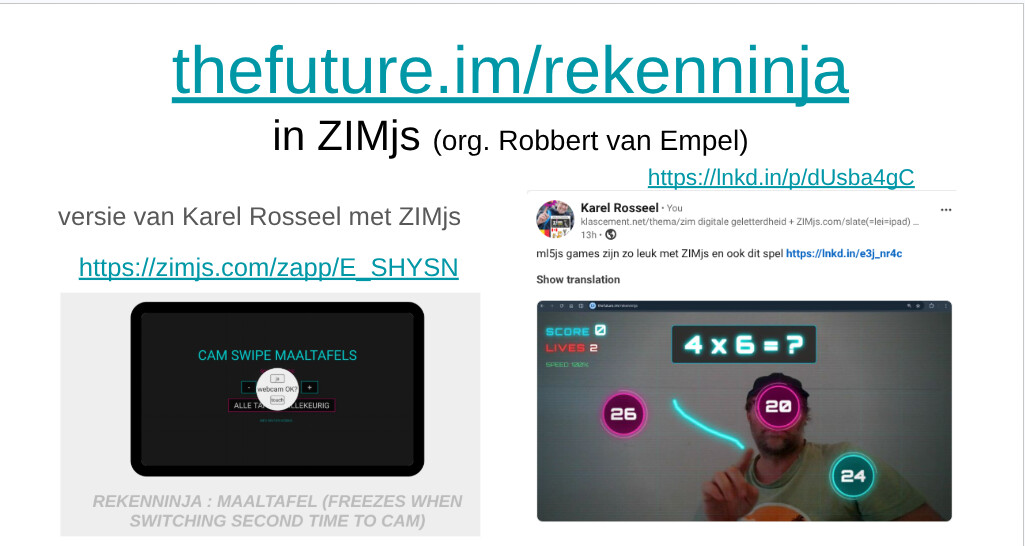
I tried to make connector game with ml5
@Abstract AI knows you
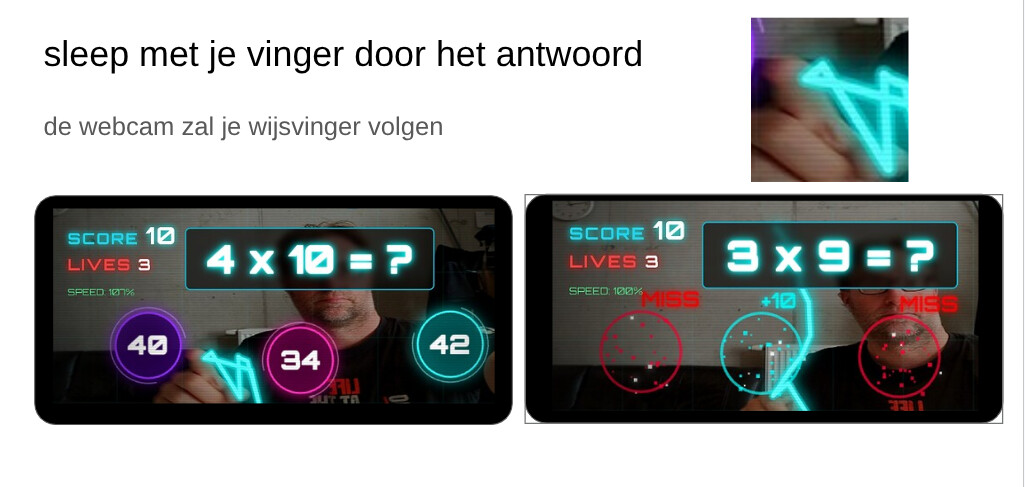
big circles to connect with pinch
here I tested only with a finger not pinch
note:
as also in the cathead example
and tool I had already with big circles
textArea can be used for speechbubble for example with an ufo
basic example but textArea as no scrollbar
Idea to make this kind of video
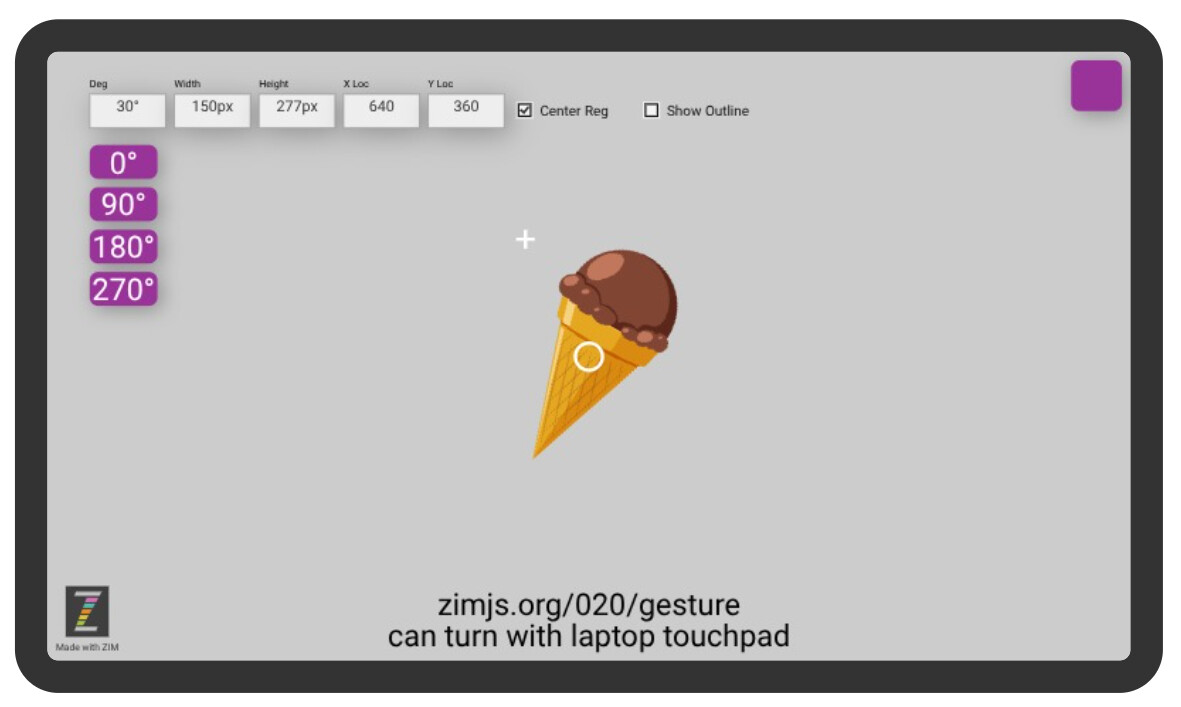
ZIM is like scratch now you can rotate and see the values when doing gestures on a picture
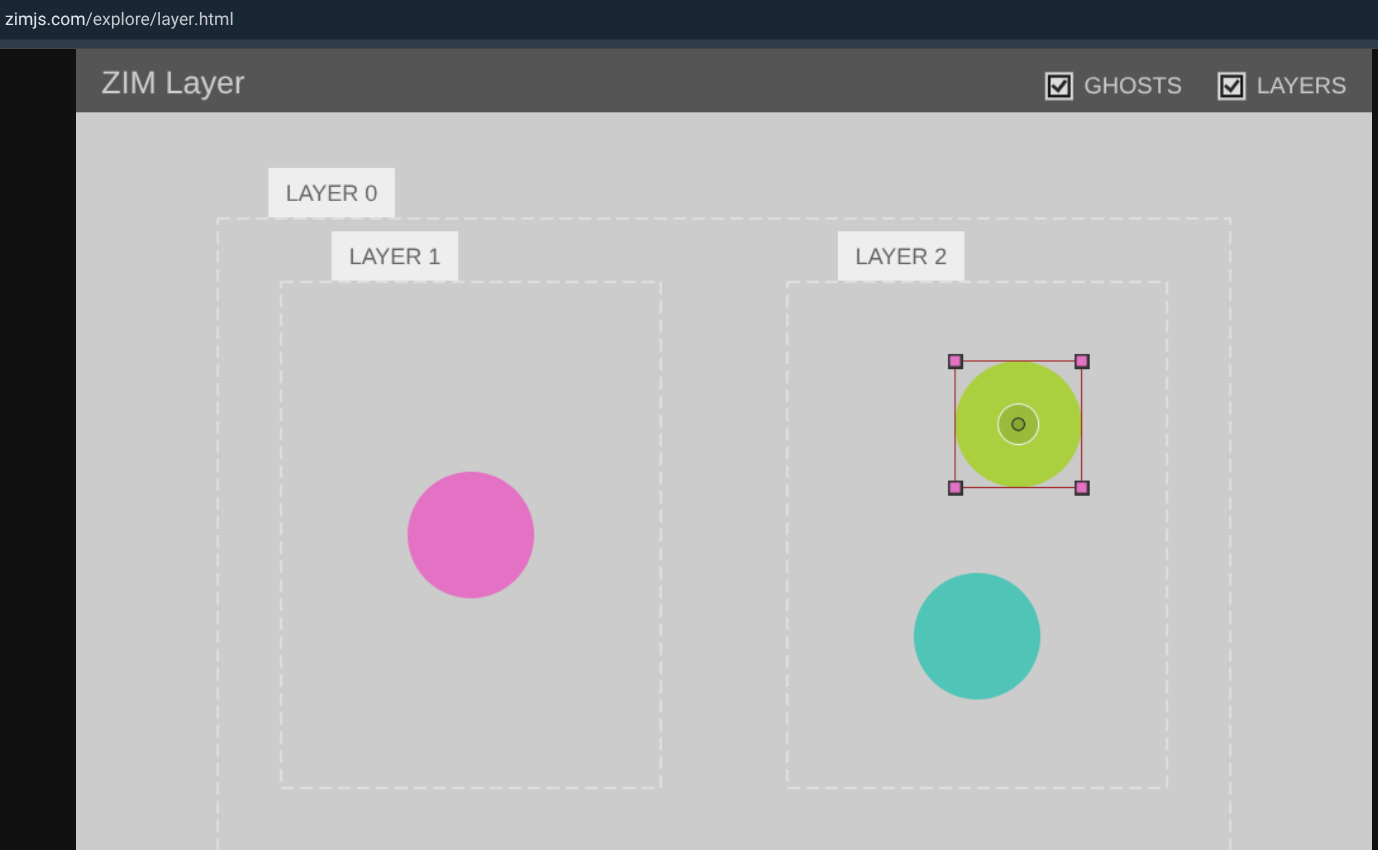
seems only to work when doing it with real touch, not with the touchpad rotation 2fingers.. but would be amazing if it works the same why almost! https://zimjs.com/explore/layer.html
I started from your layers example
posted the zapp here waiting on the new cdn 020
it works on one picture already
start to play around with the first version of the visual builder
to typ a value no the keyboard can shift also
as it was implemented in 014
https://zimjs.com/014/keyboard.html
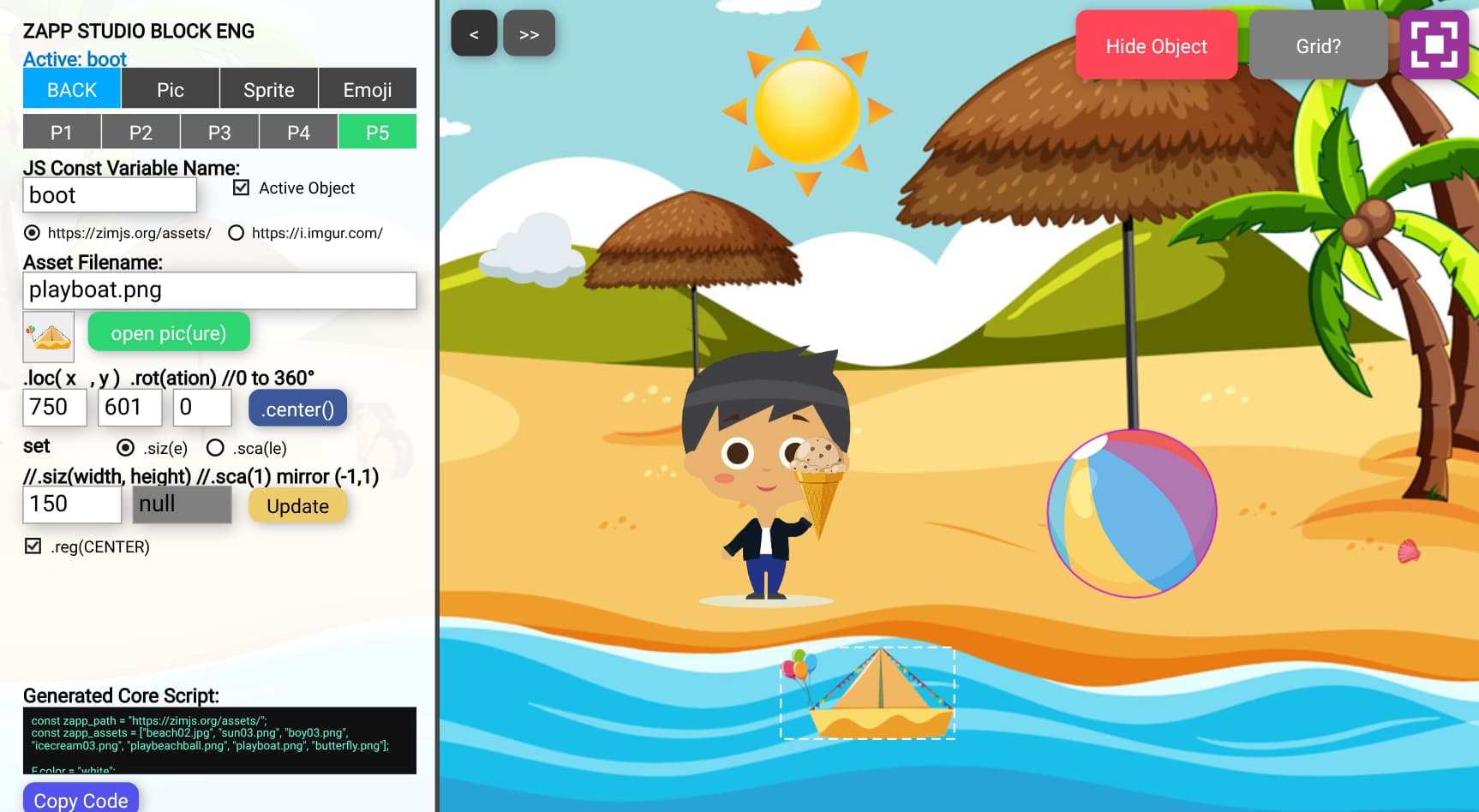
made this vizual builder
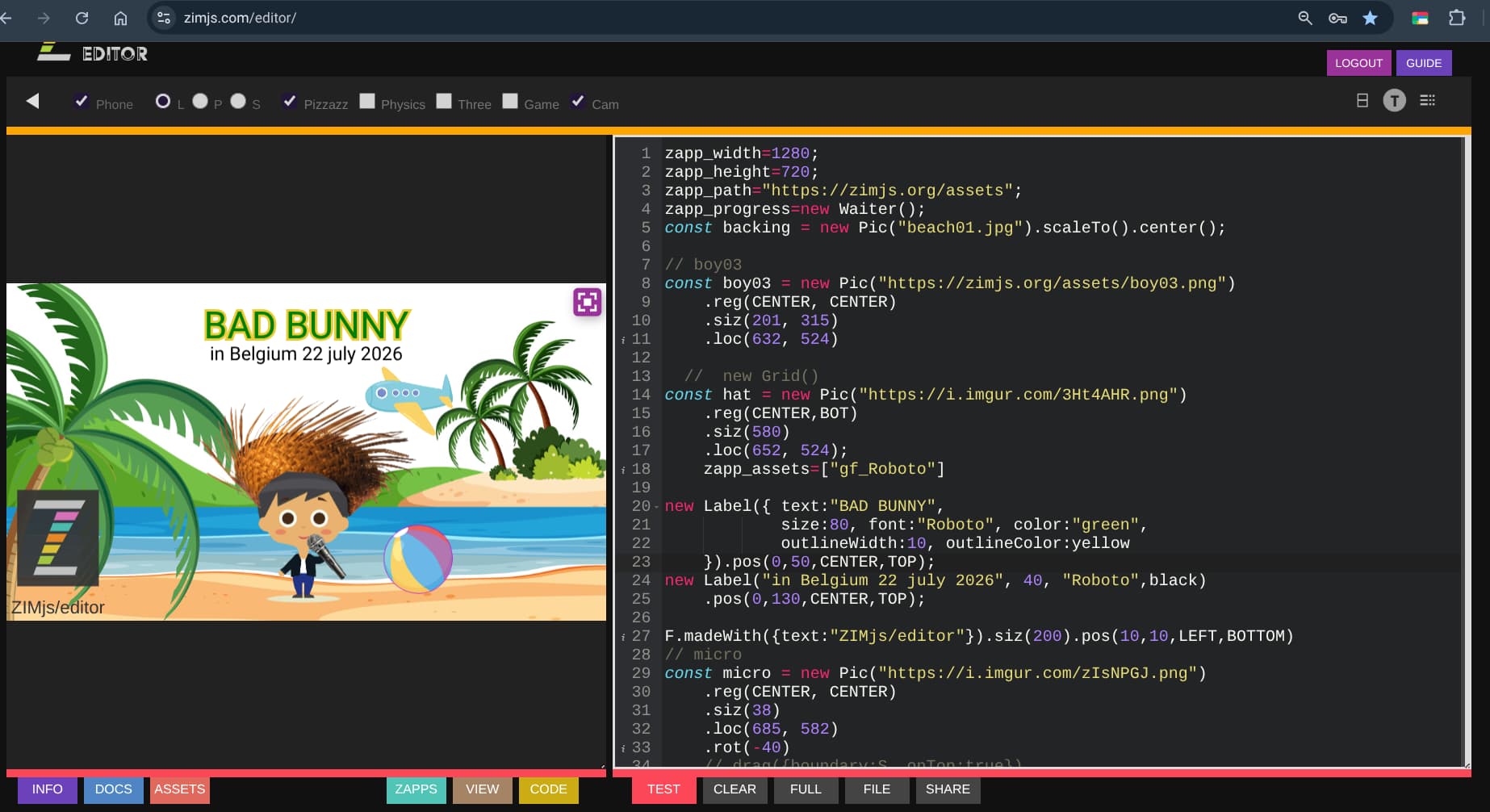
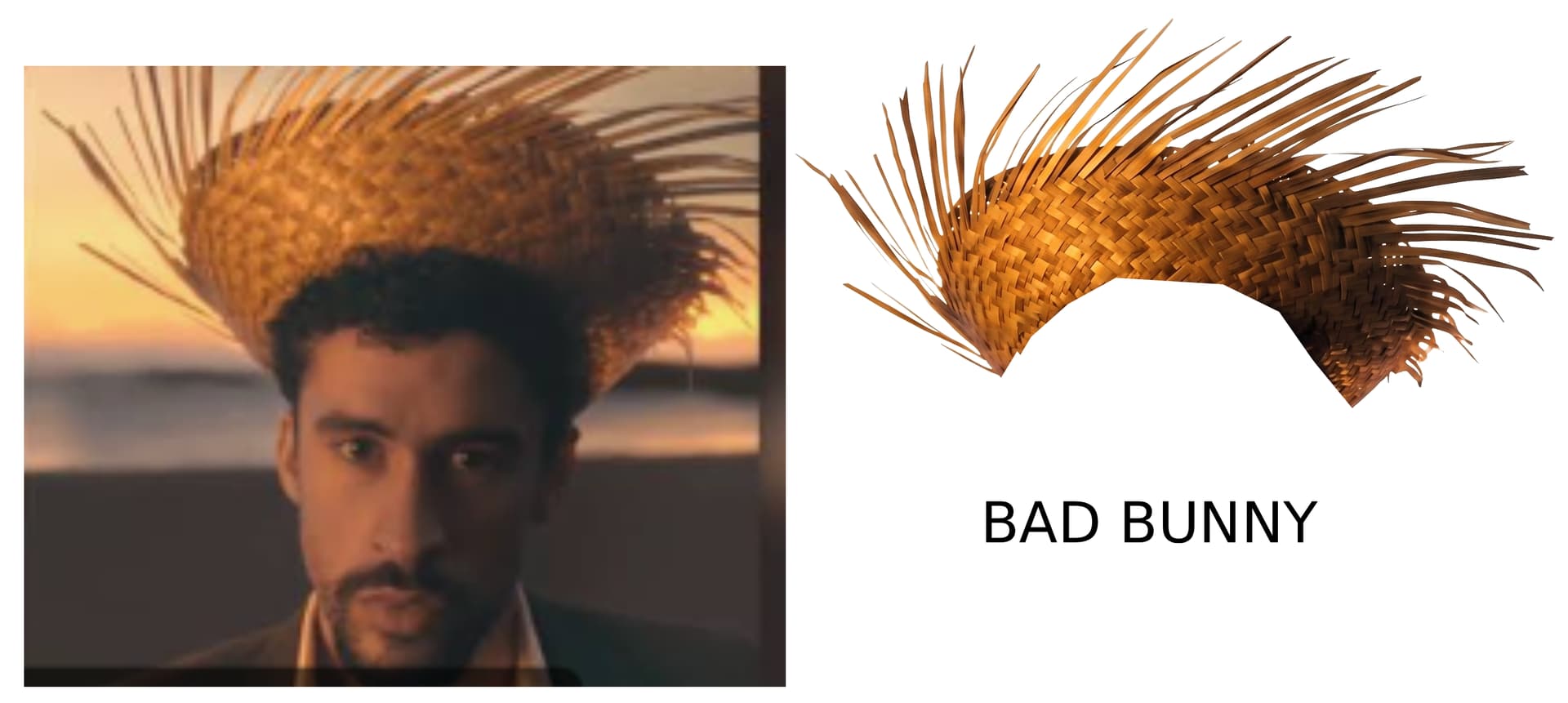
Bad Bunny was in Belgium 22 july 2026
how cool I made own ZIM editor, the ZIMbuilder for dragging pics
I can also reimport my assets.. would be a nice feature for kids to load script I made with my app , into ZIM
looking forward to the real launch with gesture touchpad.. 
and emoji-editor ..
some examples
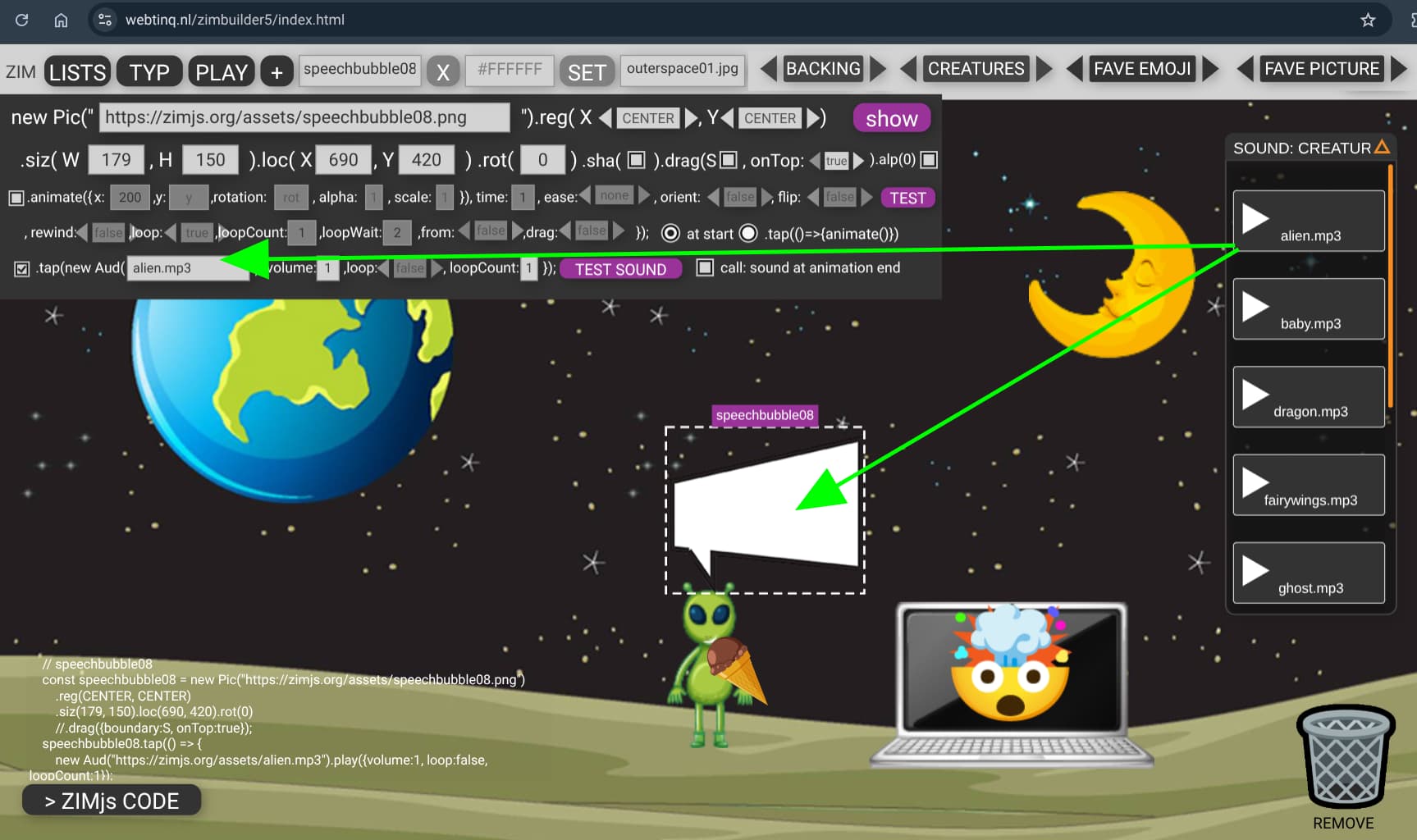
note I made the https://webtinq.nl/zimbuilder5 with sound, animation, you can do almost everything unless reimporting a file and adding sprites..
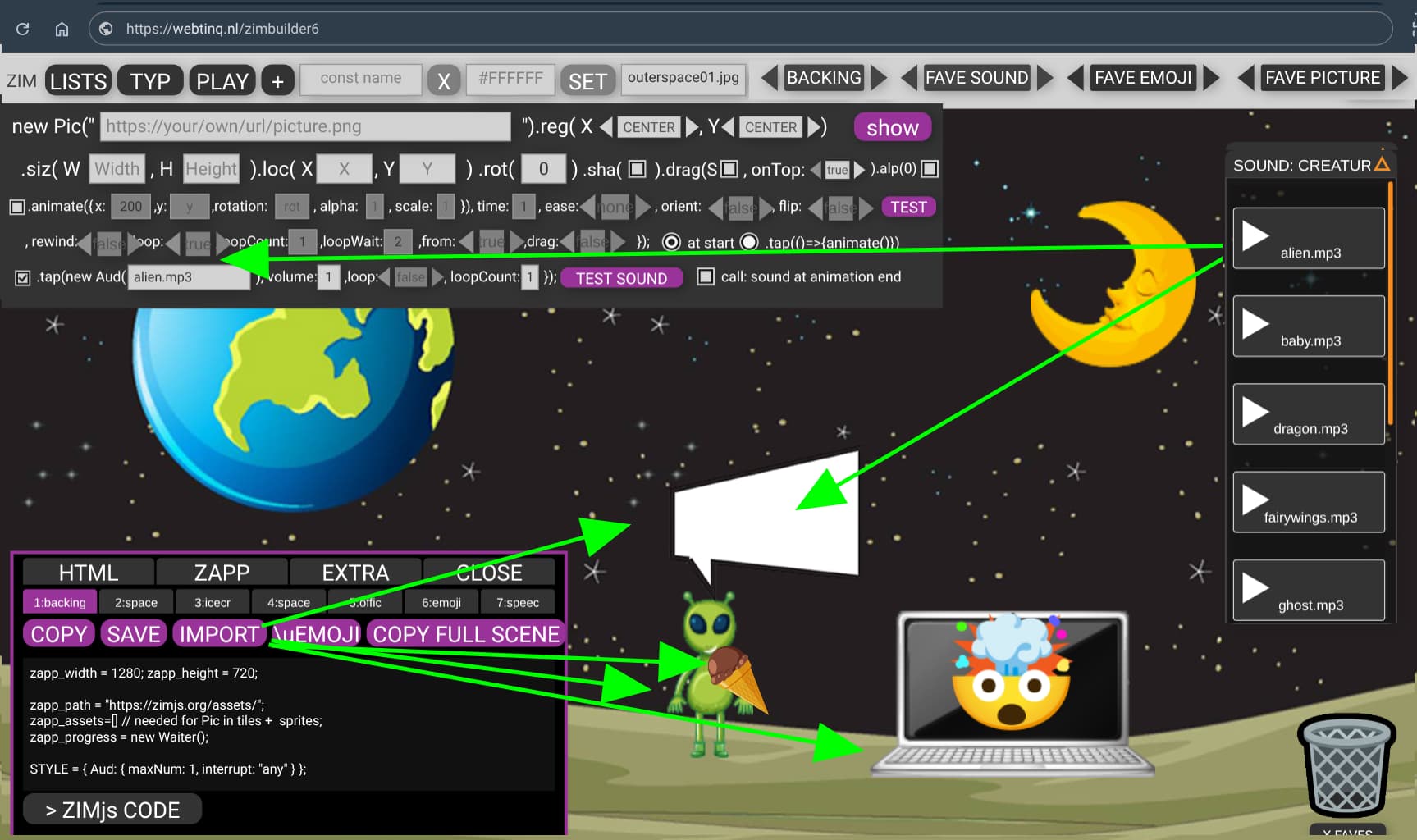
<https//webtinq.nl/zimbuilder6> can import code !!
I made it possible to tap and hear the alien mp3 sound
also see how the grey fields can be lighted up when needed..
so happy sound work also now with animation call: at end of animation also!
this is the code that should be able to import easy from .html to slate
<!DOCTYPE html>
<html>
<script type="module">
import zim from "https://zimjs.org/cdn/019/zim_pizzazz";
new Frame(FIT, 1280, 720, white, dark, ready);
function ready() {


zapp_width = 1280; zapp_height = 720;

zapp_path = "https://zimjs.org/assets/";
zapp_assets=[] // needed for Pic in tiles +  sprites;
zapp_progress = new Waiter();

STYLE = { Aud: { maxNum: 1, interrupt: "any" } };

PATH="https://zimjs.org/assets/"
const backing = new Pic("outerspace01.jpg").scaleTo().center();

    // space31
    const space31 = new Pic("https://zimjs.org/assets/space31.png")
        .reg(CENTER, CENTER)
        .siz(77, 150).loc(640, 560).rot(0)
        //.drag({boundary:S, onTop:true});

    // icecream01
    const icecream01 = new Pic("https://zimjs.org/assets/icecream01.png")
        .reg(CENTER, CENTER)
        .siz(41, 76).loc(668, 568).rot(320)
        //.drag({boundary:S, onTop:true});

    // space29
    const space29 = new Pic("https://zimjs.org/assets/space29.png")
        .reg(CENTER, CENTER)
        .siz(150, 150).loc(1004, 208).rot(0)
        //.drag({boundary:S, onTop:true});

    // office03
    const office03 = new Pic("https://zimjs.org/assets/office03.png")
        .reg(CENTER, CENTER)
        .siz(258, 150).loc(913, 578).rot(0)
        //.drag({boundary:S, onTop:true});

    // emoji
    const emoji = new Emoji("🤯").reg(CENTER, CENTER)
        .siz(100, 100).loc(912, 564).rot(0)
        //.drag({boundary:S, onTop:true});

    // speechbubble08
    const speechbubble08 = new Pic("https://zimjs.org/assets/speechbubble08.png")
        .reg(CENTER, CENTER)
        .siz(179, 150).loc(690, 420).rot(0)
        //.drag({boundary:S, onTop:true});
    speechbubble08.tap(() => {
        new Aud("https://zimjs.org/assets/alien.mp3").play({volume:1, loop:false, loopCount:1});
    });


// --- EXTRA FEATURES ---
new Button({ width: 60, height: 60, label: "",
icon:makeIcon("maximize", white),
toggleIcon: makeIcon("close", white) }).pos(10, 10, RIGHT, TOP).tap(() => {
    F.fullscreen(!F.isFullscreen);
});

F.madeWith({ text: "ZIMjs.org/slate" }).pos(10, 10, LEFT, BOT).tap(() => {
    zgo("https://zimjs.org/slate", "_blank");
});


} // end ready
</script>
</head>
<body style="margin:0; padding:0; overflow:hidden;"></body>
</html>
https://webtinq.nl/zimbuilder6
tip: you can add to 10 pictures as in this example
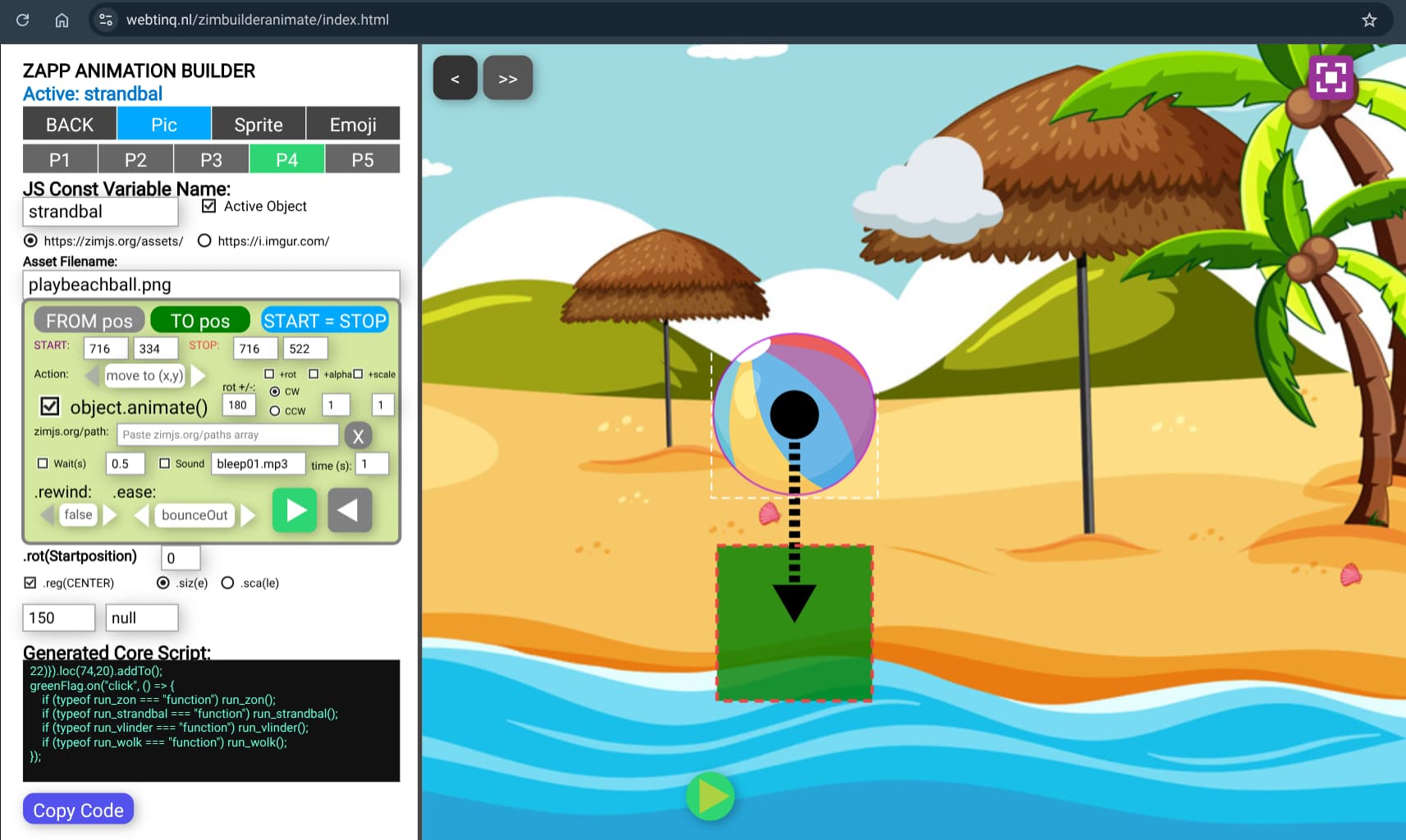
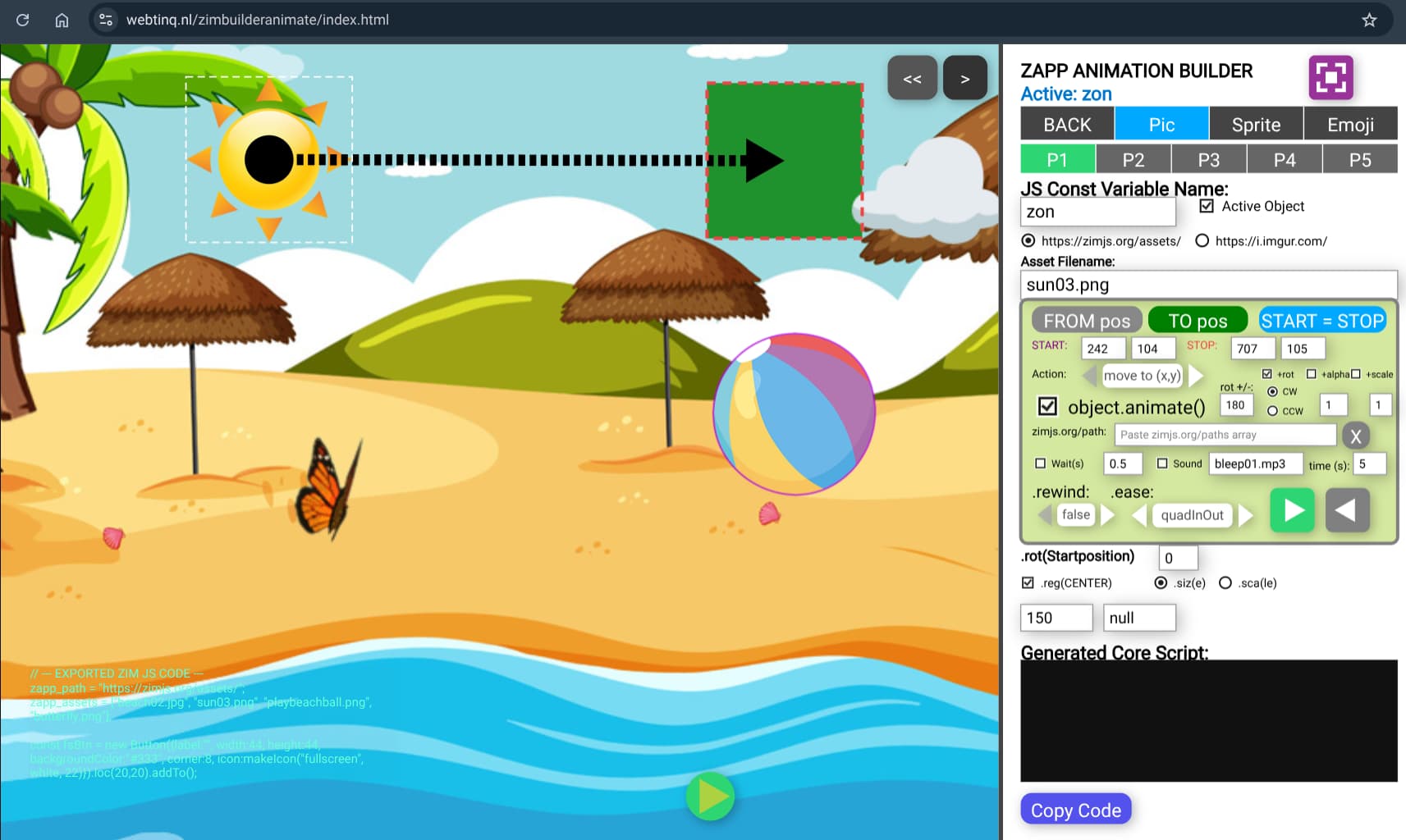
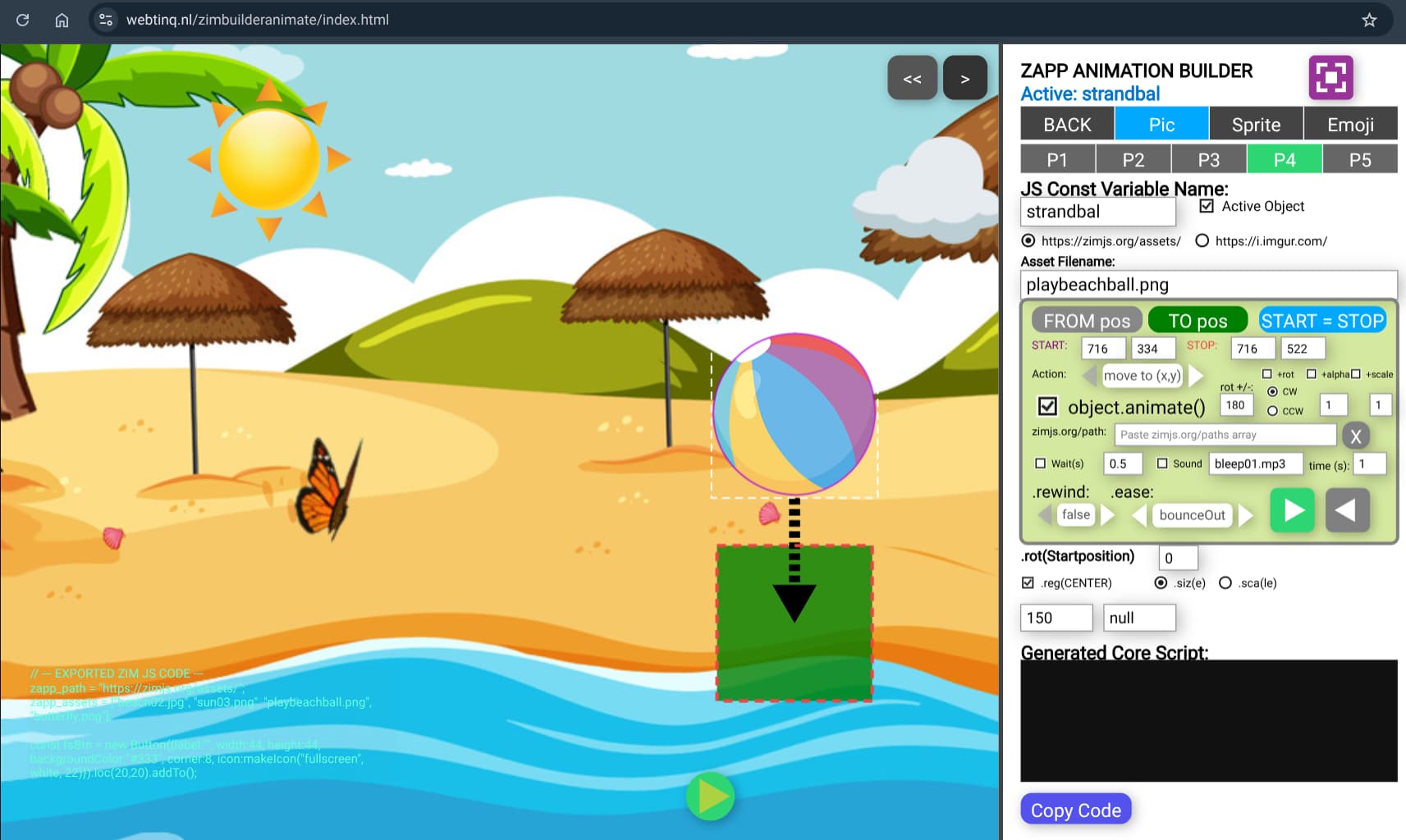
I made the https://webtinq.nl/zimbuilderantmate where you can drag ojbects from start to end position and see the generated code
bouncing ball
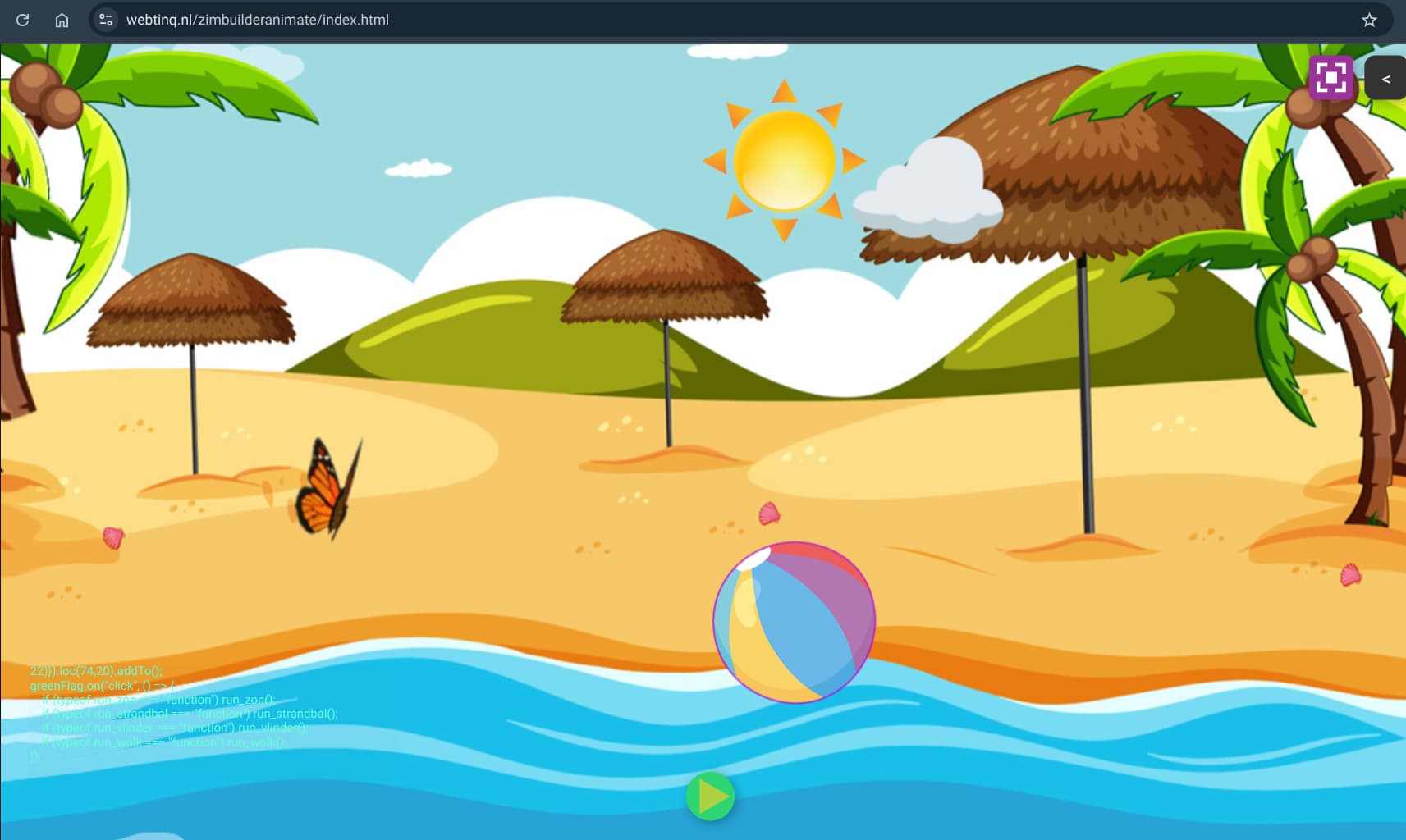
with green button below you can start fullscreen
also at right side you can switch the panel
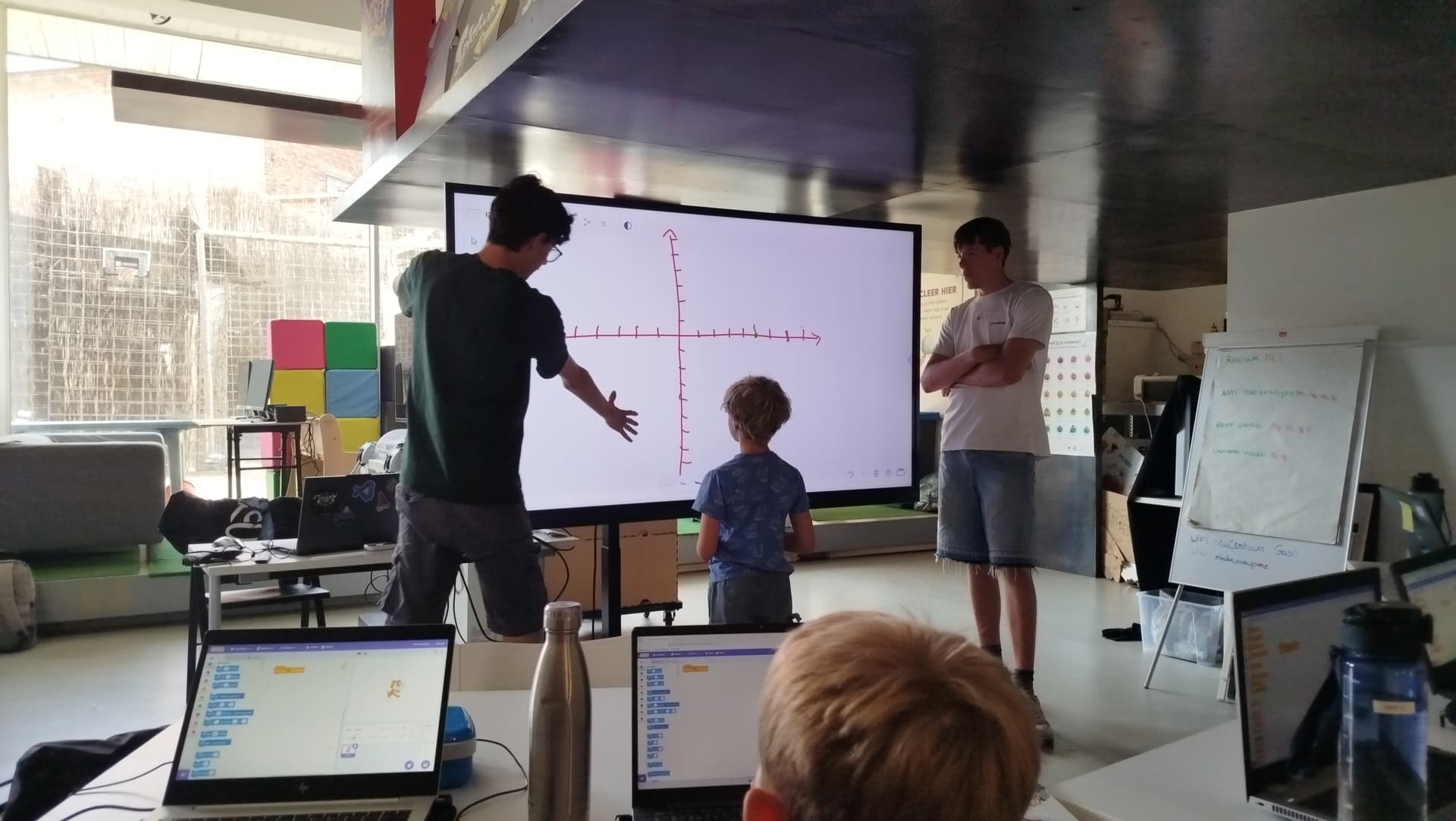
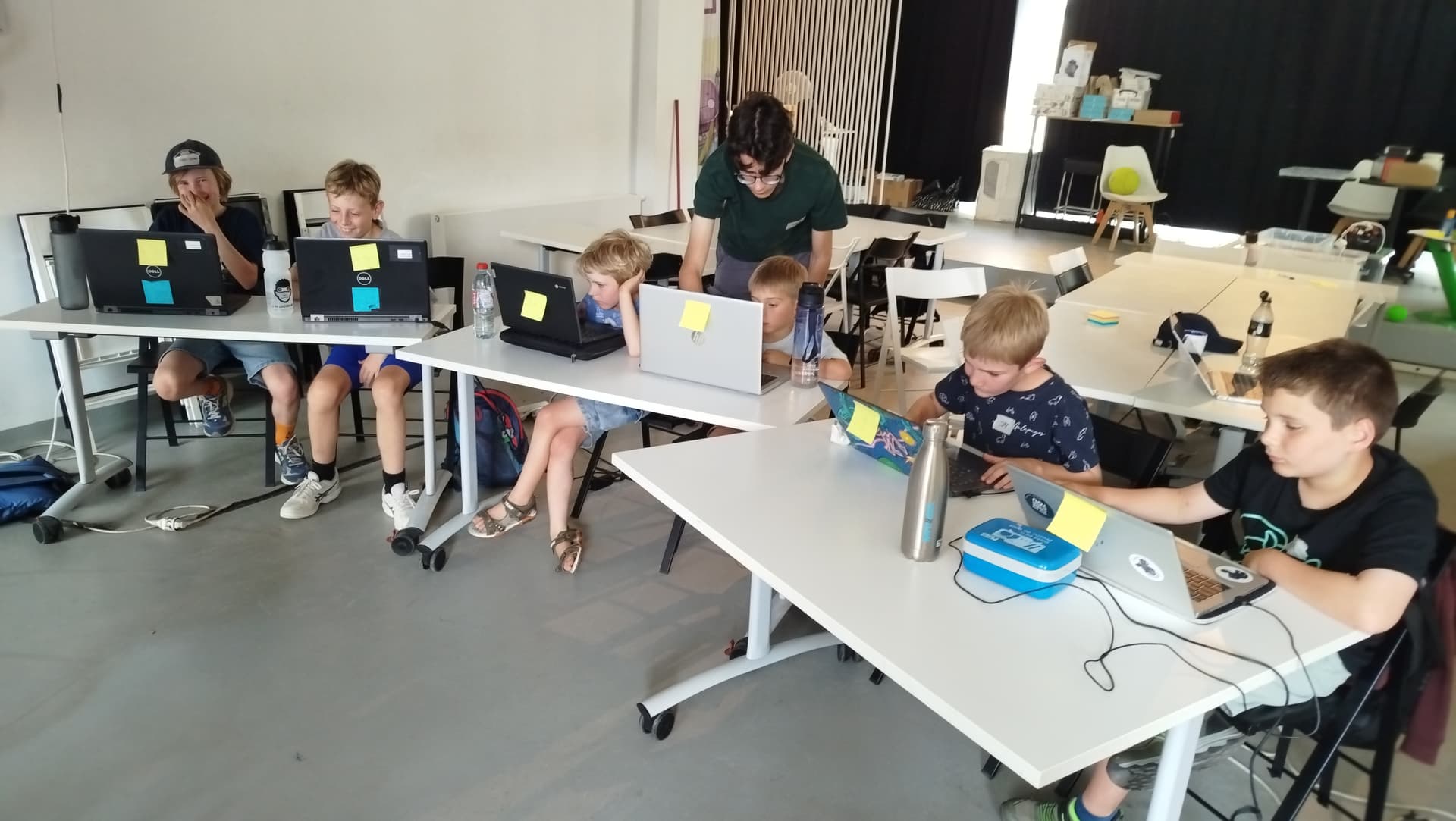
Today we made a game in Scratch to catch mousepictute, and a picture following the position pf the Scrztch Cat, the cat moves via the keyboard .. how cool was that
See some same project pics of the kids first lezrn the X,Y point
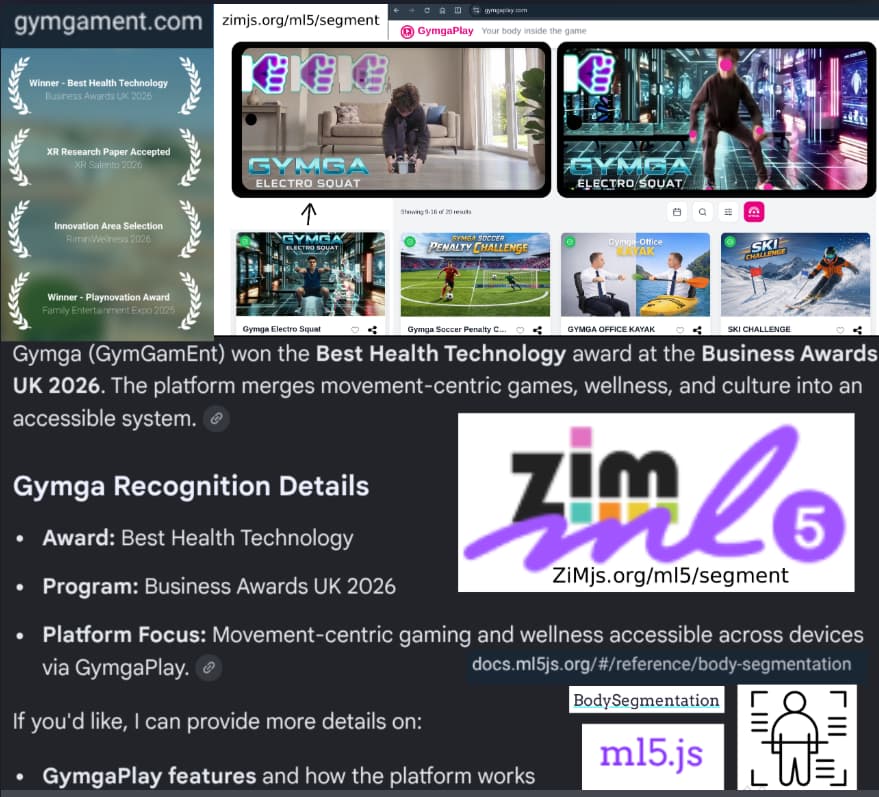
check out the health technology award 2026
happy slideshow https://docs.google.com/presentation/d/1F_L0mSoVjuwawZpiNo5aEN7vHQuiL0o-ai0yVna6-es/edit?usp=sharing
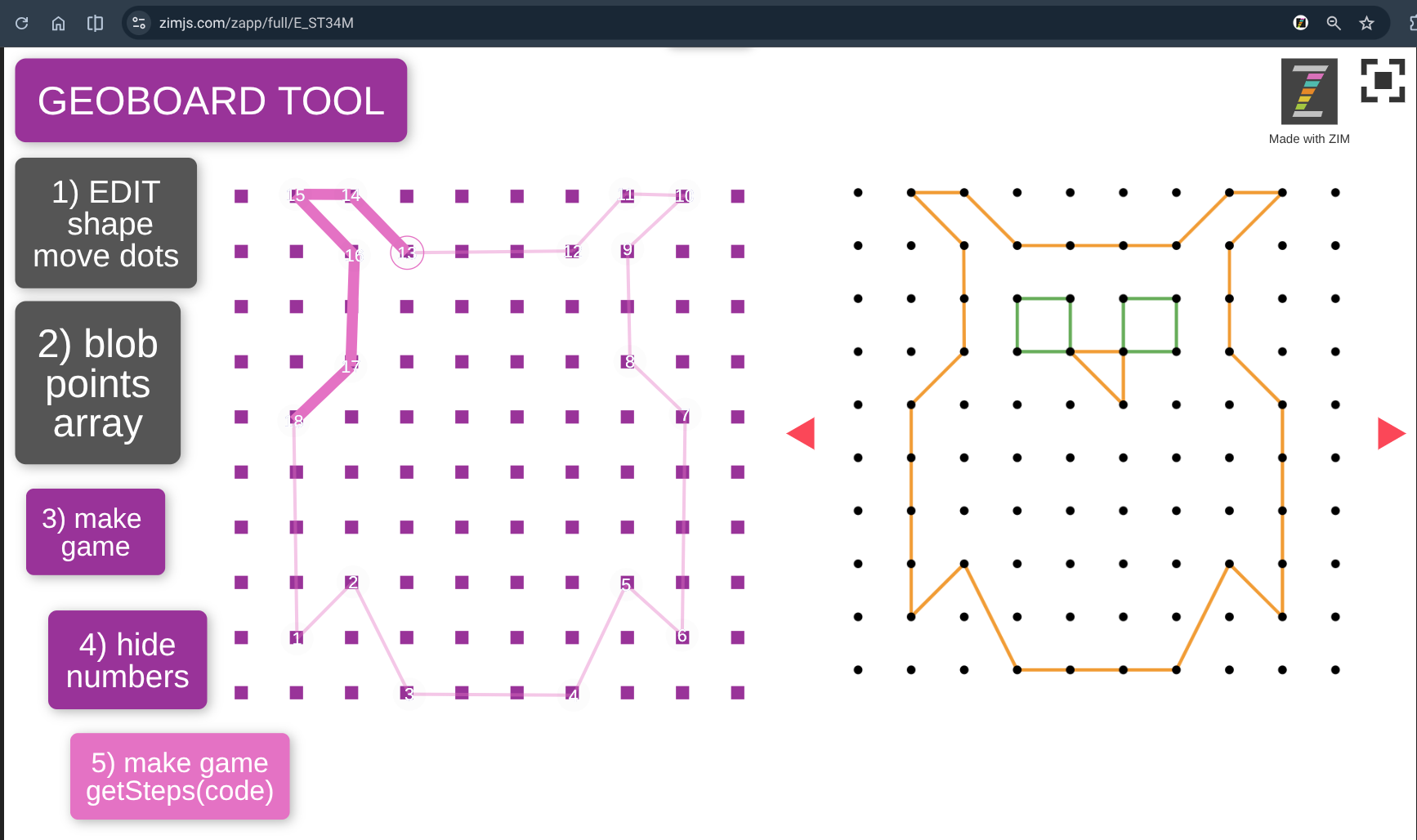
geoboard tool is the basic tool to make an svg
and now I made also the svg import and change the fill of the blob in an svg
as here a blob must be edited by dragging grey circles
or here by drawing on the stage
turning must be possible with the new ZIM gesture
as also the thickness must be able to set to draw
Netherlands NL example to set thickness
as it is possible to draw here (not with webcam)
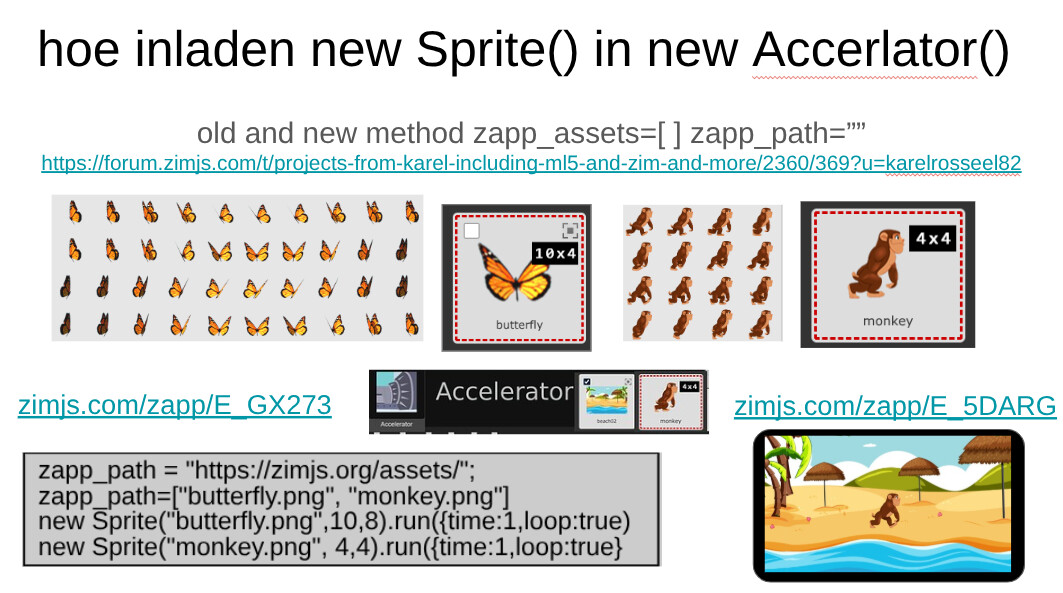
information to be possible to understand how spirtes work
forbore it was with F.loadAssets
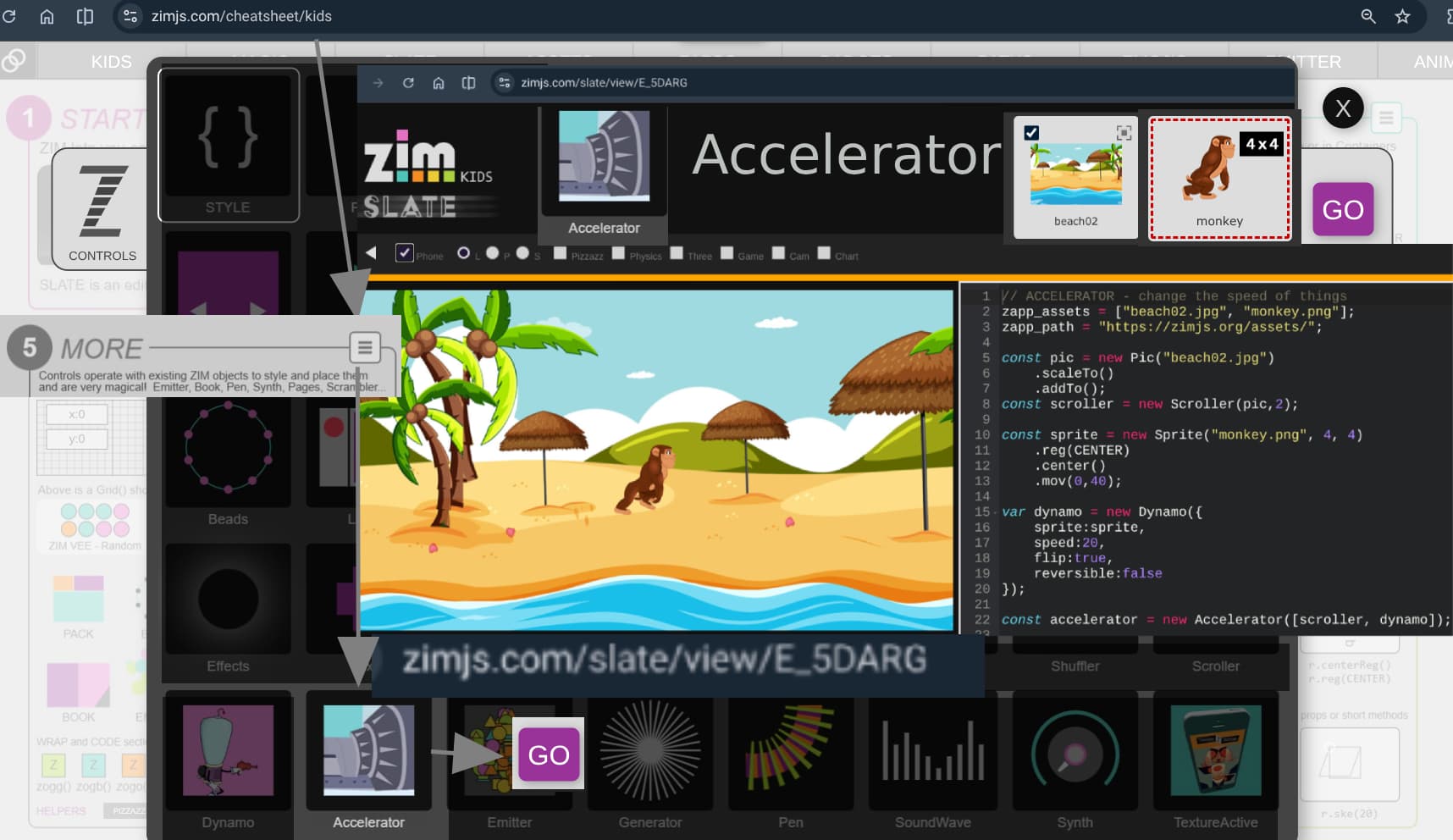
so you better can understand how an accerlator file works
you can find it at
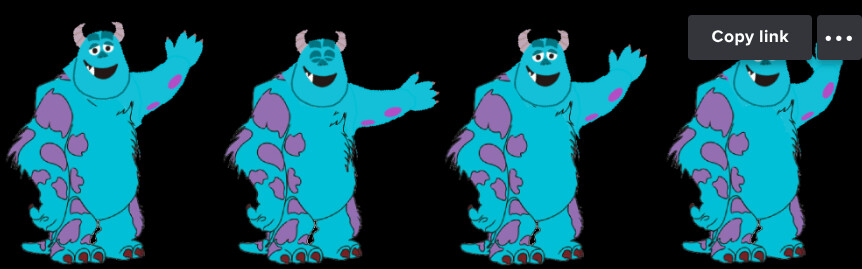
with this sprite https://i.imgur.com/ASEui1p.png
so found out new code added to be able to change the settings at the top