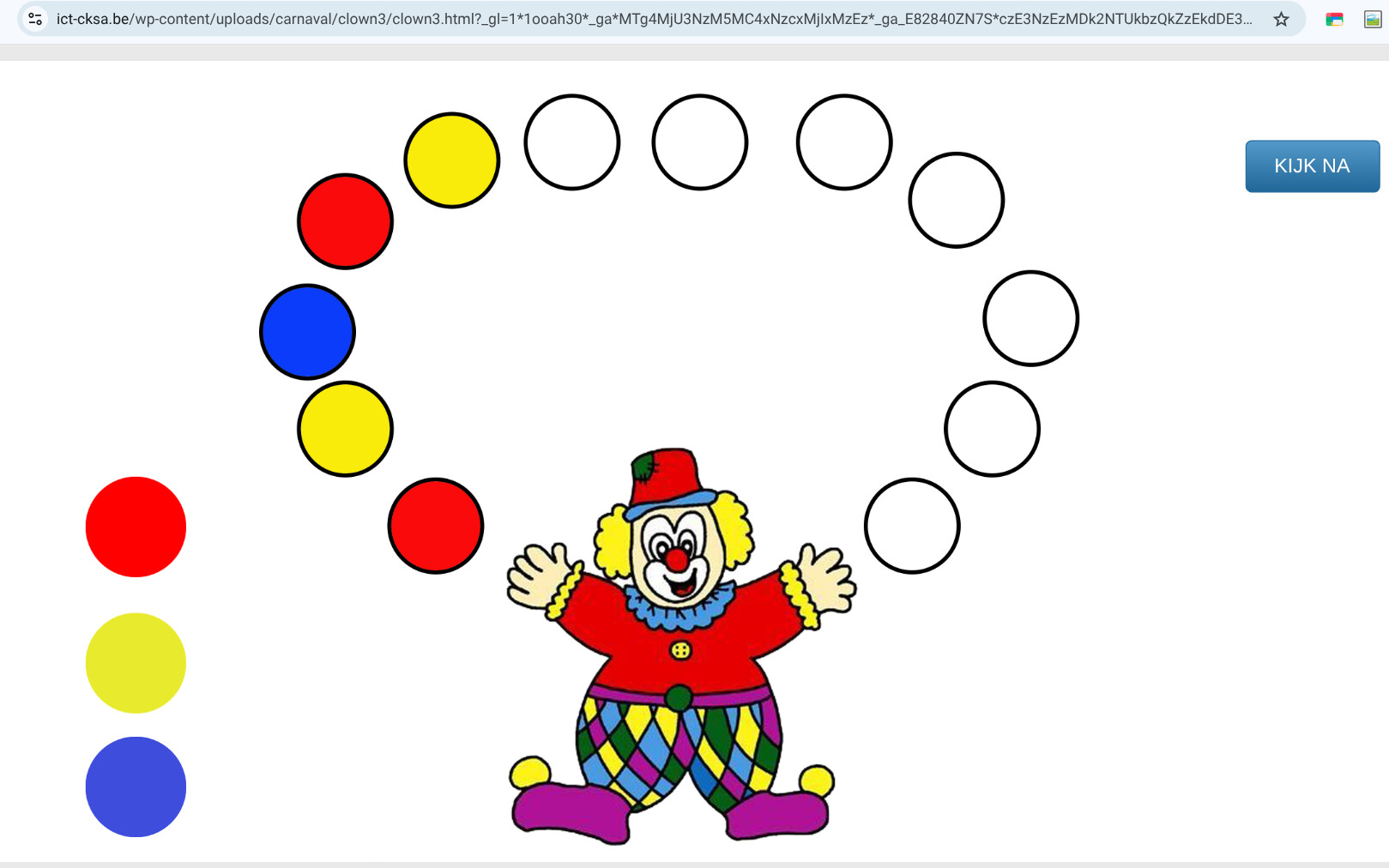
happy carnaval idea from
https://ict-cksa.be/links/clown-vervolledig-de-reeks/
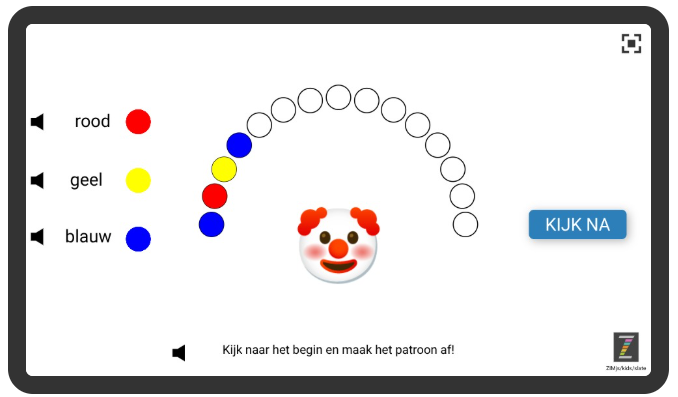
now with speech and auto correction
in Dutch
in English
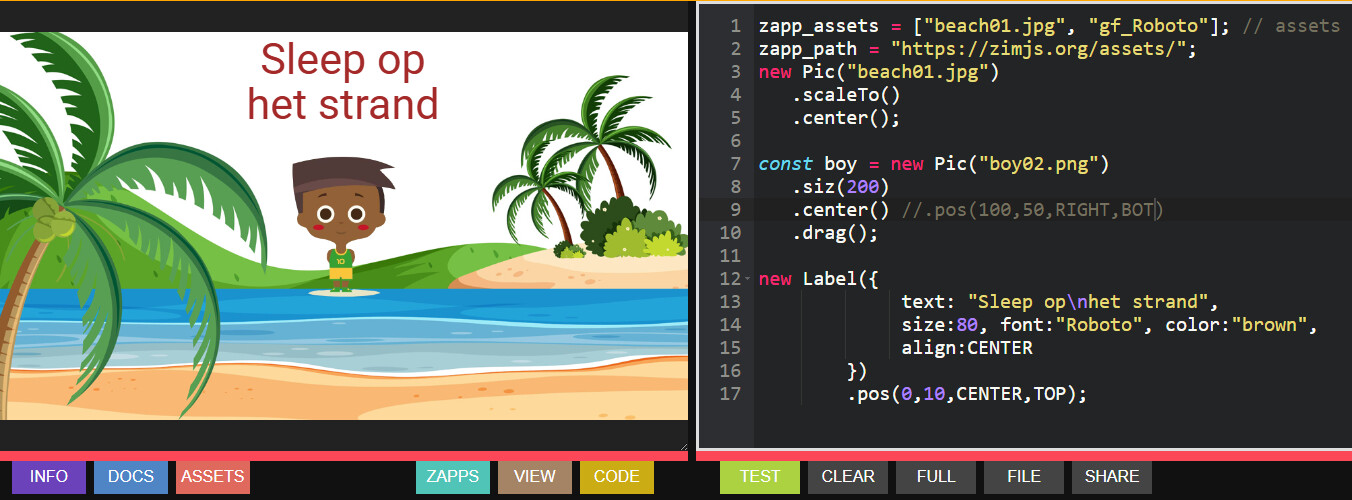
check with picture and info buttons how to make it
with rotating ball pictures, it is way more realistic
Maak de boog ballen op cirkels(rij) met patroon af,
Hier draait de bal mee met die richting van het path, dat maakt het spel leuker alsof de ballen echt draaien in de lucht!
op een Squiggle() gemaakt op zimjs.org/paths
kleuren blauw-rood-geel-.....
Have fun!
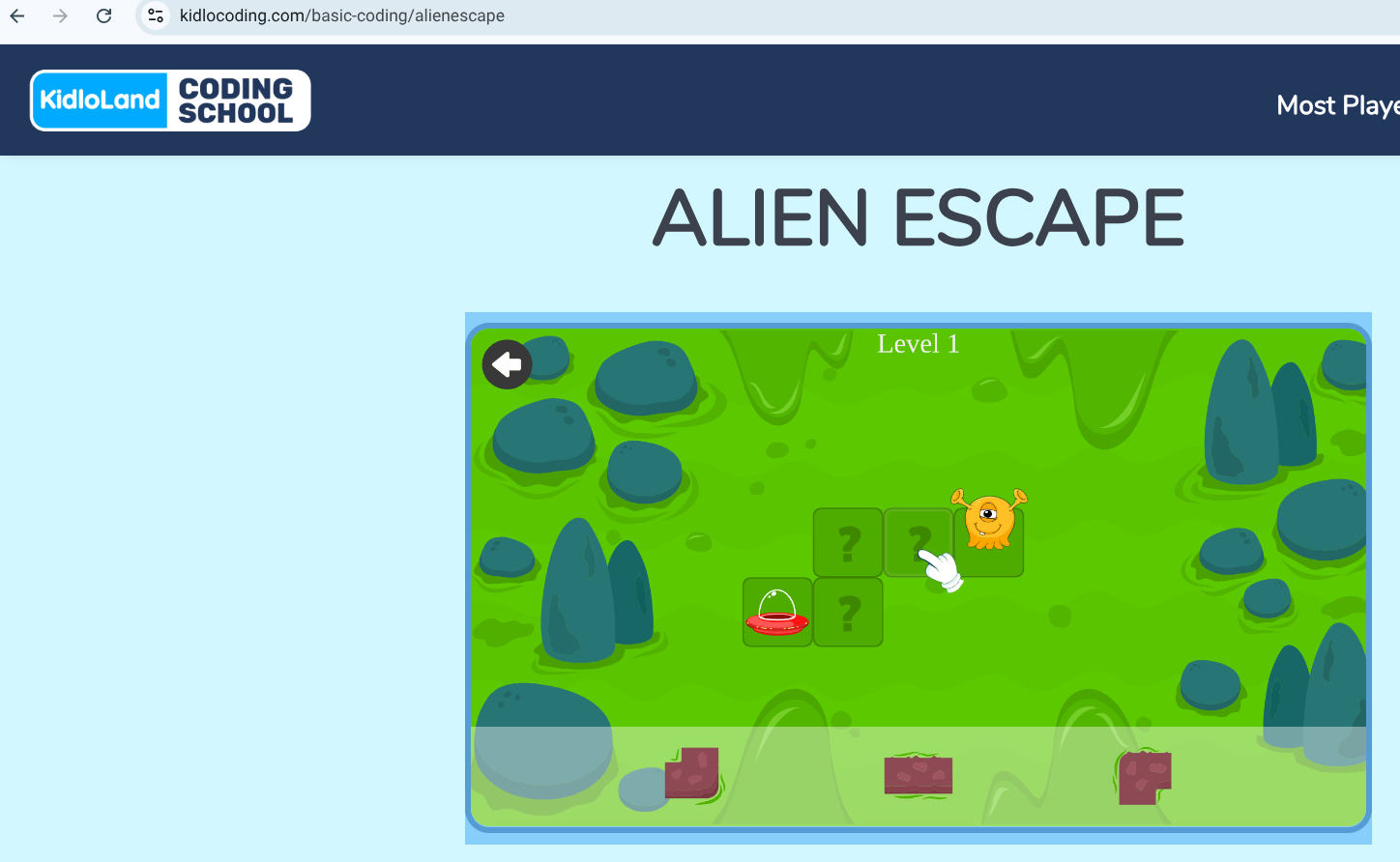
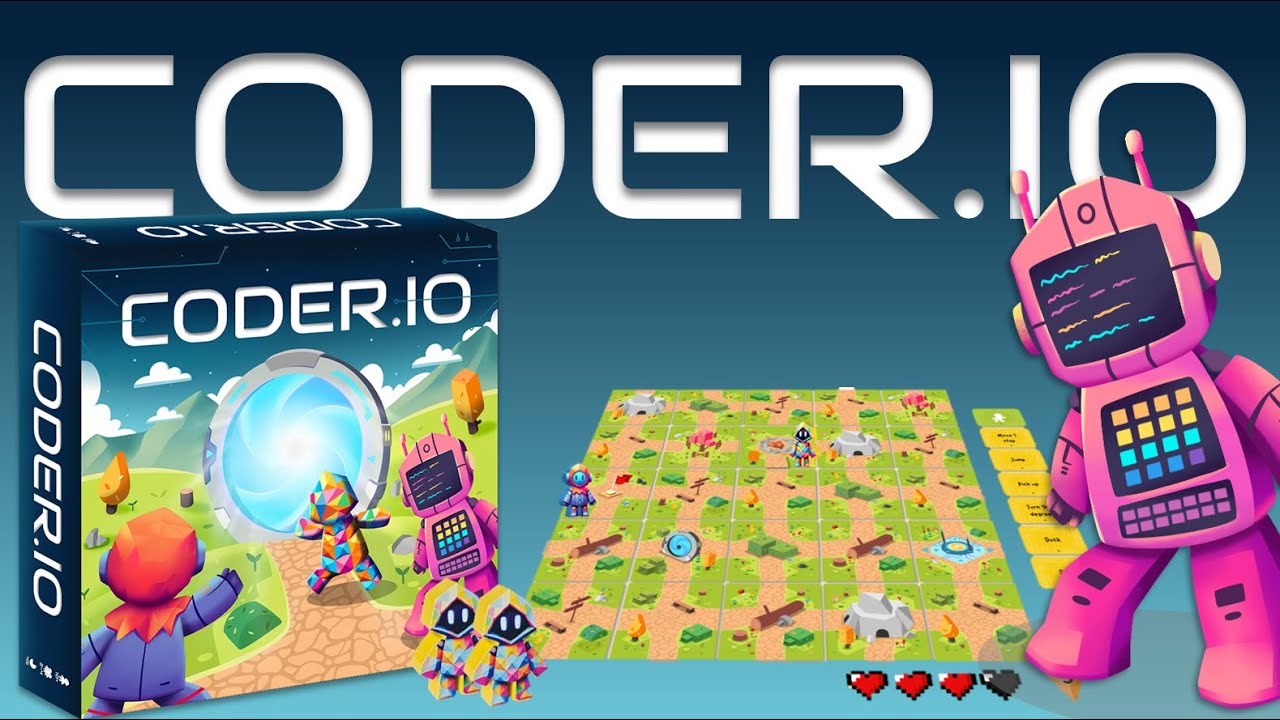
happy with my first game for kids for 'computentinal thinking'
based on
https://www.kidlocoding.com/basic-coding/alienescape
Not bad - when dragging from the road options, it would look better if the drag was on top of the option when you pick it up rather than behind. Also, I can't read your little message when you solve it because there is not enough contrast between the text and the background.
I made black backing with backing.5
and you can now also click the blocks
Still have the drag issue. When you pick up the track from the bottom, it start off below the original track. It should start of above the original track.
all games work now correctly with 6roads
droid game 5missions
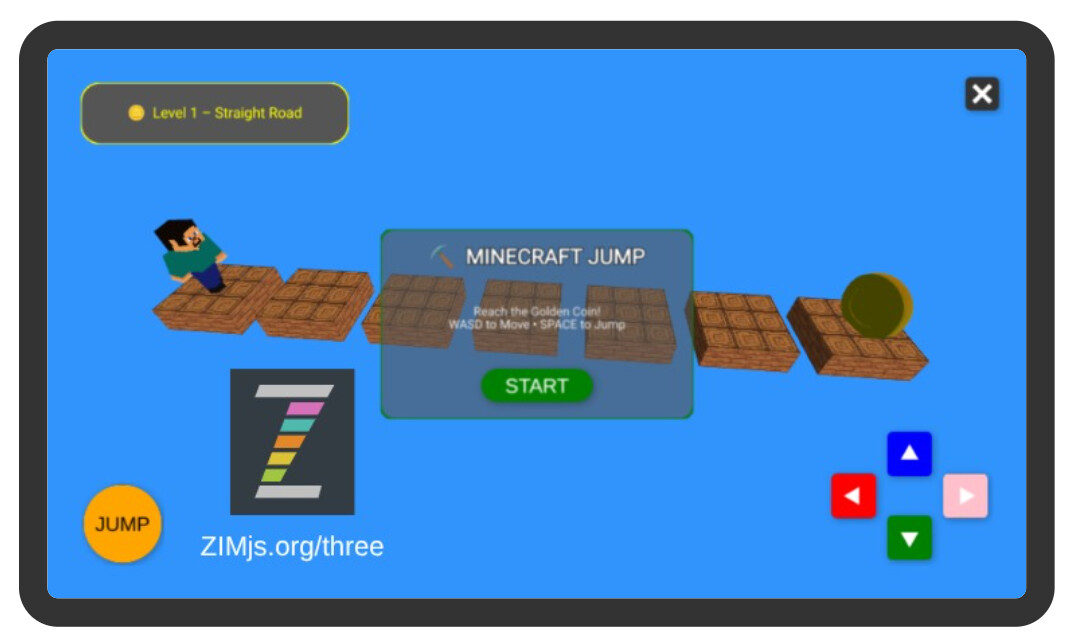
even a walking minecraft sprite in 5missions
also made angry red bird in 3 levels
can you try
check my 1 level game (do not fall in the water)
and 5levels game
now also you can walk to a spaceship and catch
or with a coin in space
the game with coin only turning verticla : 5 levels
textures now used into dragging game
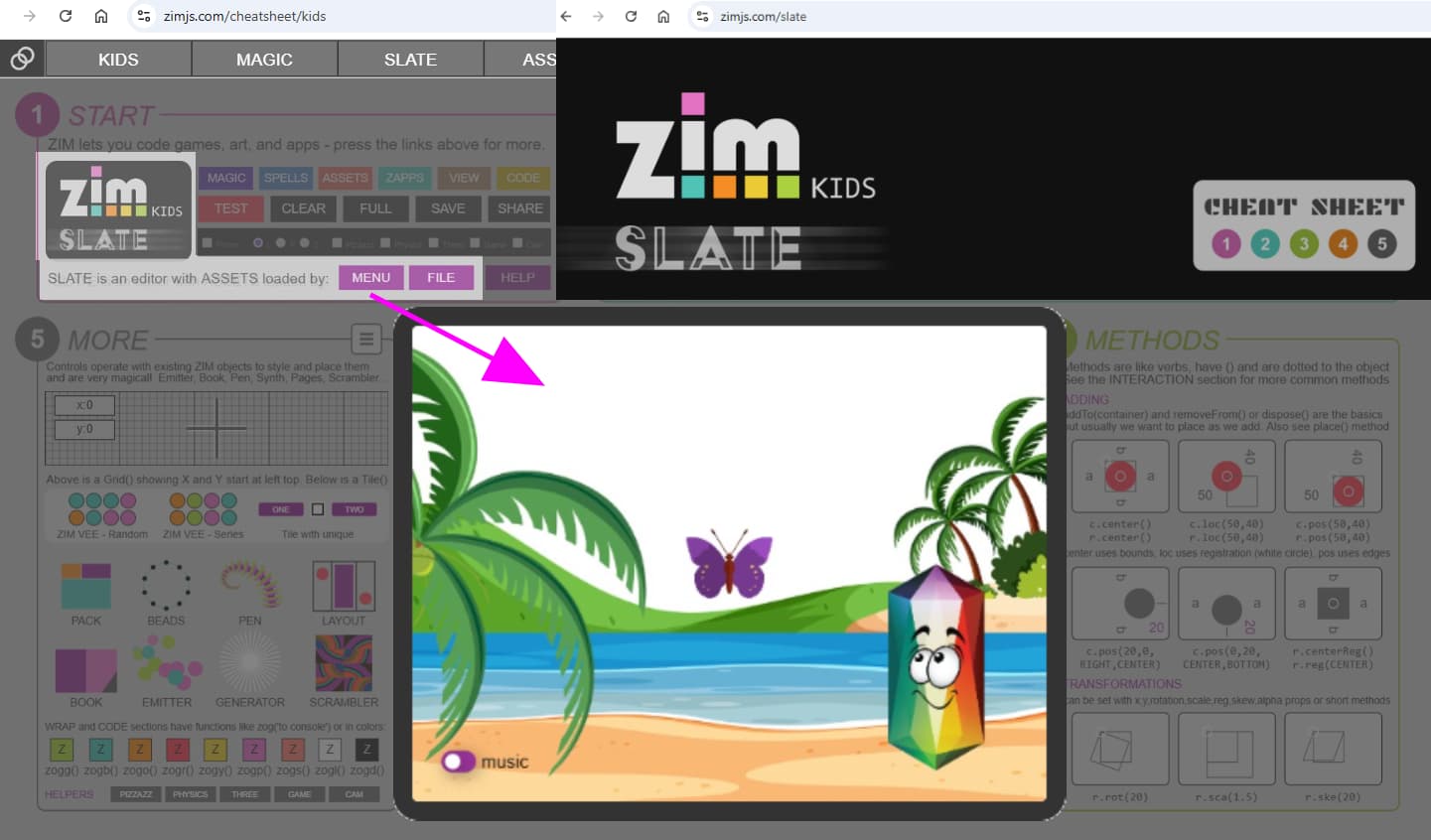
cheatsheet is important to understand how it works
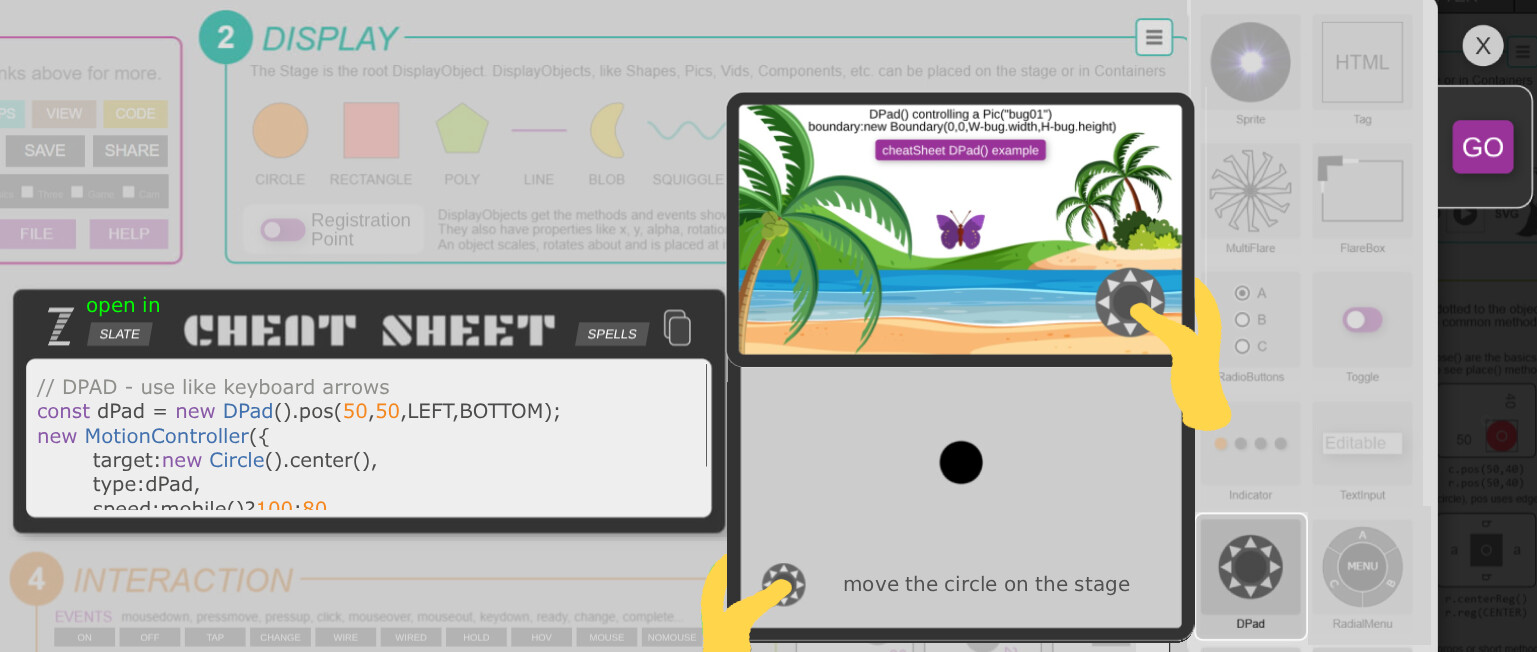
The cheatsheet example of DPad() not let you get the asset
when it is loaded with zapp_assets
ZIM can know the sizes of thepicture, so it can also
be used to fly the butterfly in the boundary of the stage,
so here is the update to the cheatsheet...
basic example where the circle does not go out the stage
I made dropping blocks game .. do you like?
And English
Ocean with wood blocks on, Steve want to catch the turning 3D coin.
To do: finish the5 levels to catch a coin, by dragging/clicking the blocks: walk, turn left/right and jump
if you walk, (no jump needed to catch the coin)
TO DO: click
Idea from this game for computentional thinking
Pirate Plunder takes place in an engaging 3D environment in which students help us to capture his treasure by dragging and dropping visual blocks to write code. Students climb, fight, collect and walk their way through challenges of increasing...
2 Likes
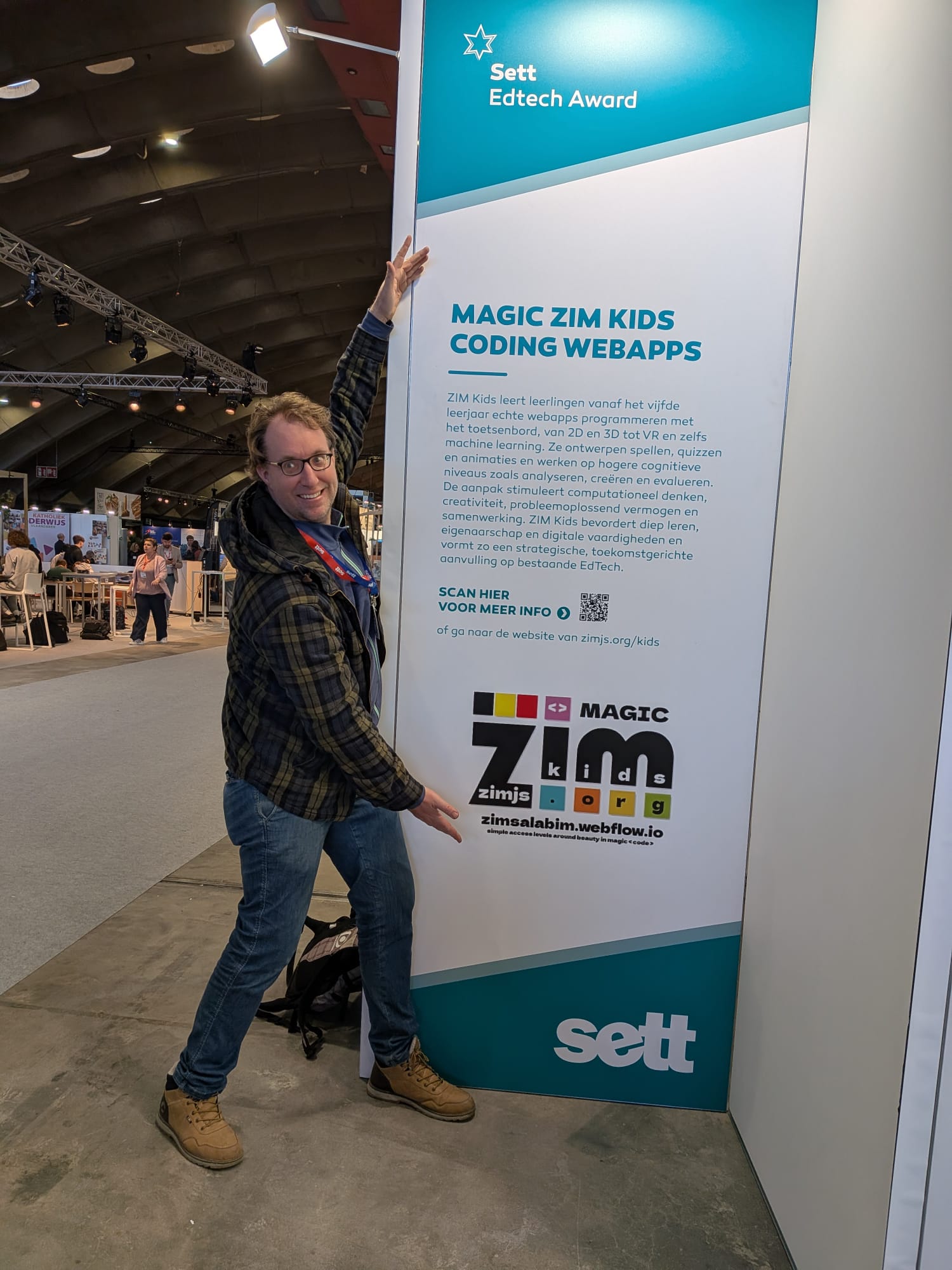
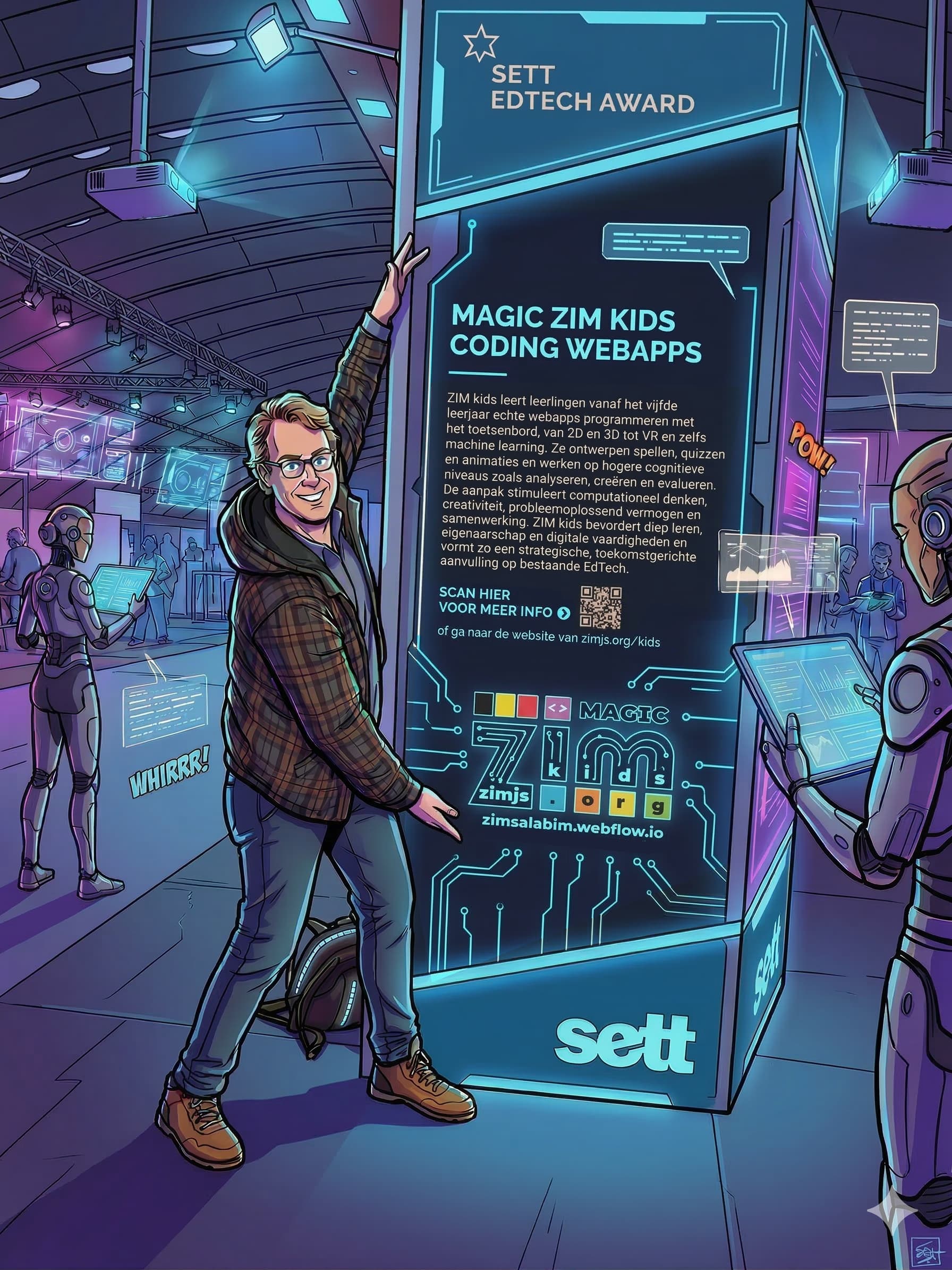
On Sett-vlaanderen.be ZIM had an Award of 1 meter x 4 meter! At the entrance!
Also on p. 53 Flanders/Belgium
Book Dutch
Better version
1 Like
I updated it know also with gameController ..
And the computentional thinking app
1 Like
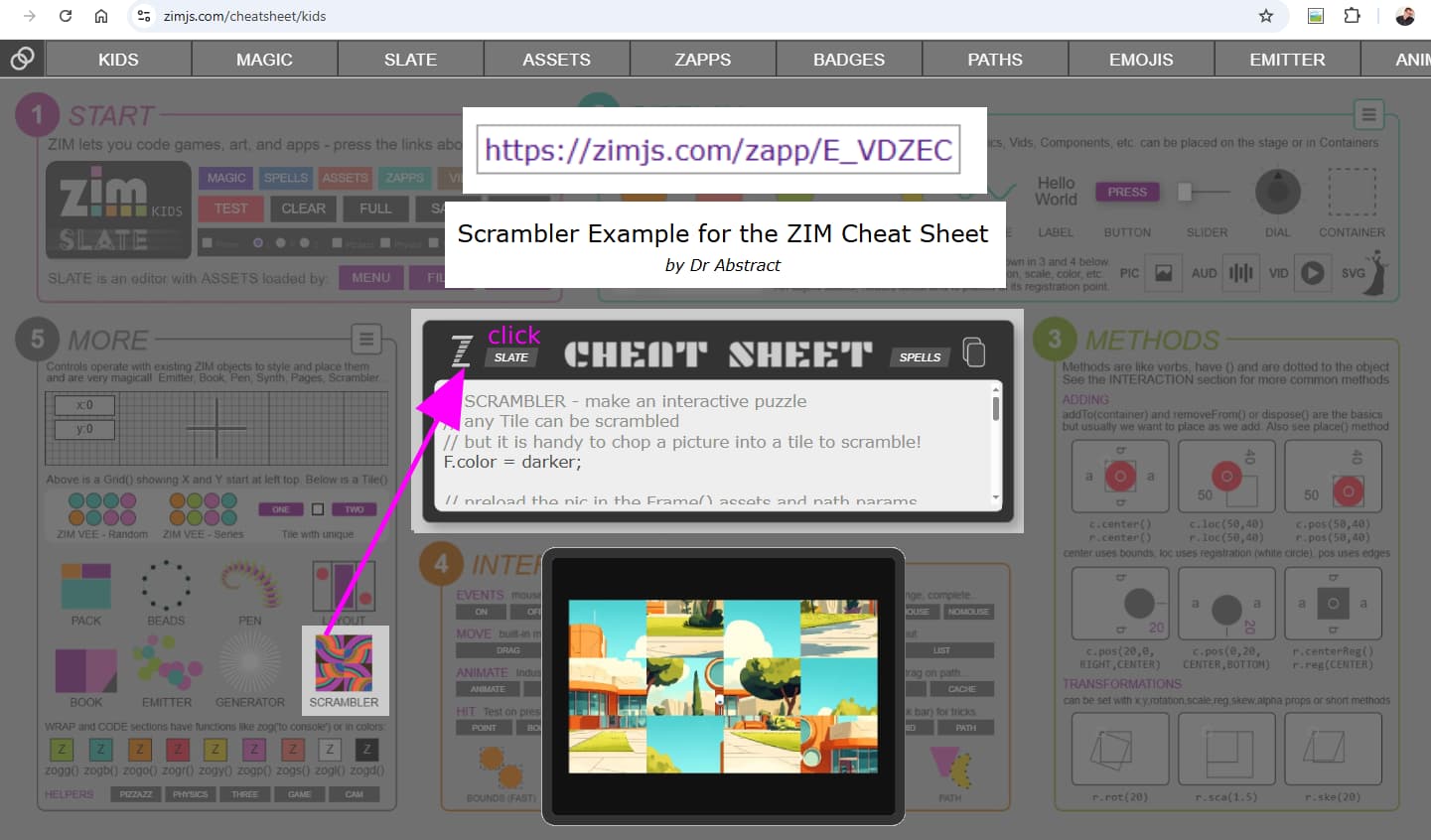
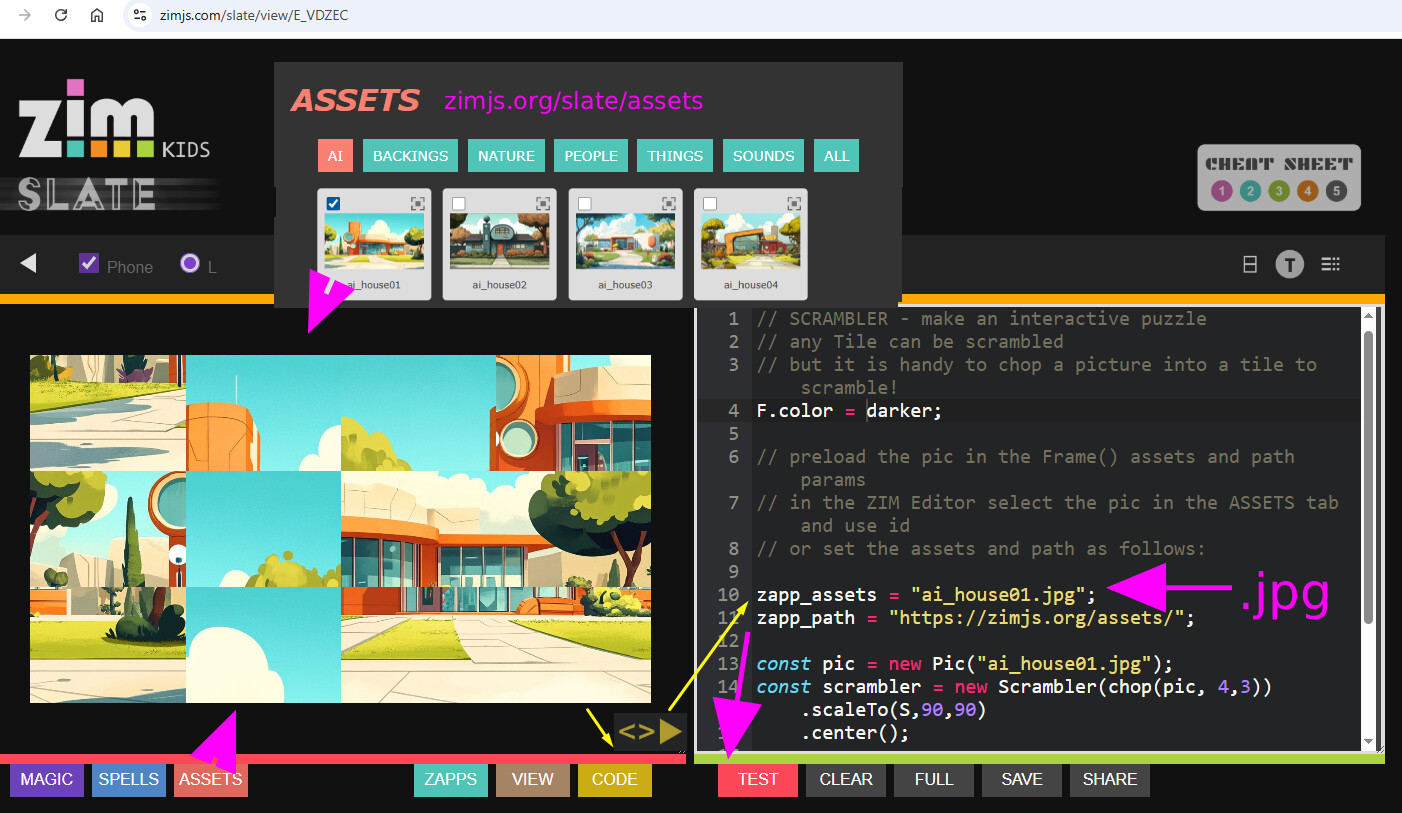
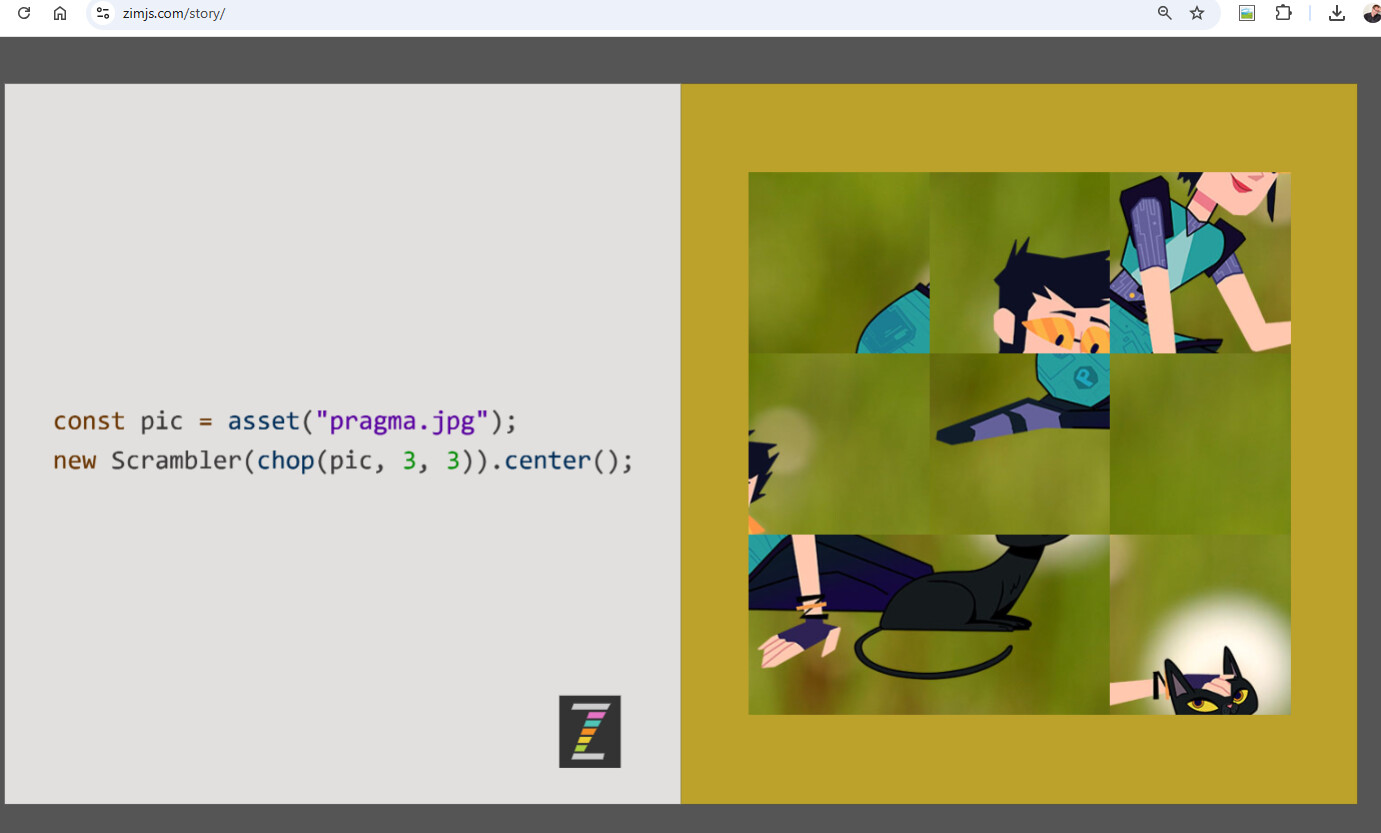
I made it more clear to kids how to work with a scramblerhttps://zimjs.org/story )https://zimjs.org/cheatsheet/kids
but now made with smaller items and text and buttons around it
so kids understand it better how to work with preloading
because there was not enough info for kids at, but I wanted also the rectangle format for a scrambler picture
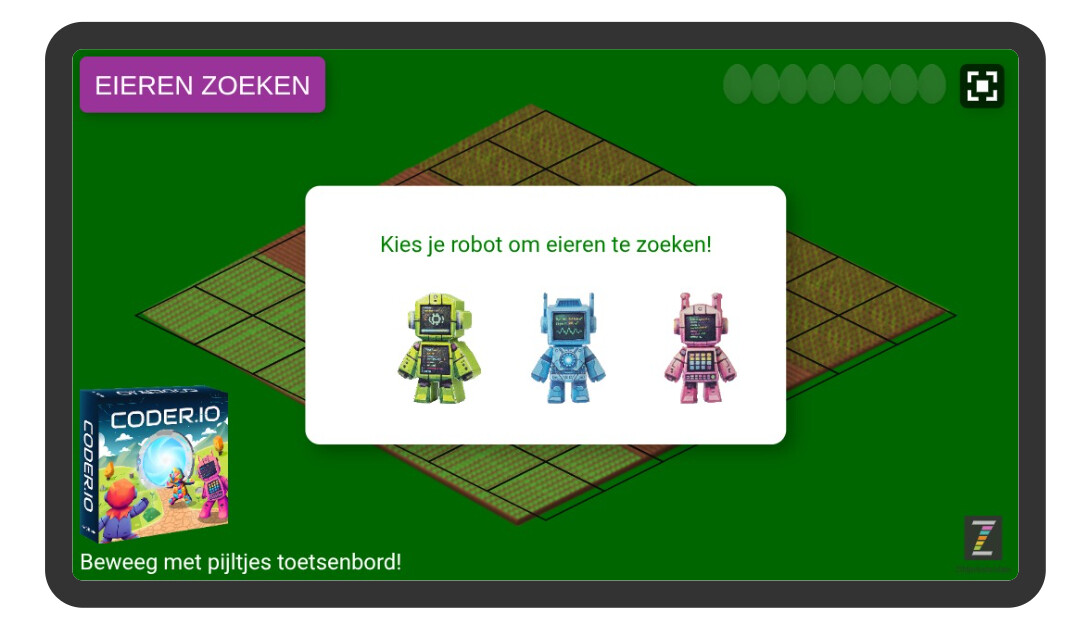
I made https://zimjs.org/iso for kids better understandable
so with easter they can collect eggshttps://vinagames.com
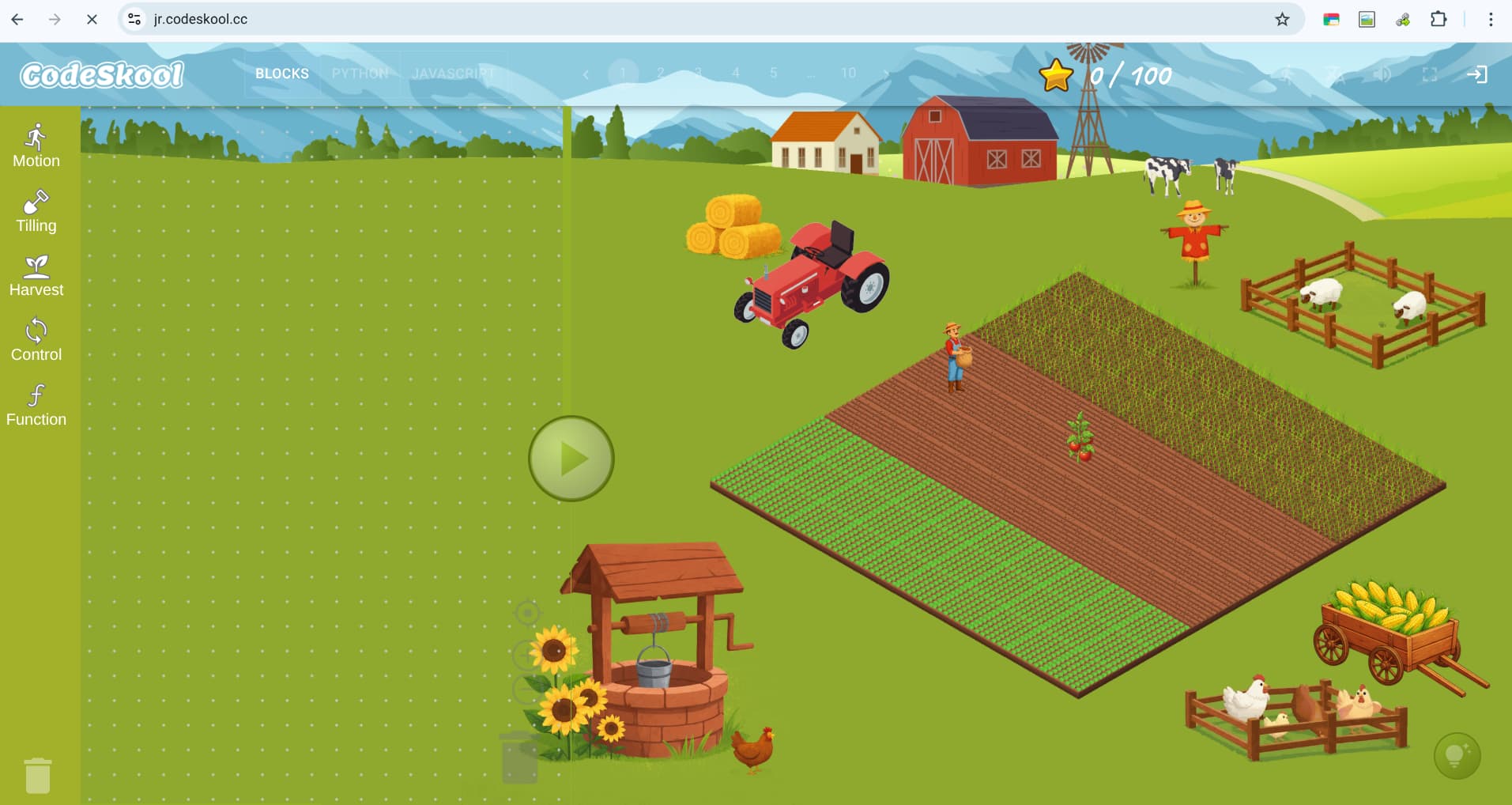
with also the backing of iso game <jr.codeskool.cc>
made new template example, because this is only explaining pics
google slides presentation https://docs.google.com/presentation/d/1CMa5I7ItQWZppTiP8Uv4W5e8Y57S_H1UUXlF62TETY4/edit?usp=sharing
I need also template for sprite
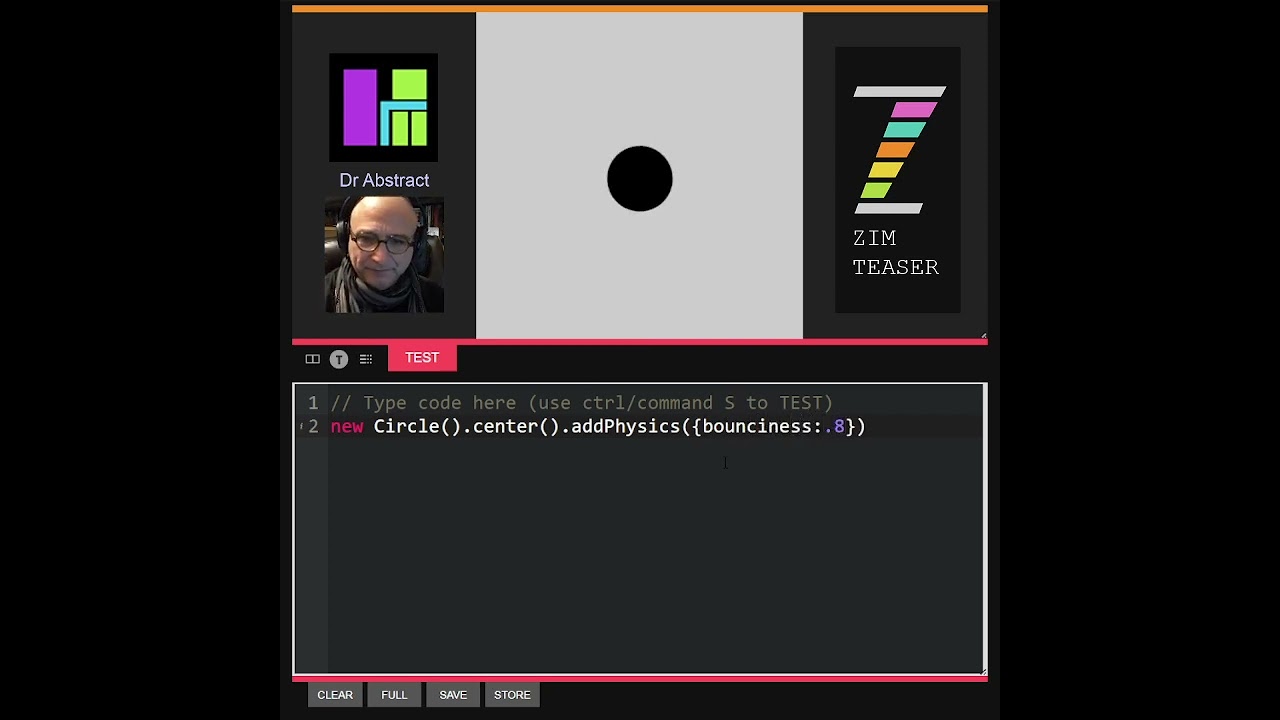
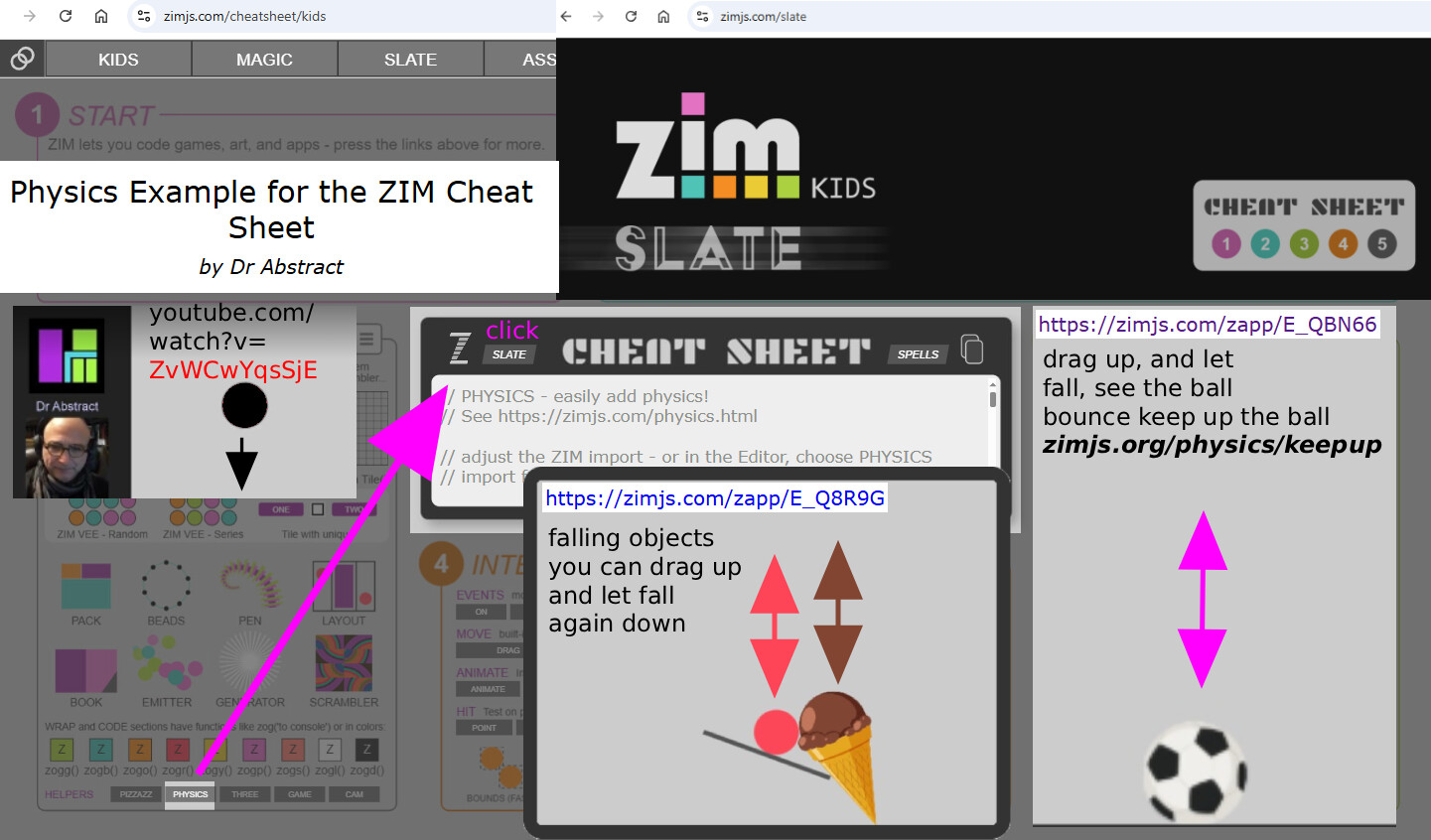
also ball that you can let bounce
based on the video
1 Like
I made this to explain kids with your dr.abstract transparent picture!https://i.imgur.com/tFegXeU.png
and
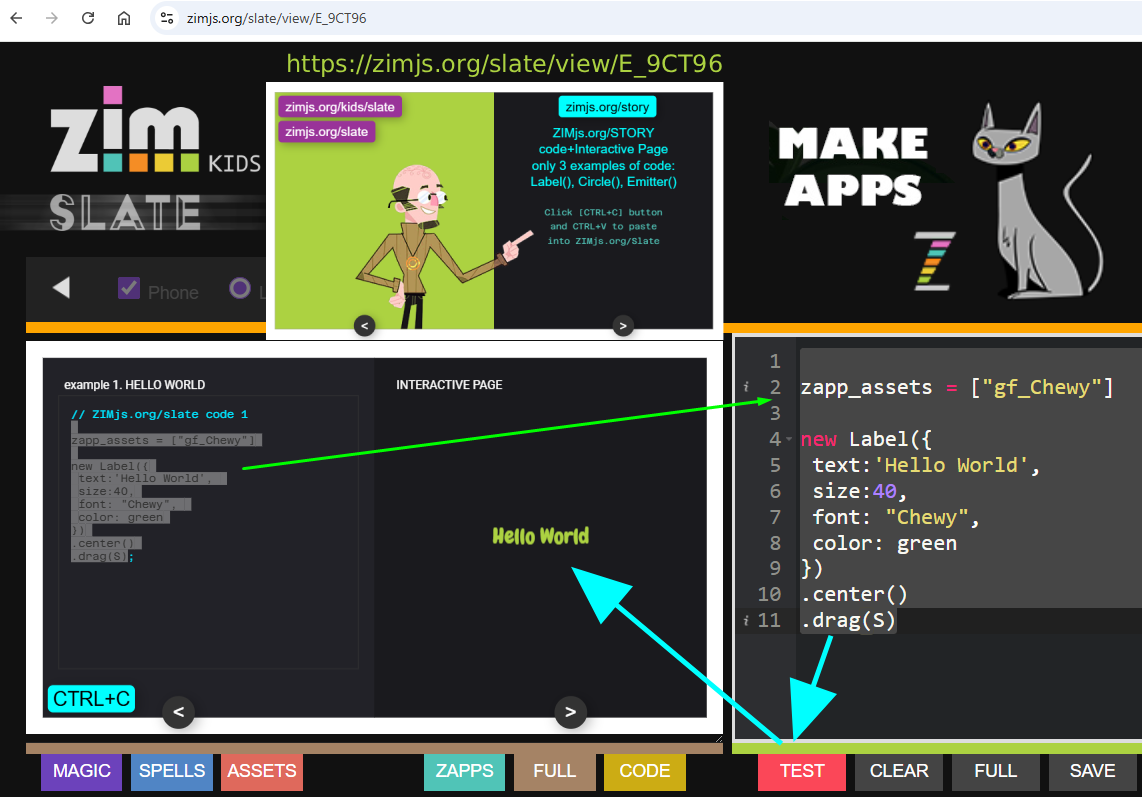
I made a book to be able to select the code directly into slate + with a CTRL+C Button for the kids at school
test it at
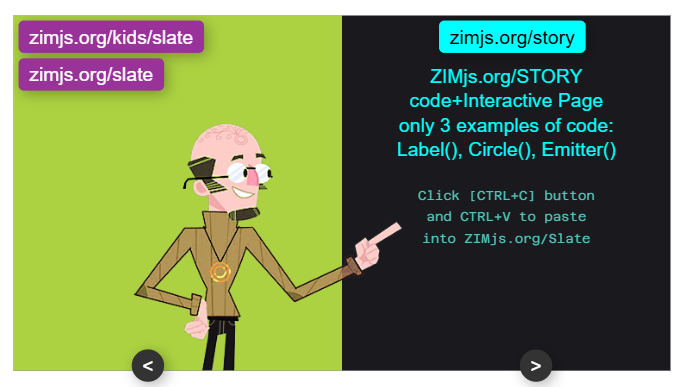
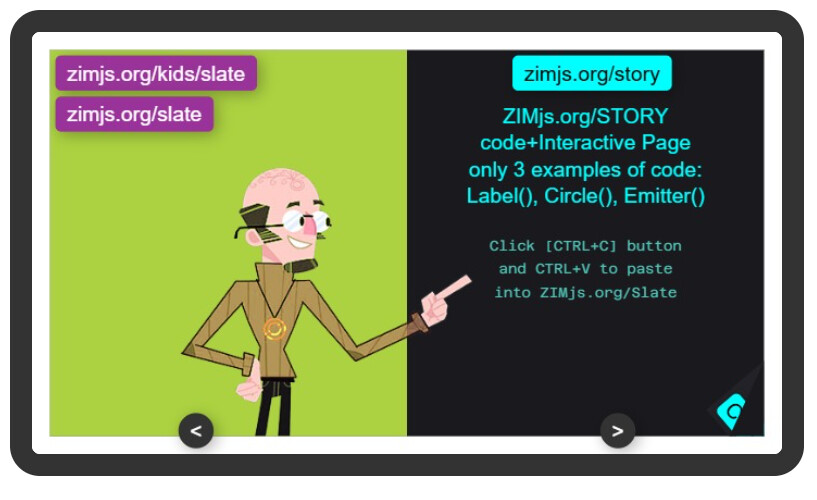
this is the new version of zimjs.org/story, only 3 pages example
now easier to copy over the code by selecting and drag over/ctrl+C to zimjs.org/slate
or just click the button [ctrl+C] BUTTON and you see COPIED,
so the code can now be paste with...
@Dan no interest to make it possible yourself online a CODEbook?