I made it very simple to learn the syntax of ZIM by dragging blocks as https://blockly.games can, it is free open source blockly draggiing system
https://webtinq.nl/zimblockly where you need to typ (rotation not possile)https://webtinq.nl/zimblocklysimple2 to rotate also pic, emoji, spritehttps://webtinq.nl/zimblocklyimgurok to use backing from imgur for dials
and ZIM blocks are way easier to implement by blocks when the values are available for kids
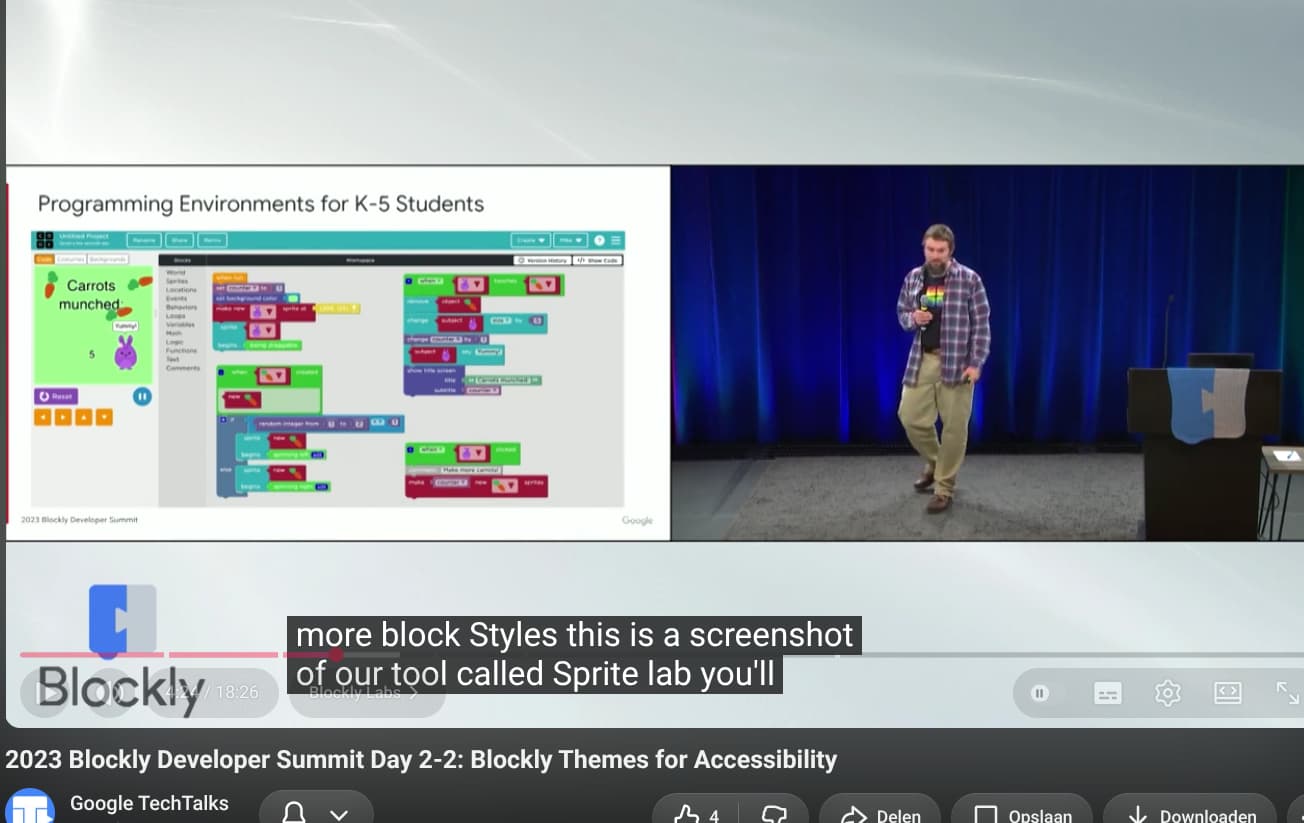
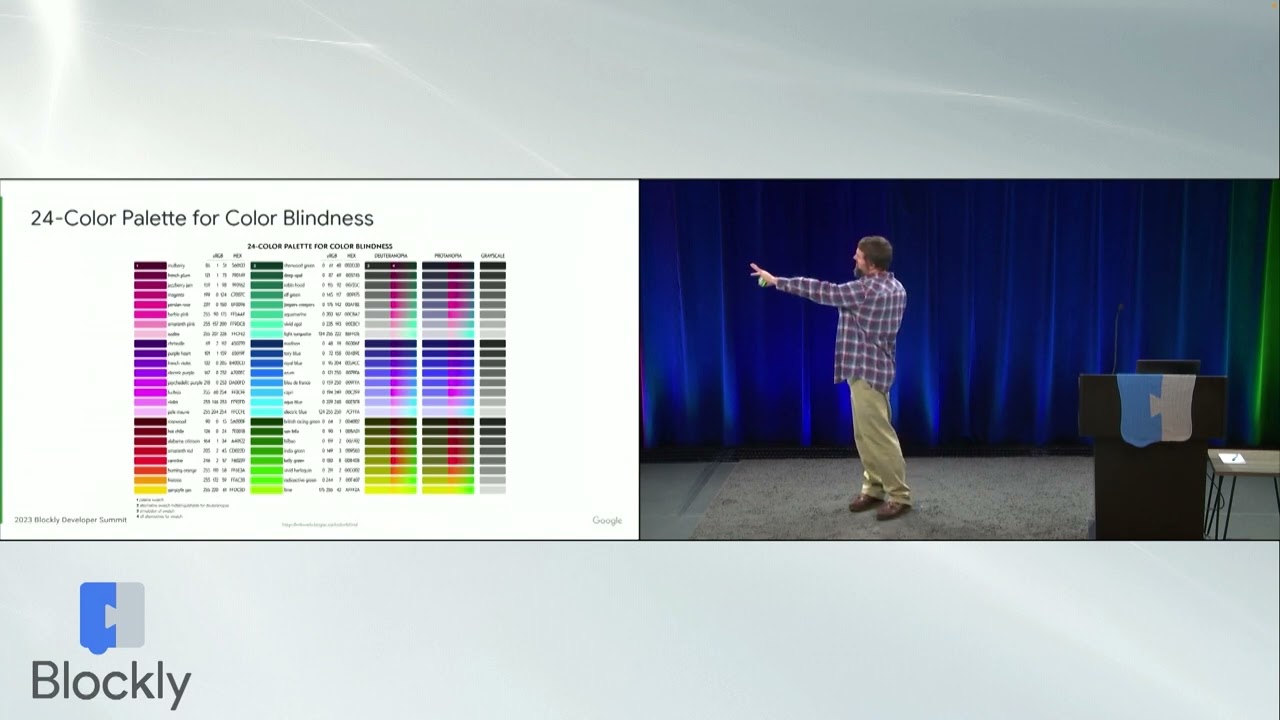
they made a tool 'sprite lab' for more styling for people with bad eyes coloring blocks also
see video
I was flying up and the a kite should flying up (becomes smaller) as you did for the butterfly sprite (also become smaller at the top)
not becoming smaller at the top
become smaller at the top
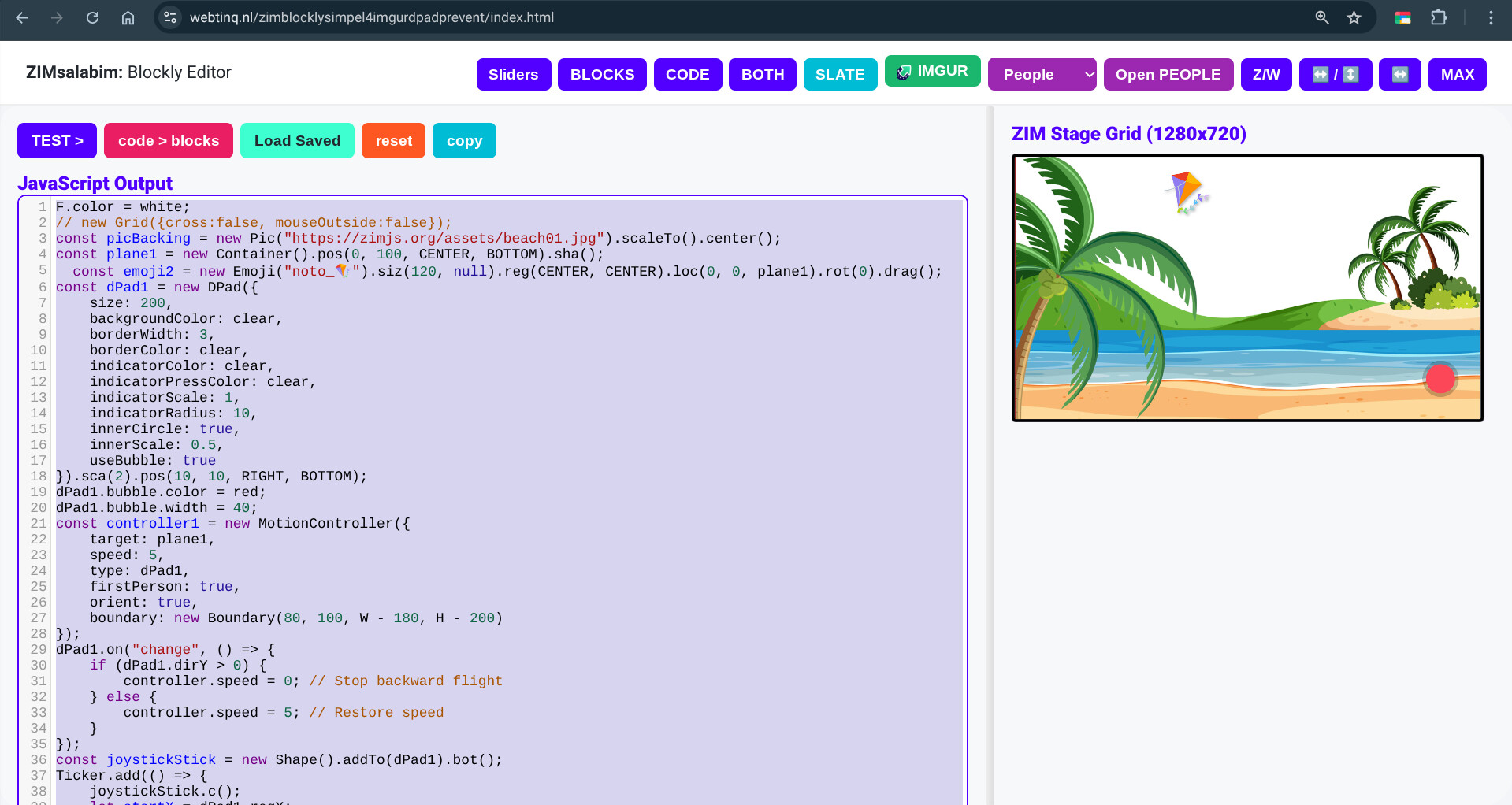
I made this in https://webtinq.nl/zimblocklysimpel4imgurdpadprevent/
how cool it is alos possible for an ai_cartop
cool idea to make from connector a game for a kite, catch all the circles with the dpad
a kite can now be animated with a DPAD
so I removed the grey line of the original emoji
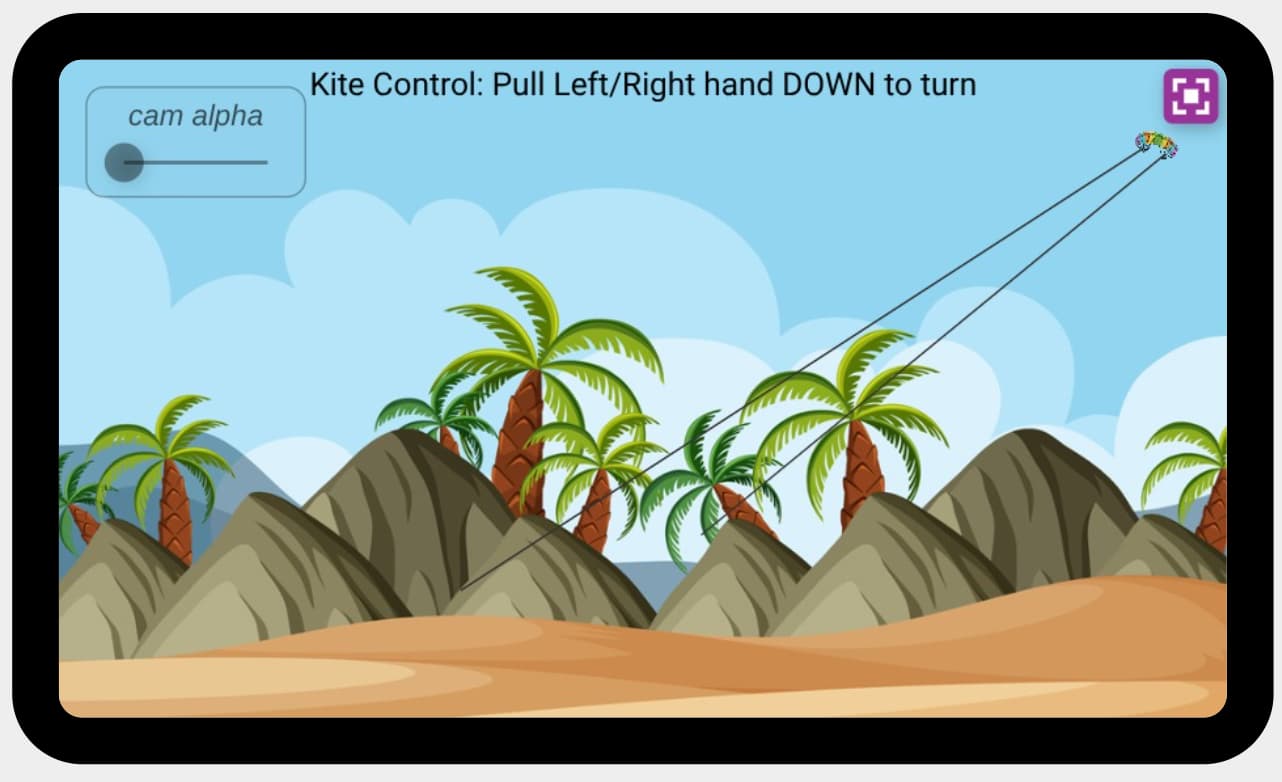
how cool I can turn with ml5 my kite now and 2 fingers going up/down
emoji recolor tool visible code now!
here you can select an emoji
do you like it?https://zimjs.org/emoji it draggable to exclude=make the color clear, I choose to make it transparent RGB(..,..,..,0))
1 Like
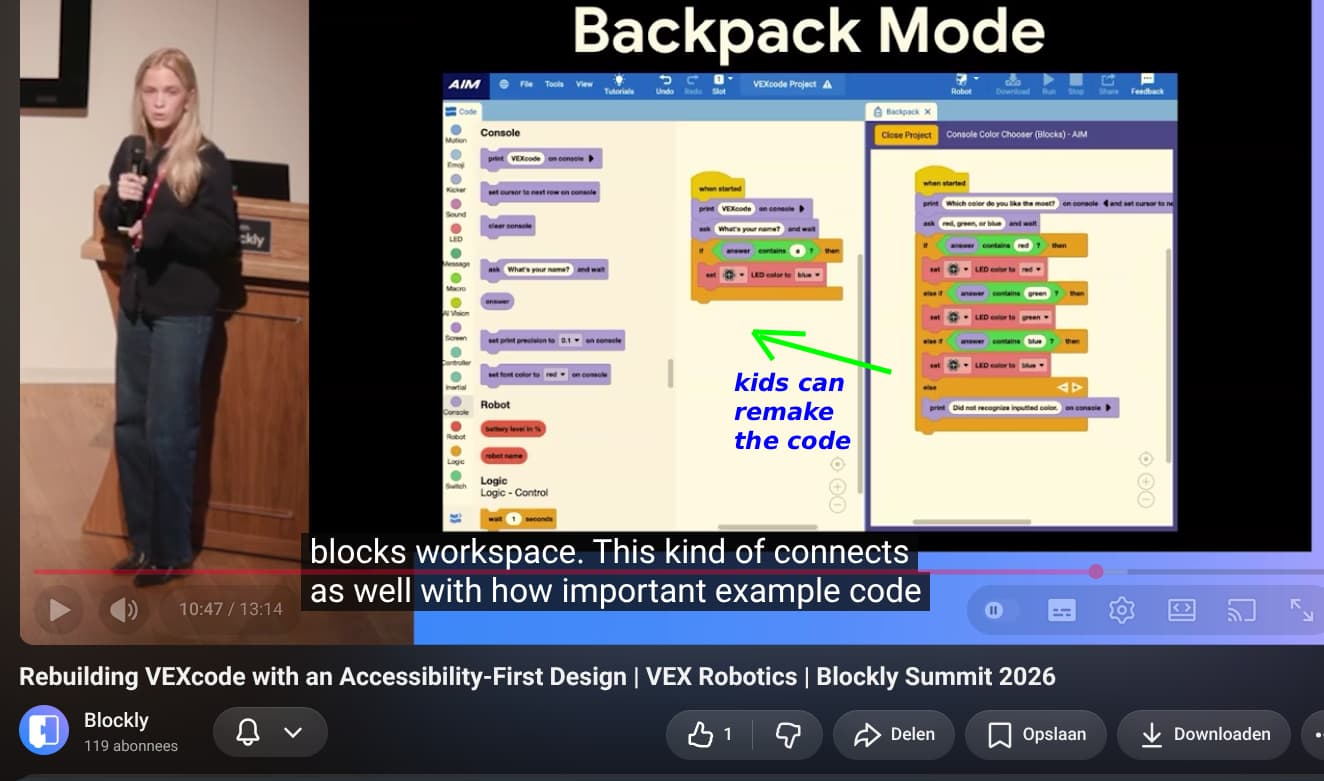
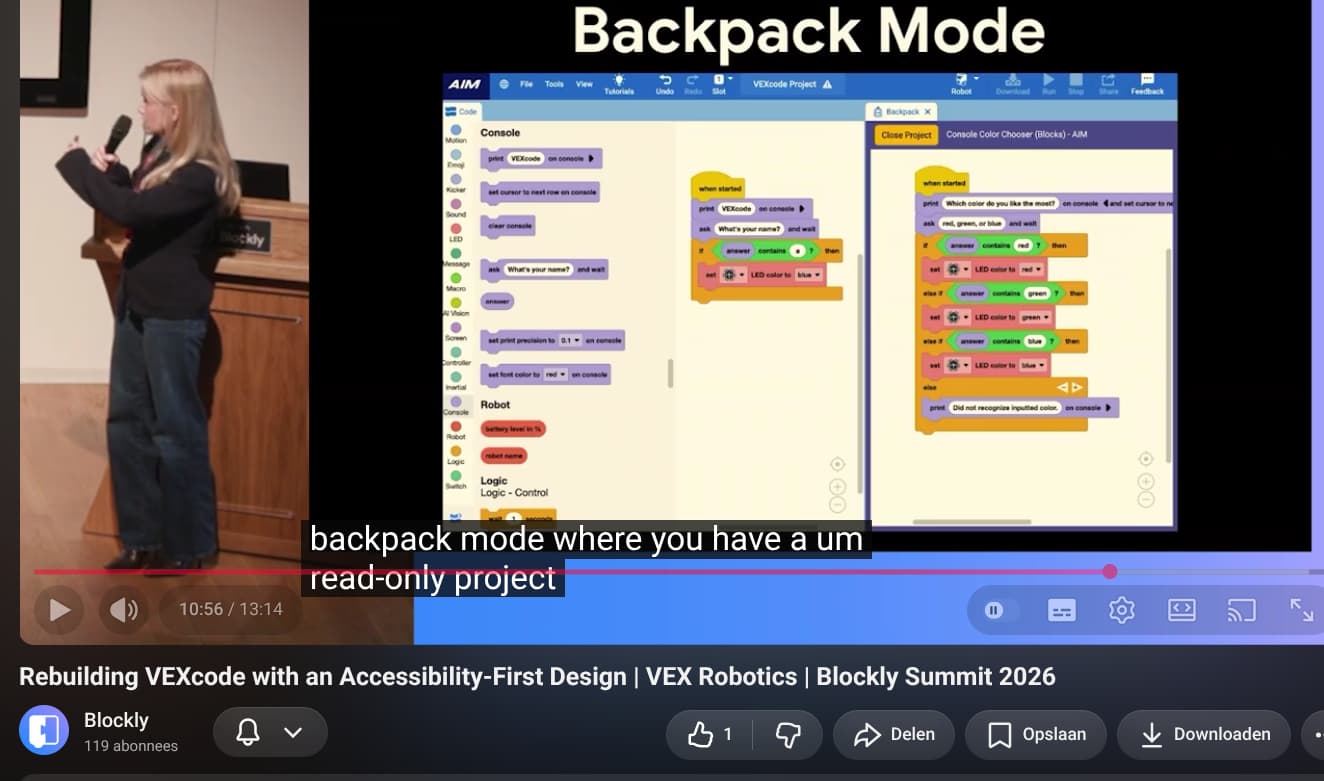
kids learn better with blocks , also VEXcode seems to want to work with new layout to easy learn to code by seeting the block codes to remake correctlyhttps://youtu.be/9R7Ii_KmeJ4?si=g5ACQ-bJbfB1w69d&t=647
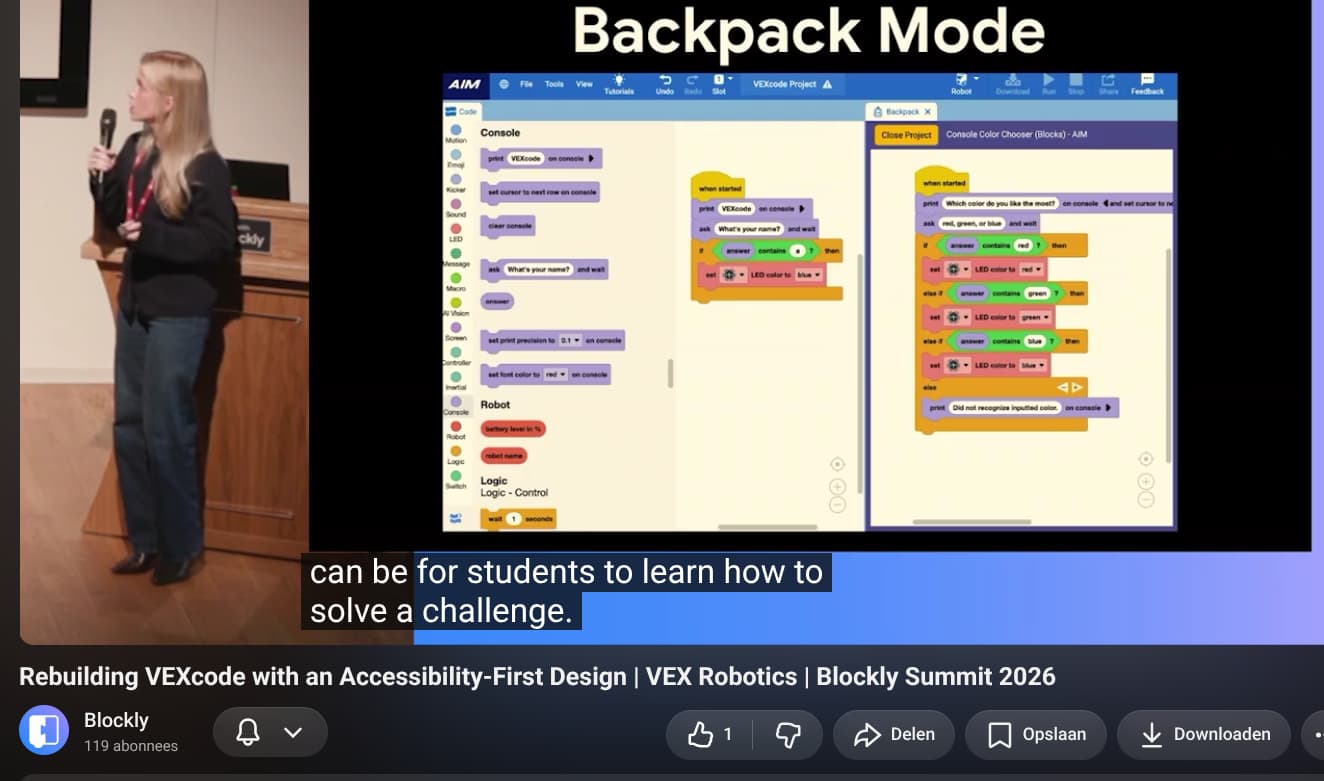
students need to slove the challange
it is called 'backpack mode'
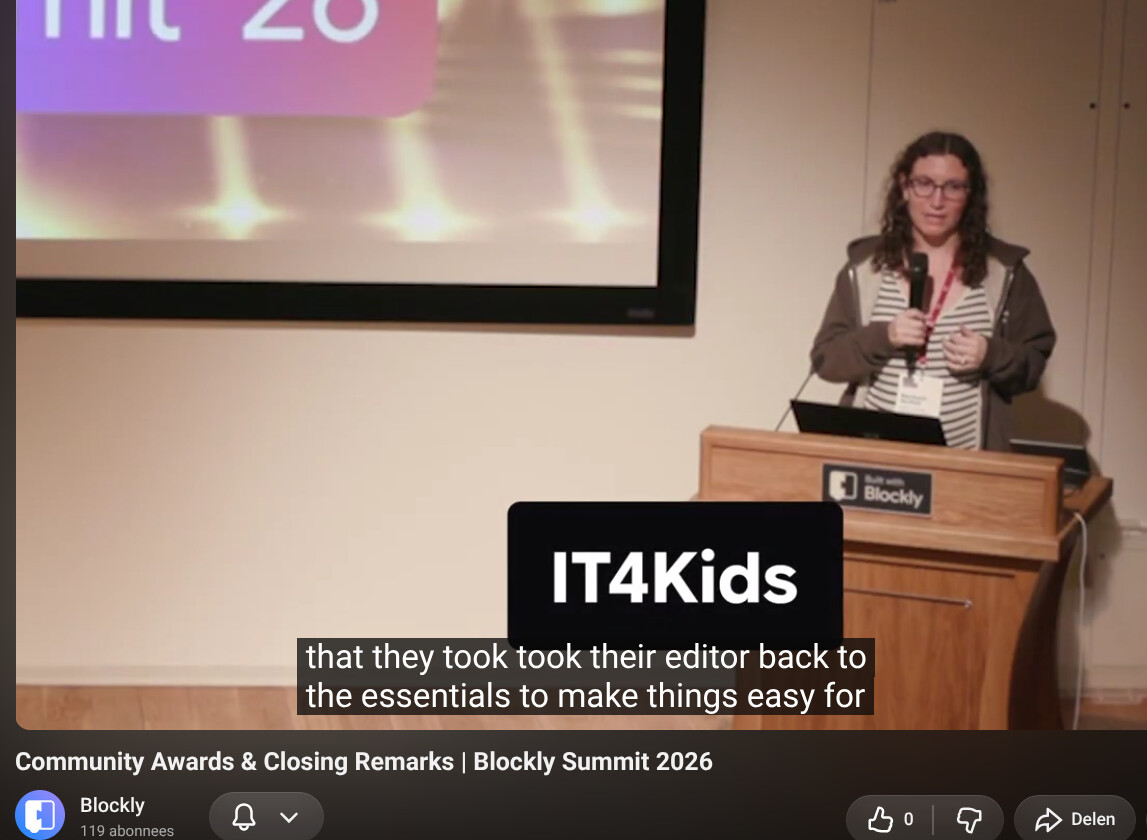
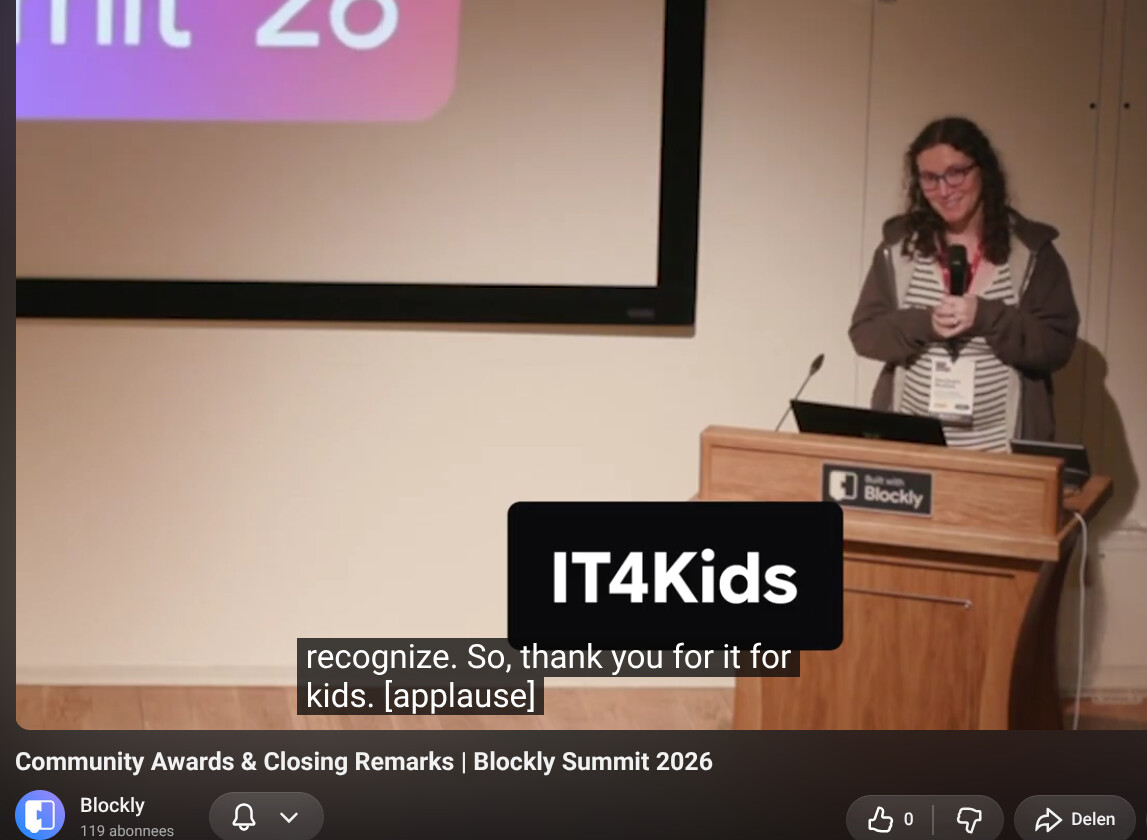
see how cool IT4Kidshttps://youtu.be/oL9hdknpiEM?si=ccWXpSWjqVS-2NBB&t=199
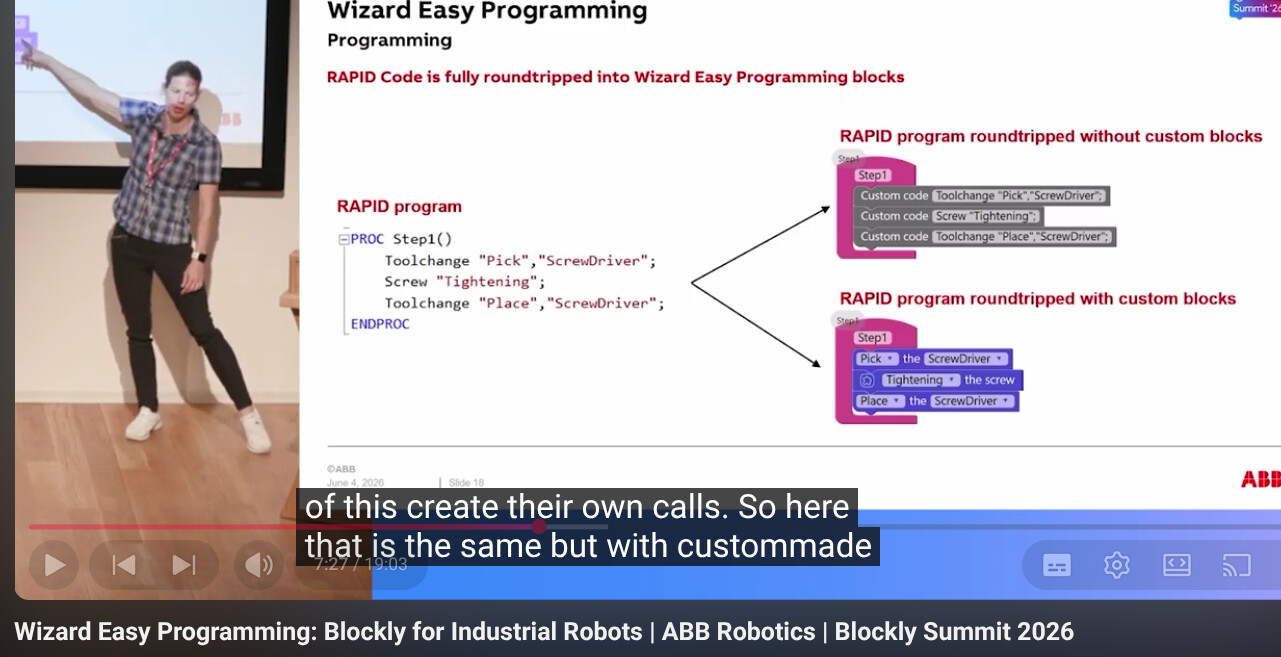
how cool 'custom code' block is easy also to use for ZIMcode
video
https://youtu.be/NEkcaE2TA8k?si=C7HOtFaEbCcLA8Hk&t=447
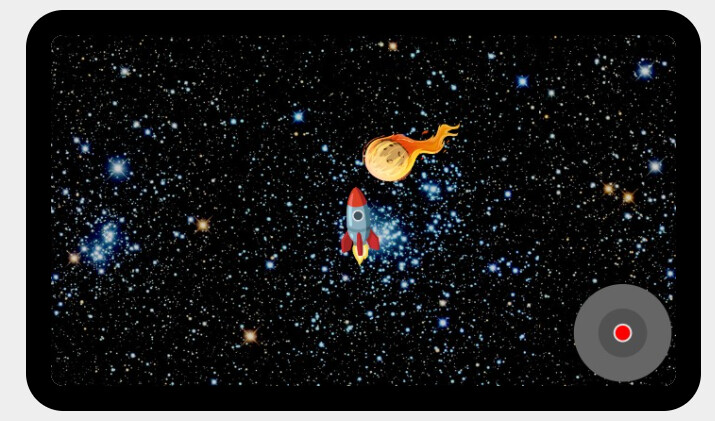
how cool falling asteroid can now hit the rocket with dpad control useBubble:true
idea from https://zimjs.org/kids/thing_explosions.html level3 where your could click the asteroid of different dimentions. No only when asteroid with fire is repeating in a loop and loopWait to to from righttop to leftbottom
see how it is made
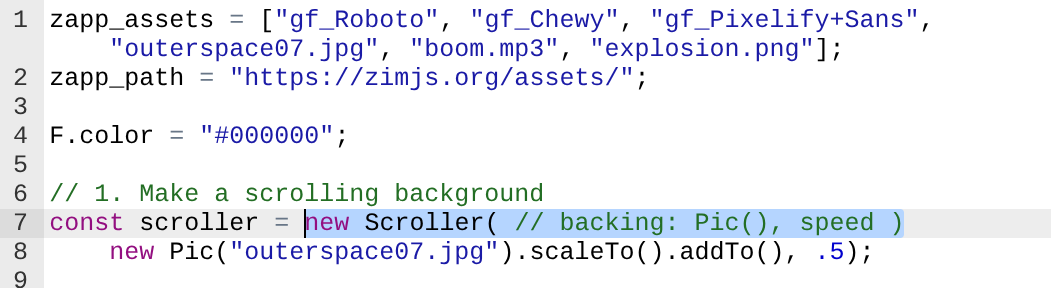
so first load the outerspace and ohter elements
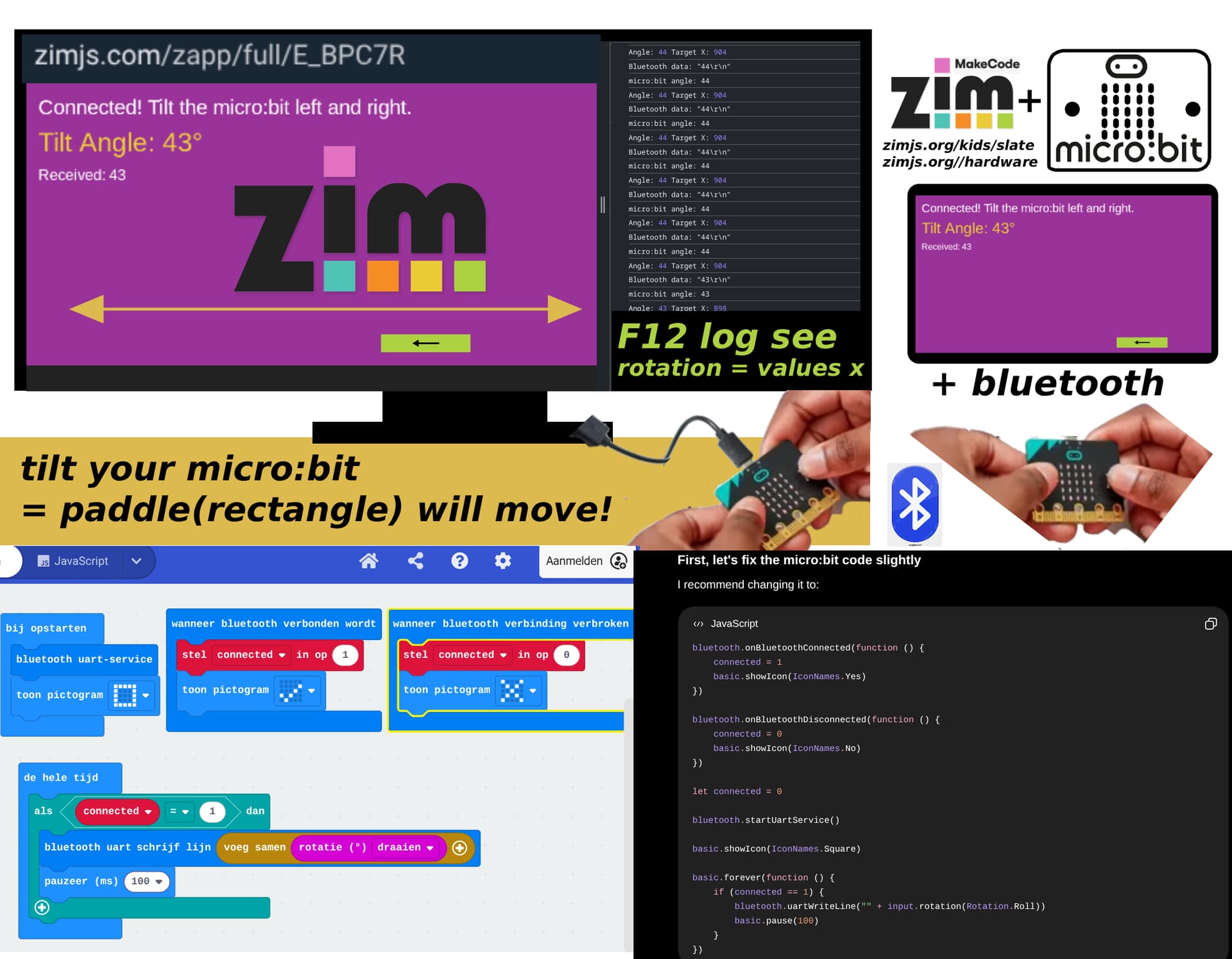
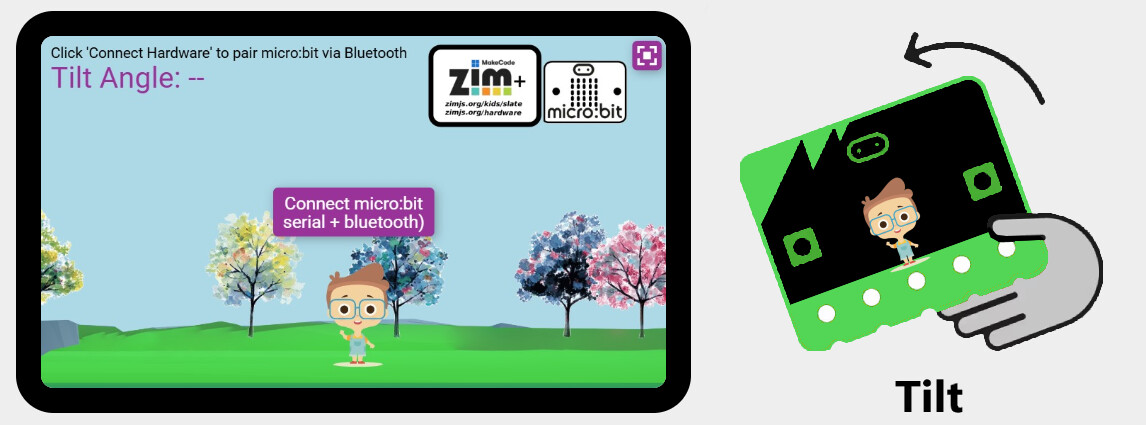
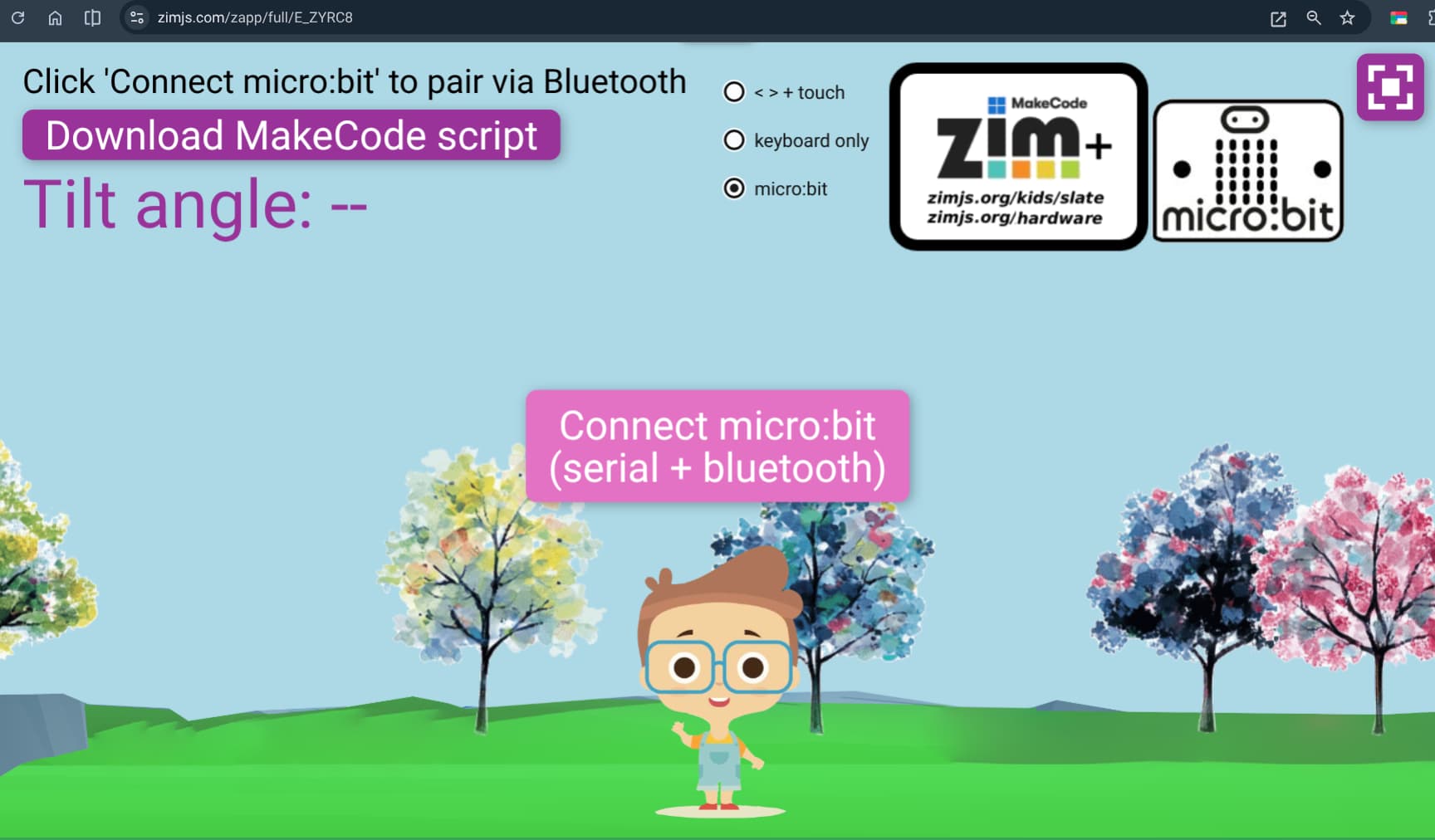
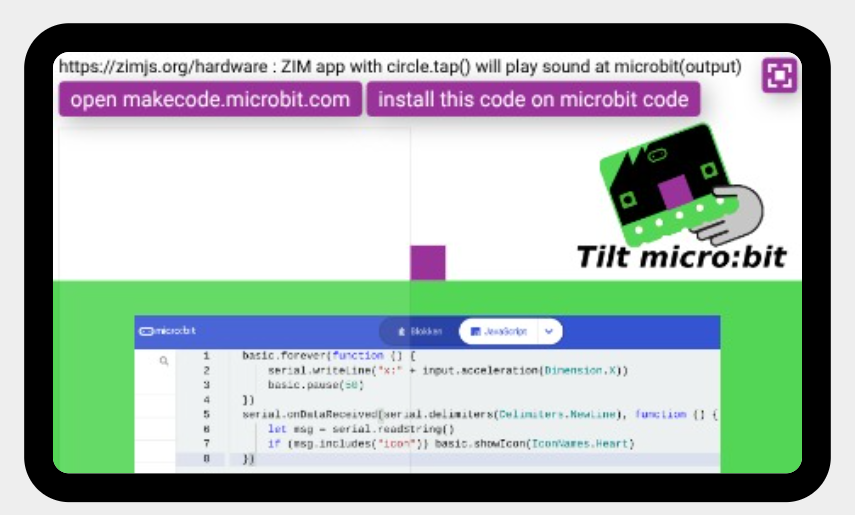
how cool mircobit is working with ZIM + makeCode
see app
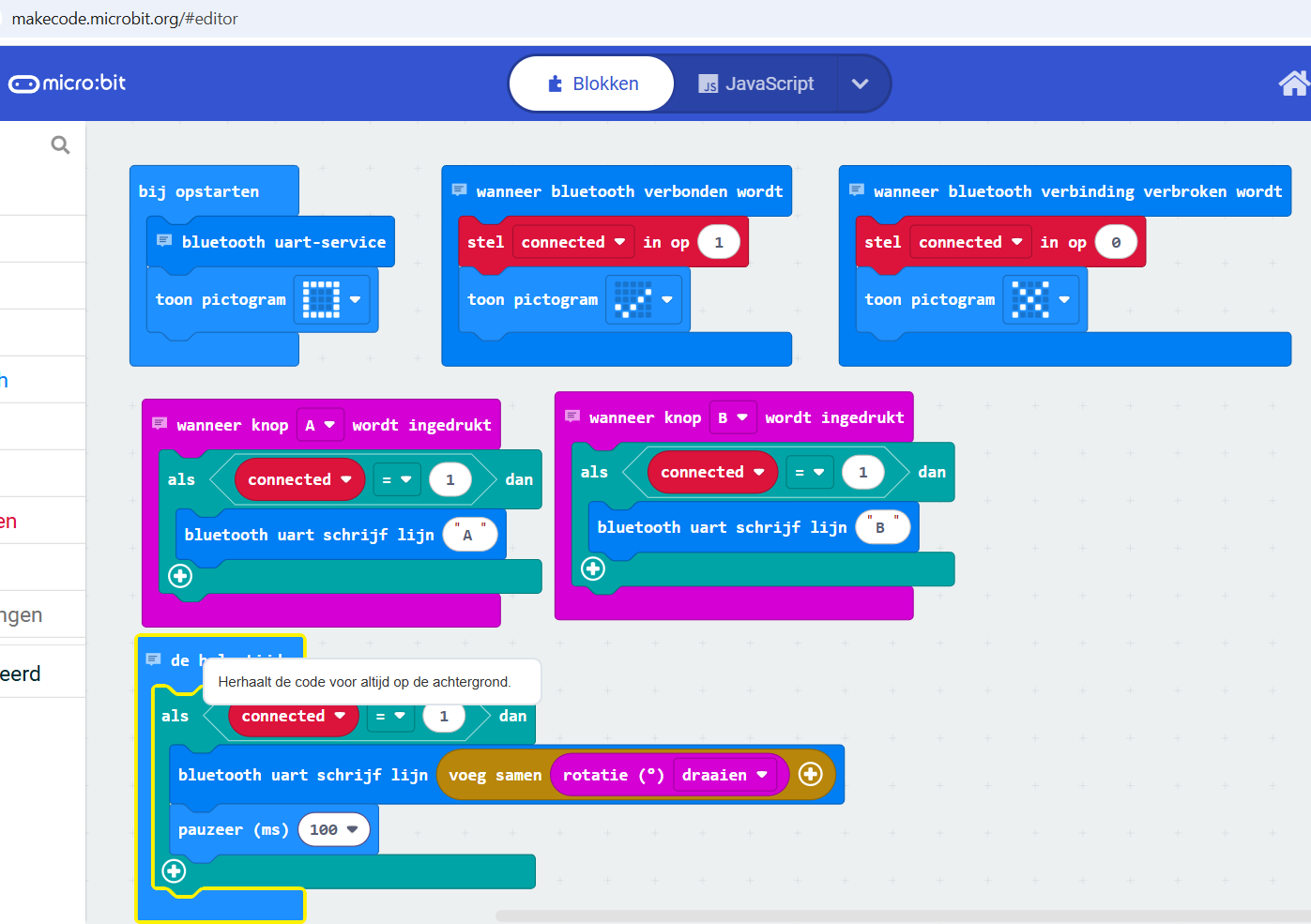
and this javascript code for https://makecode.microbit.org
bluetooth.onBluetoothConnected(function () {
    connected = 1
    basic.showIcon(IconNames.Yes)
})
bluetooth.onBluetoothDisconnected(function () {
    connected = 0
    basic.showIcon(IconNames.No)
})
let connected = 0
bluetooth.startUartService()
basic.showIcon(IconNames.Square)
basic.forever(function () {
    if (connected == 1) {
        bluetooth.uartWriteLine("" + input.rotation(Rotation.Roll))
        basic.pause(100)
    }
})
green color (noBall)
white color (noBall)
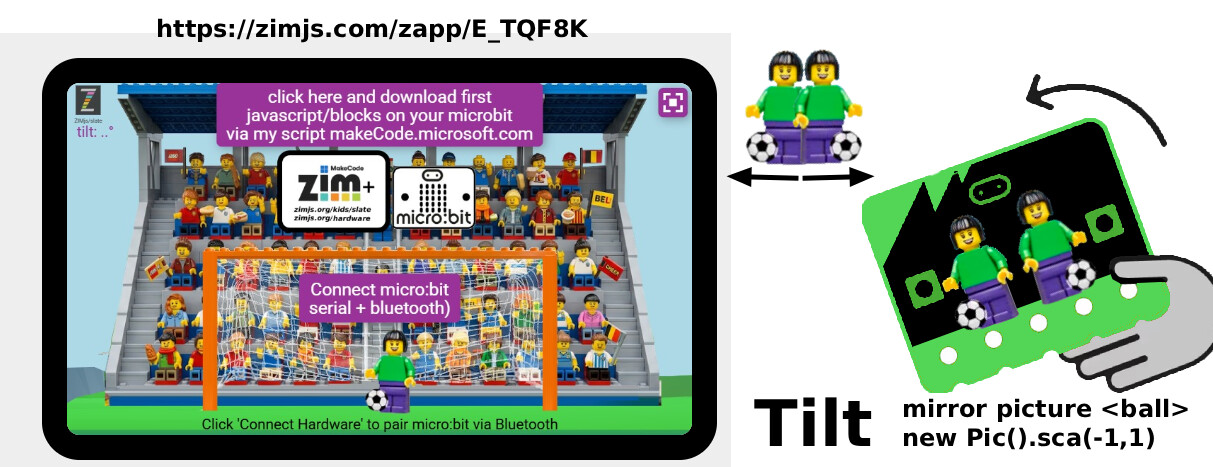
with lego+football (not rolling sprite yet)
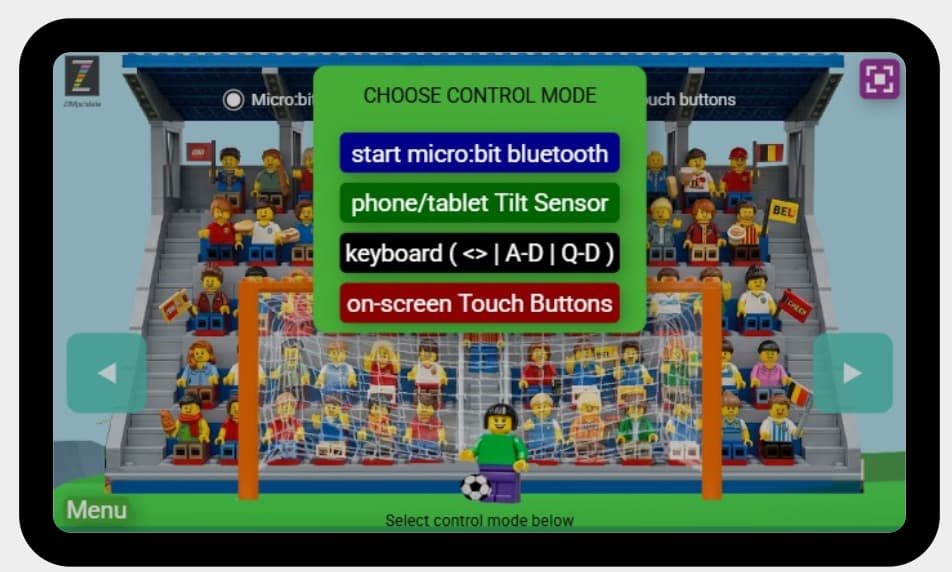
here you can choose how to navigate
idea to add to the pane also ml5 that triggers the position of the head to walk left or right see example
on the beach the boy is walking, but
TO DO: activate your webcam, and move to left< head >right ,
and you see the boy walking towards your direction
this is zimjs.org/ml5/segment ml5js.org technolog ai detects
1) you can crop and convert that...
with boat emoji as https://zimjs.com/hardware
to move on a path
for Arduino
phone size
ipad size
with buttons left<>right
the boat example as zapp for microbit onlien connection
extra ZIM speech: talk 'good voyage' in dutch
animating not on a squiggle
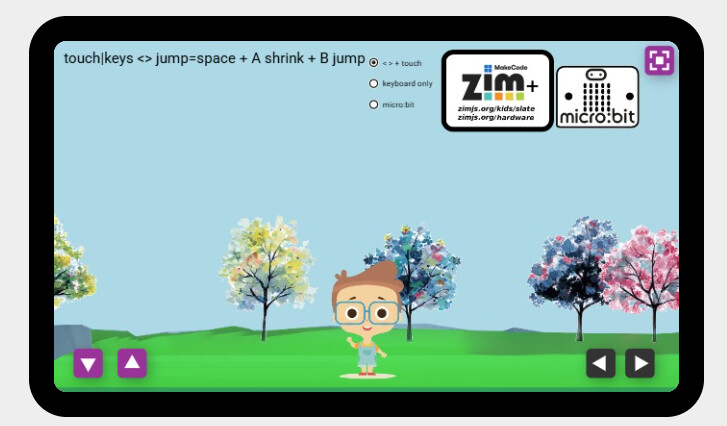
I made it also possible to shrink button A and jump button B
see the radiobuttons (looking for good layout)
script https://makecode.microbit.org/S27705-65992-72405-25109
// Connected handler
bluetooth.onBluetoothConnected(function () {
    connected = 1
    basic.showIcon(IconNames.Yes)
})
// Disconnected handler
bluetooth.onBluetoothDisconnected(function () {
    connected = 0
    basic.showIcon(IconNames.No)
})
// Button A Pressed -> Send 'A' to make boy smaller
input.onButtonPressed(Button.A, function () {
    if (connected == 1) {
        bluetooth.uartWriteLine("A")
    }
})
// Button B Pressed -> Send 'B' to jump
input.onButtonPressed(Button.B, function () {
    if (connected == 1) {
        bluetooth.uartWriteLine("B")
    }
})
let connected = 0
// Start the Bluetooth UART Service
bluetooth.startUartService()
basic.showIcon(IconNames.Square)
// Main loop to stream tilt angle data
basic.forever(function () {
    if (connected == 1) {
        bluetooth.uartWriteLine("" + input.rotation(Rotation.Roll))
        basic.pause(100)
    }
})
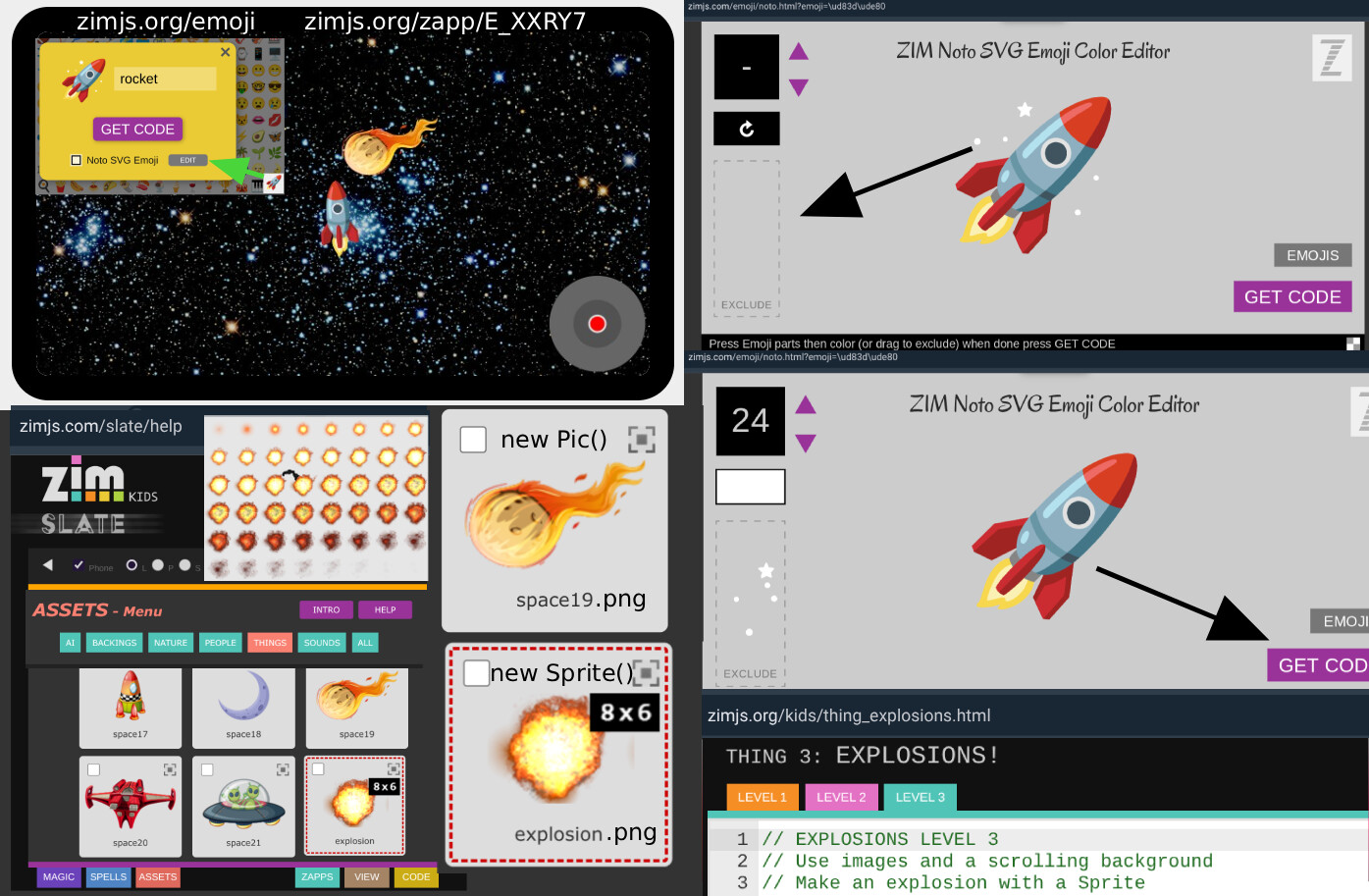
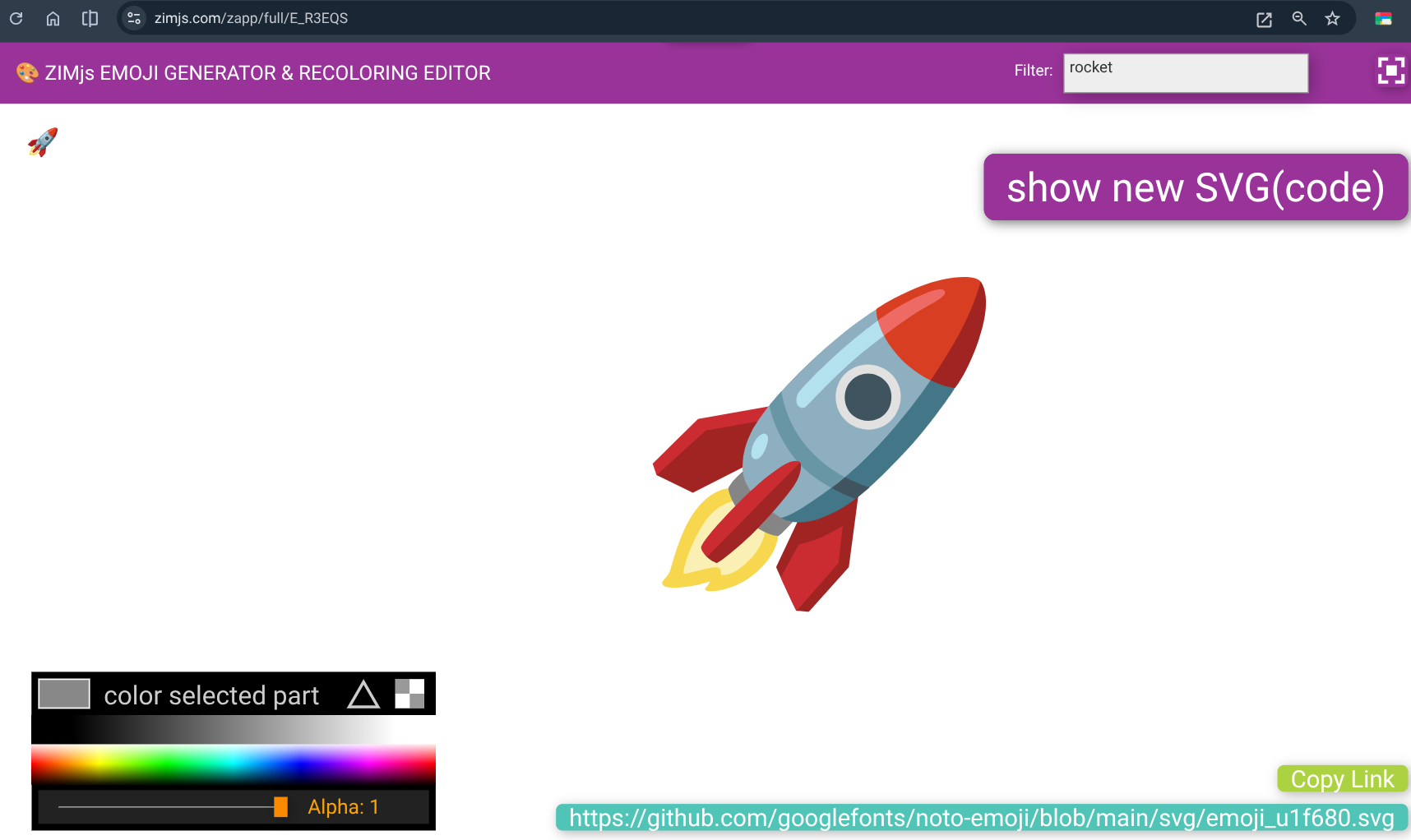
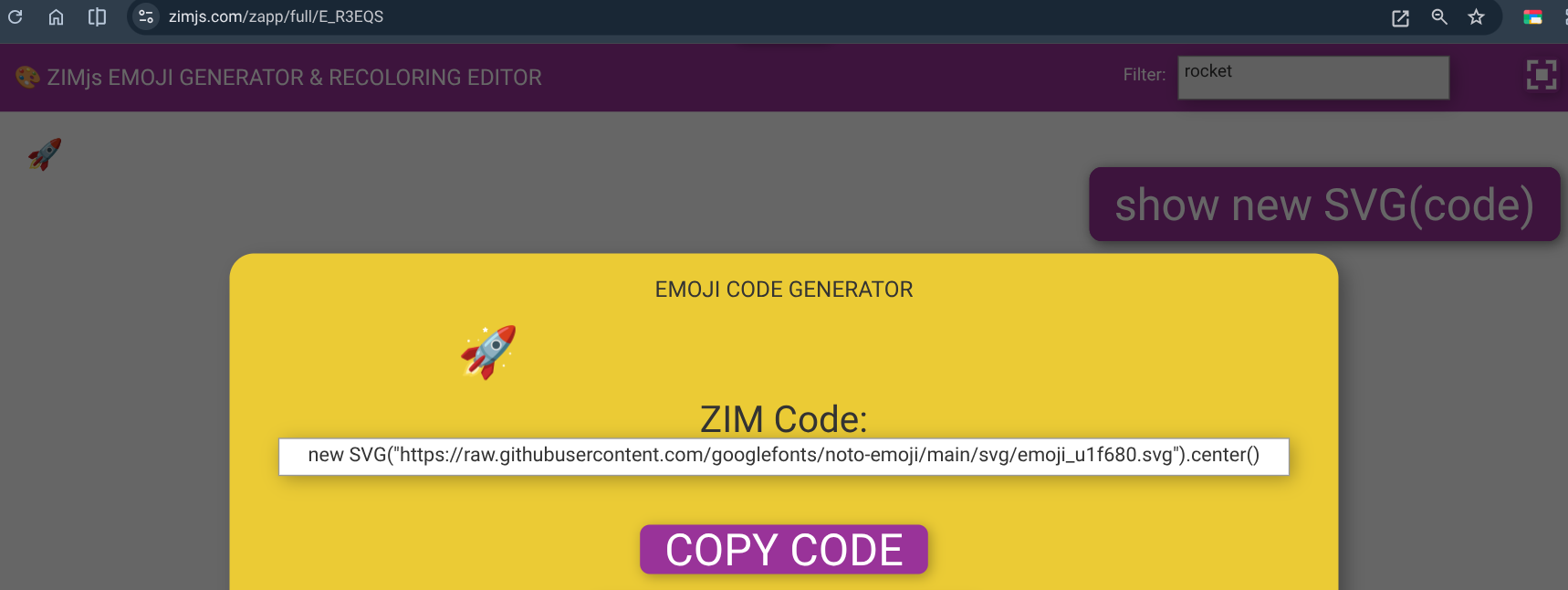
I made the emoji selecter for example for a rocket you see the svg link
to see link
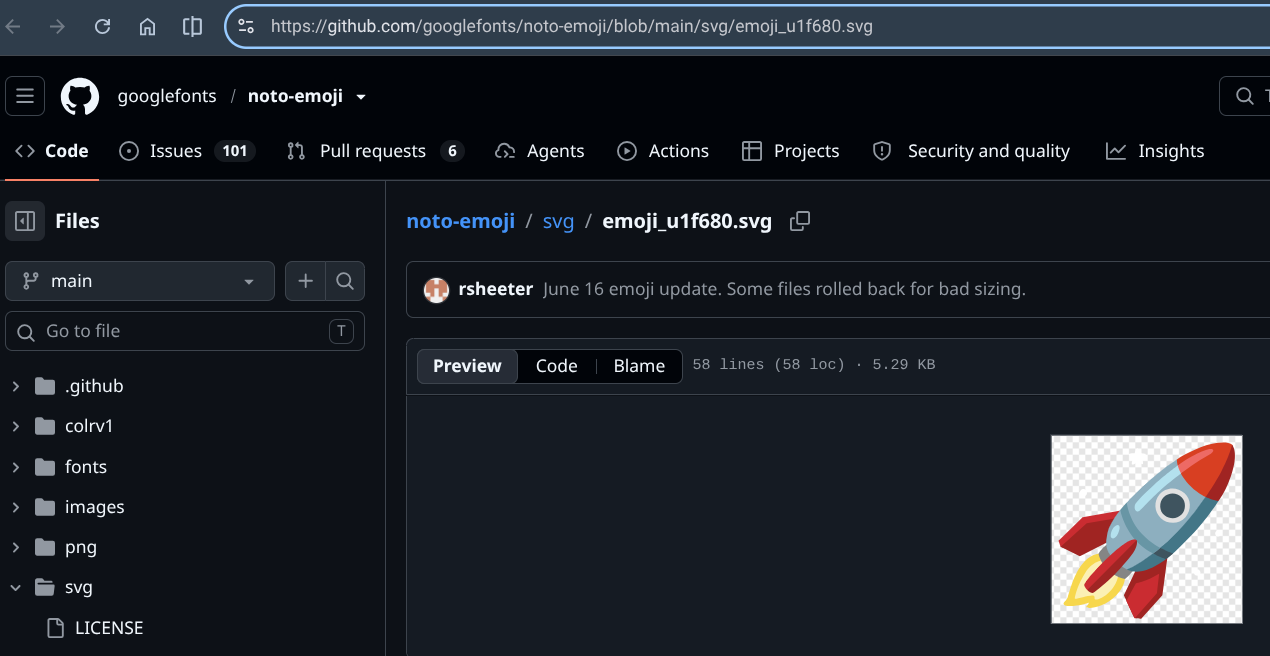
https://github.com/googlefonts/noto-emoji/blob/main/svg/emoji_u1f680.svg
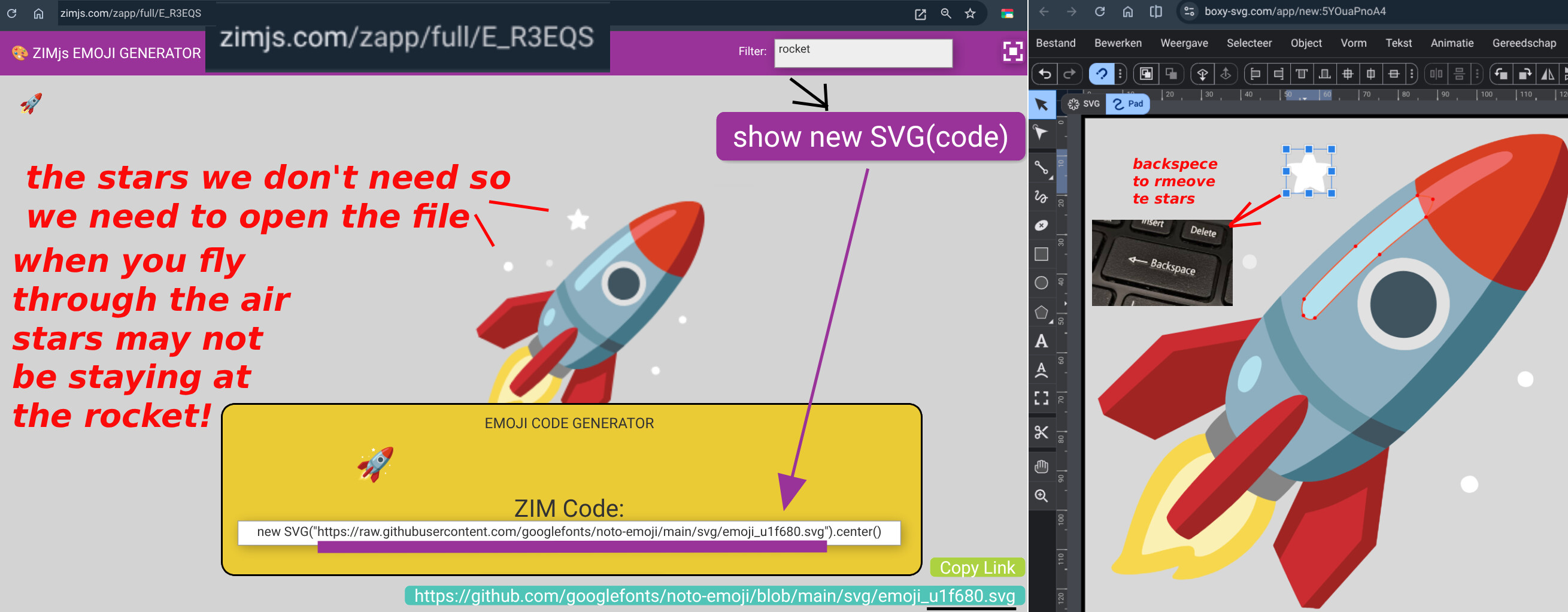
but to use the emoji you need the raw link !
so click on the [show new SVG(code)]
so to have solution you need to go the
https://boxy-svg.com to edit the svg
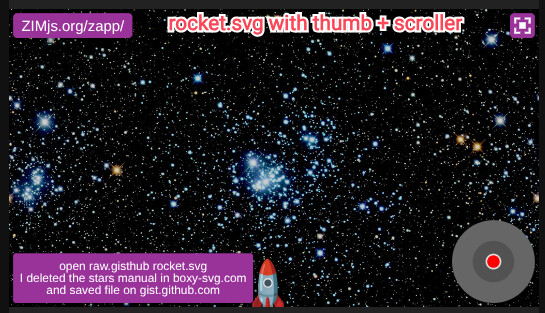
I changed and saved the rocket on https://gist.github.com via https://boxy-svg.com because was not able to save otherwise the rocket in webtinq.https://webtinq.nl/dpadsvgrocketscroller/index.html https://webtinq.nl/dpademojirocketscroller/index.html
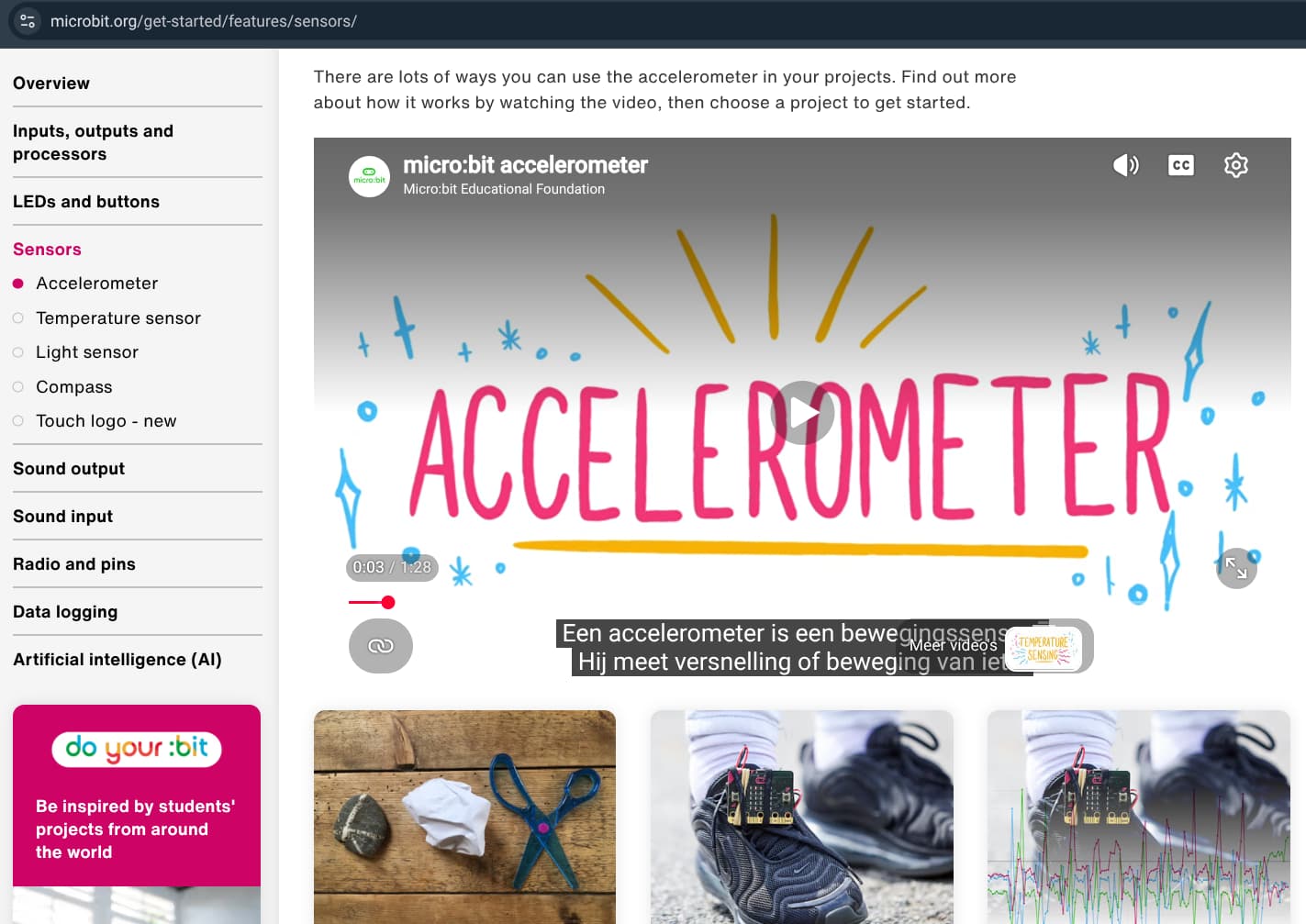
how cool accerlormeter works with microbit nowhttps://microbit.org/get-started/features/sensors/
so the app to move a square left to right on your screen can be made iwth this code
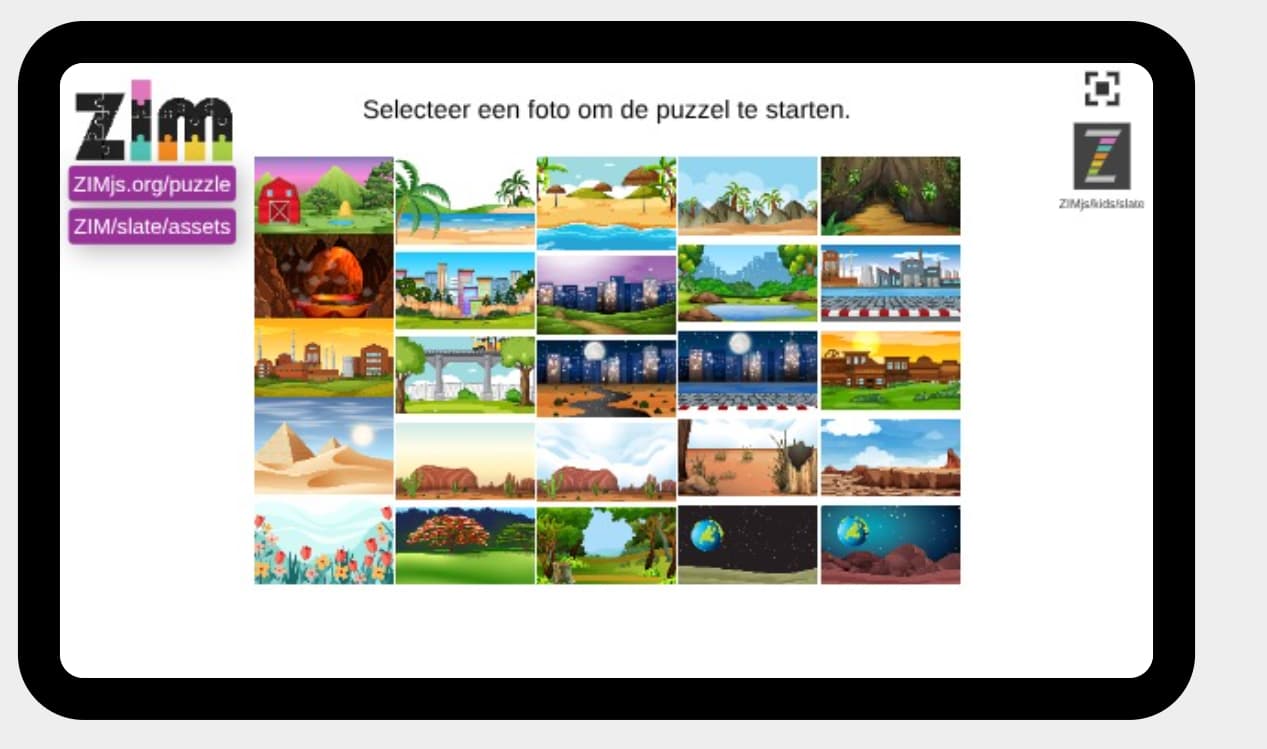
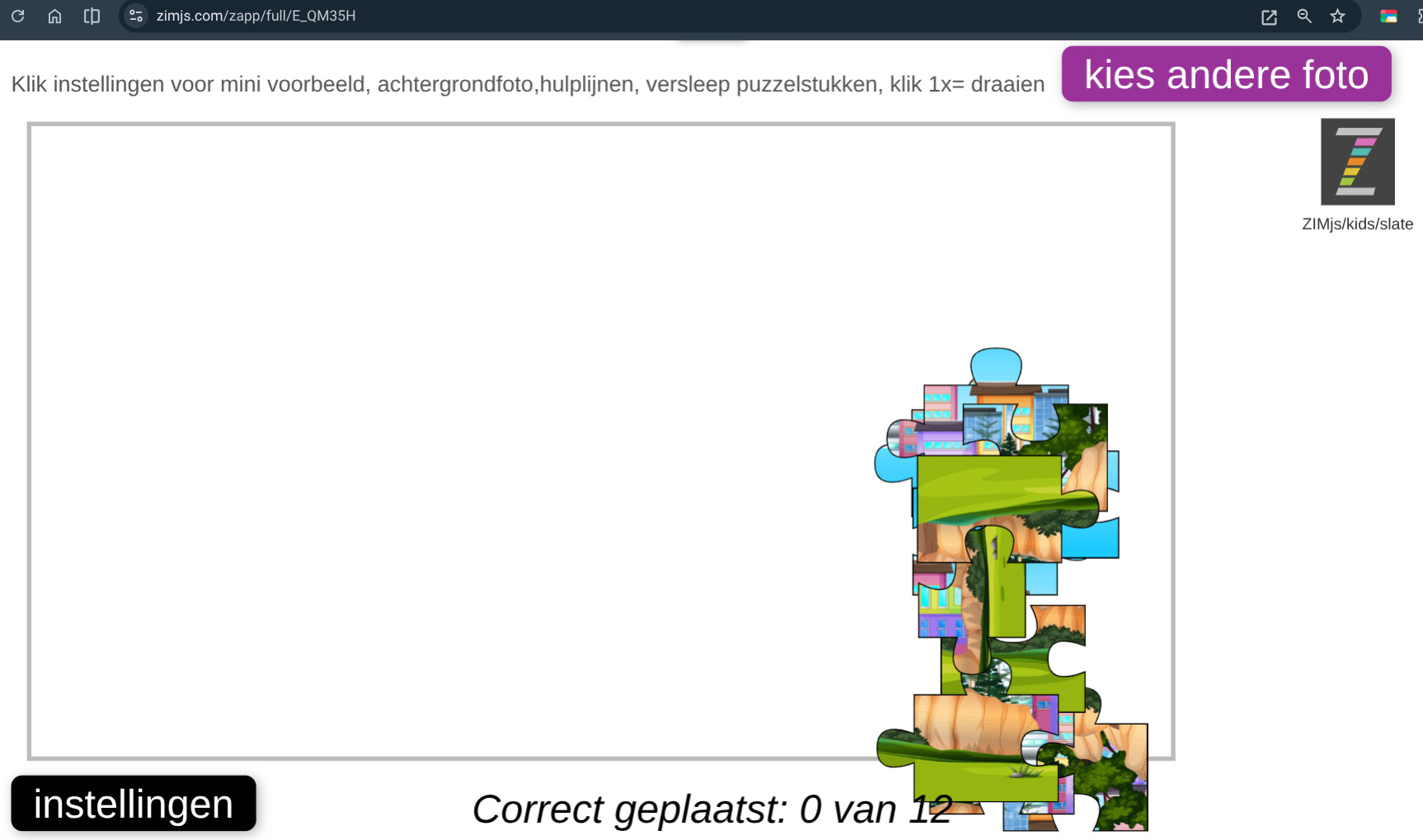
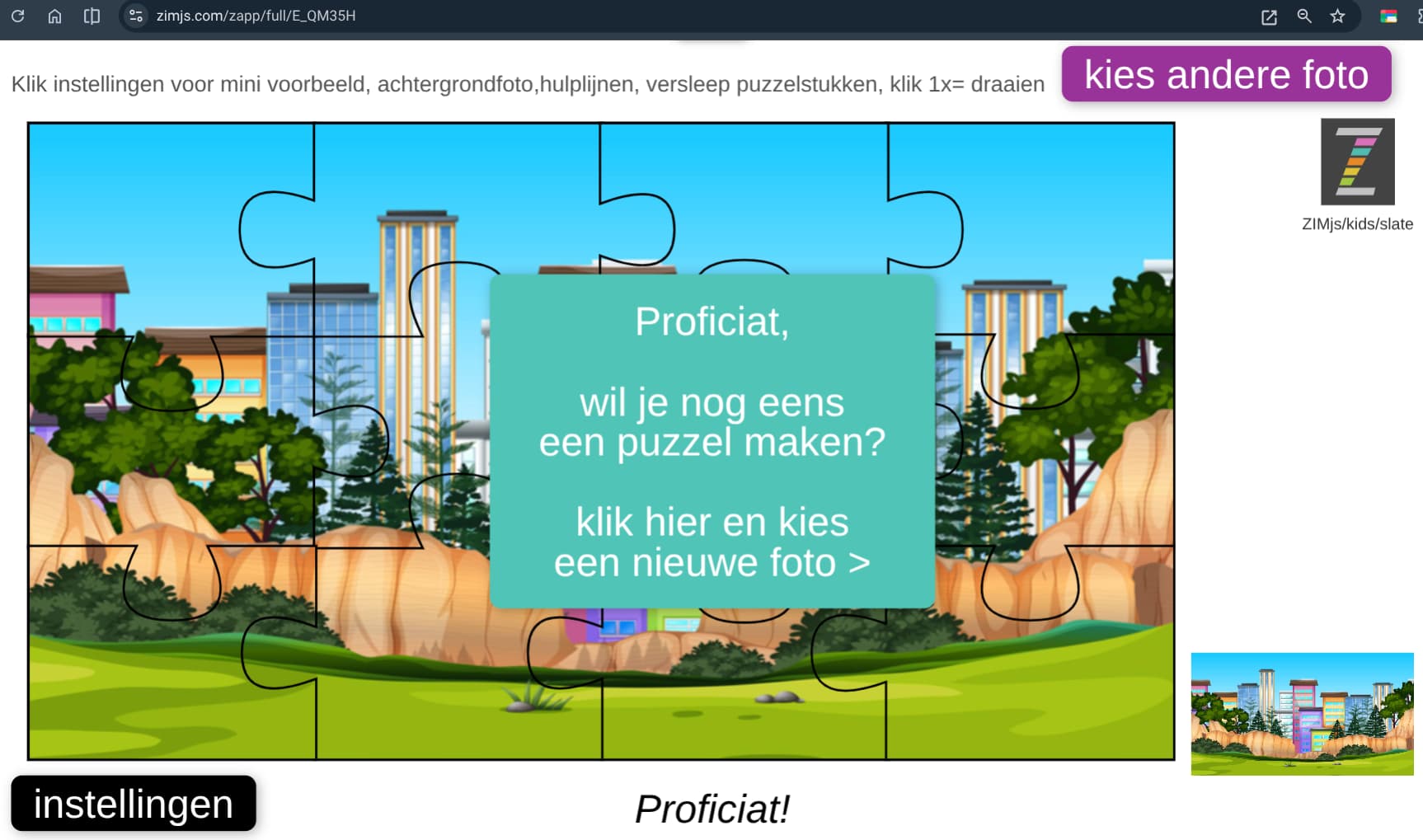
make several puzzles
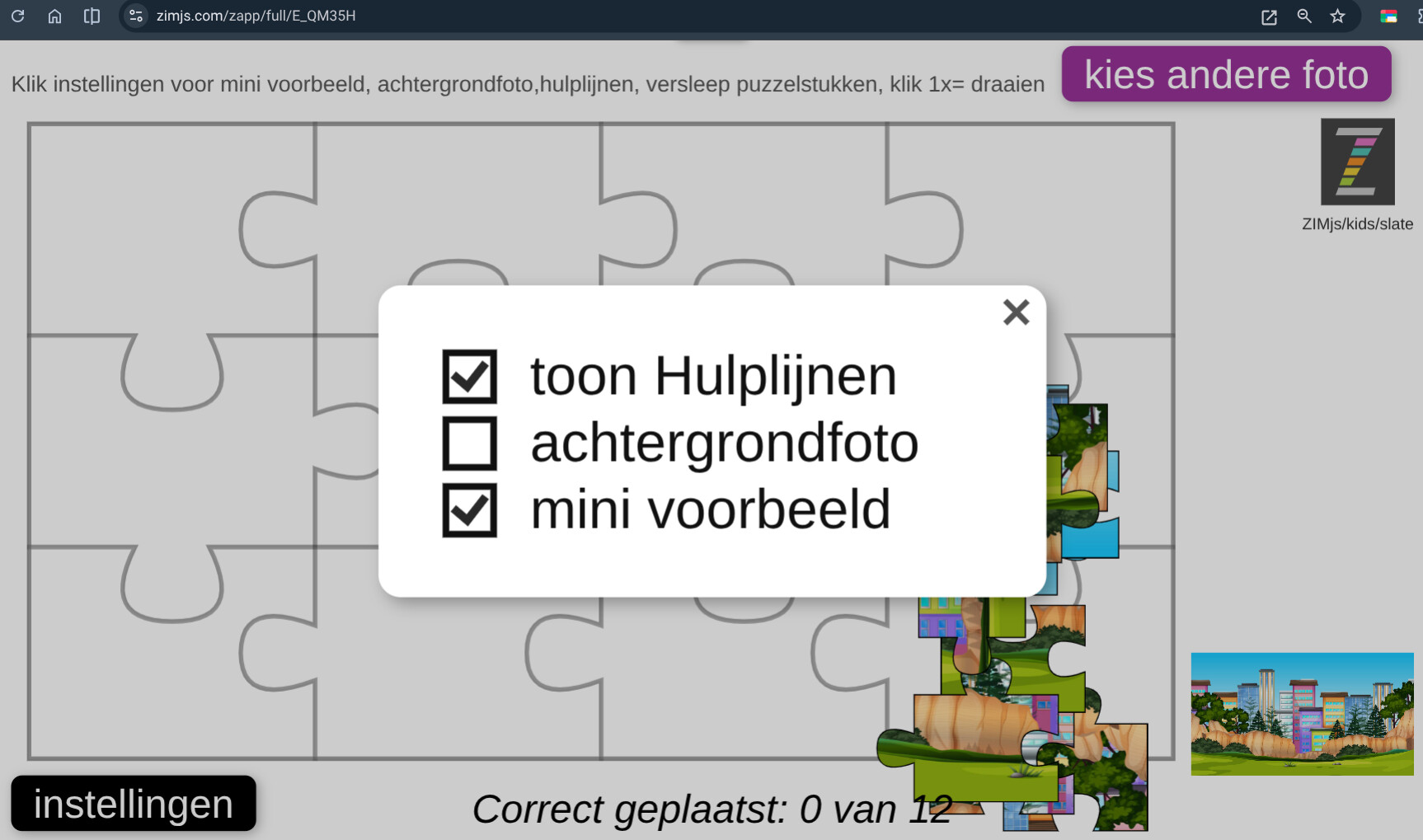
with different settings
result shows a pane
idea comes from https://zimjs.com/puzzle
new version, shorter with example from https://zimjs.com/hardware
promo
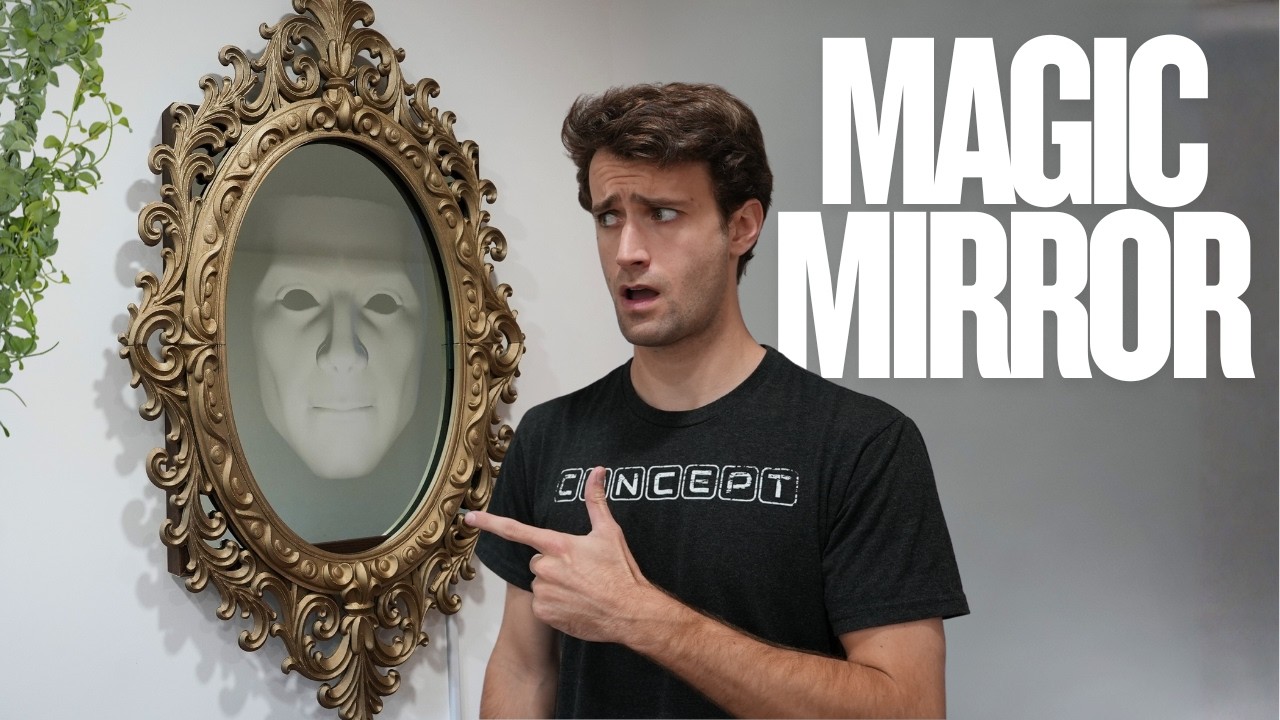
Making the mirror of disney
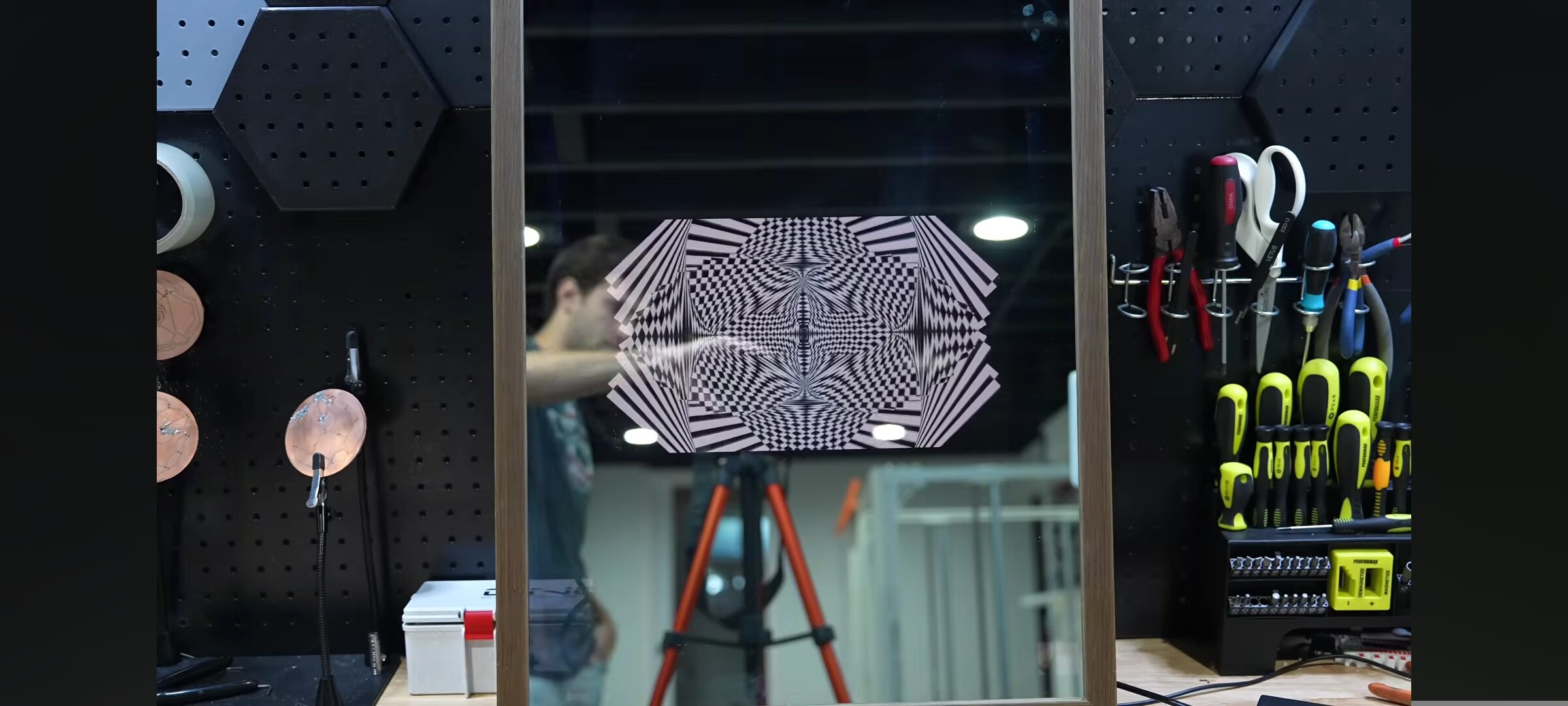
Also art possible
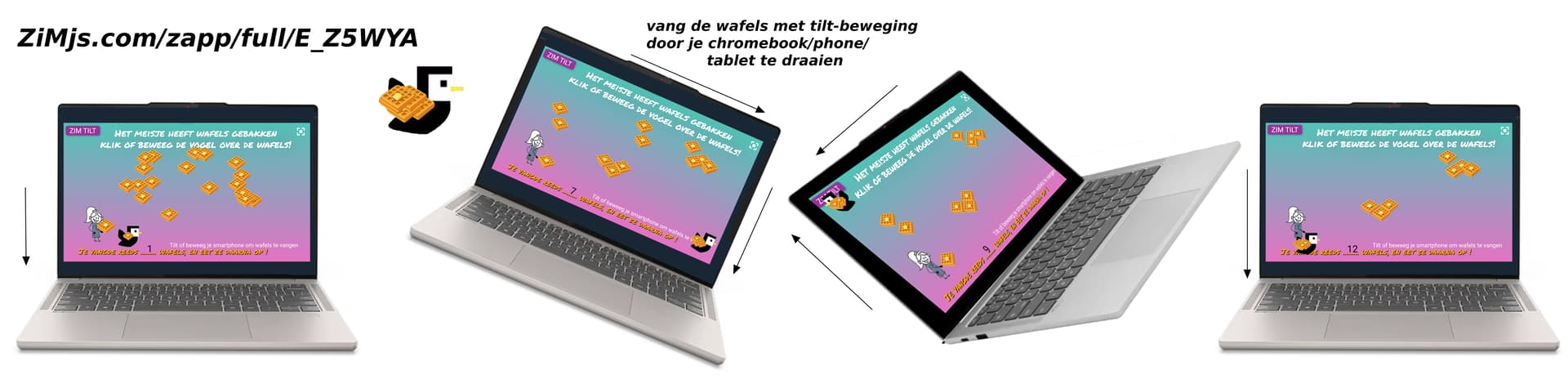
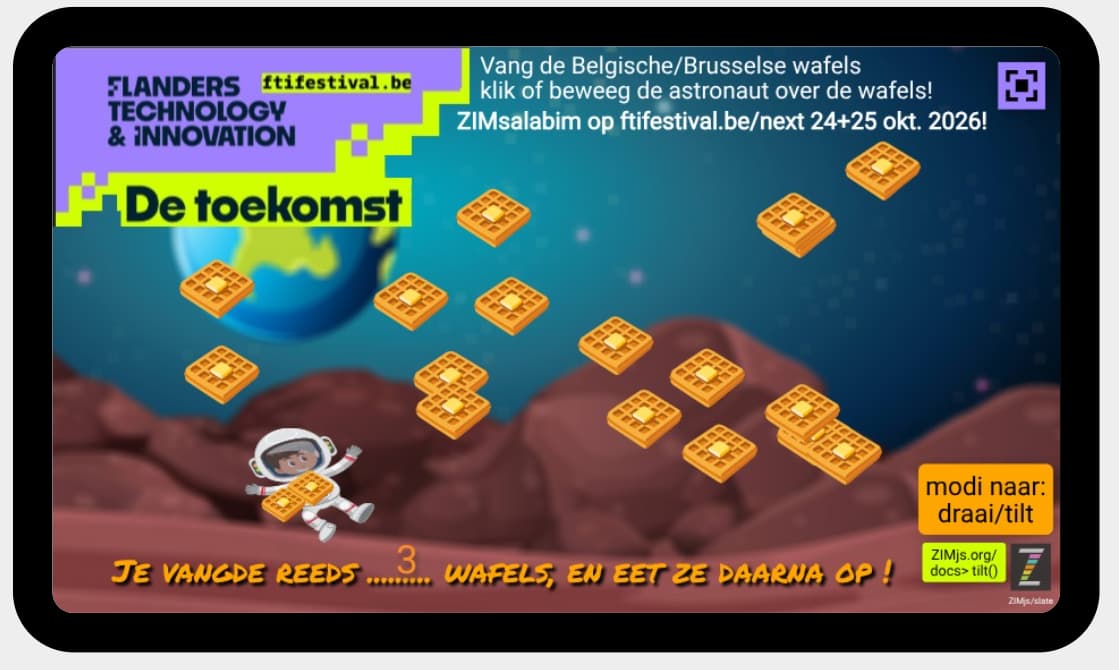
as before I made this tilt, I want to remake it with new code
so catching butterfly for example with tilt
here not with tilt
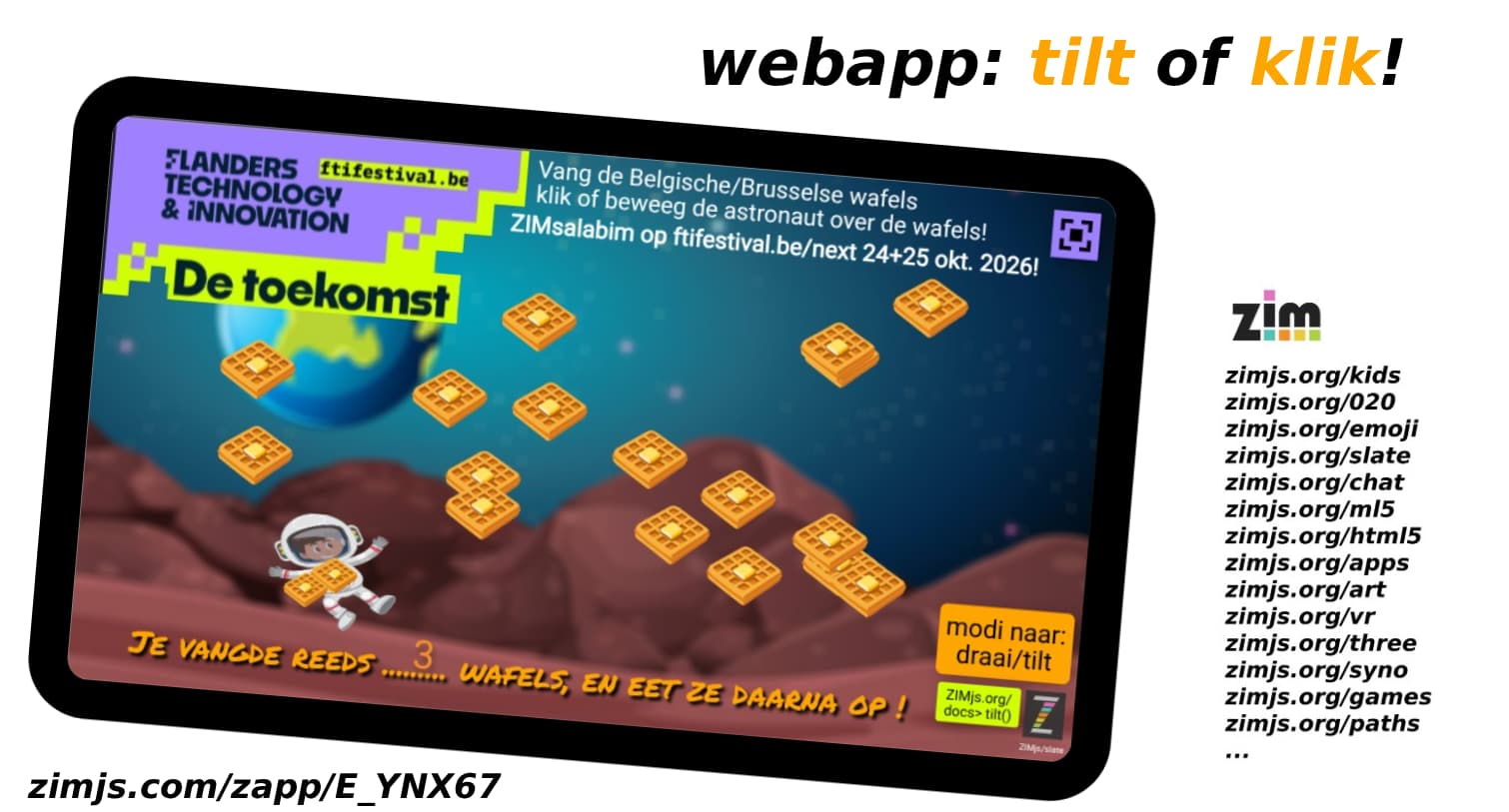
and here the working example with touch and tilt, so kids can play both
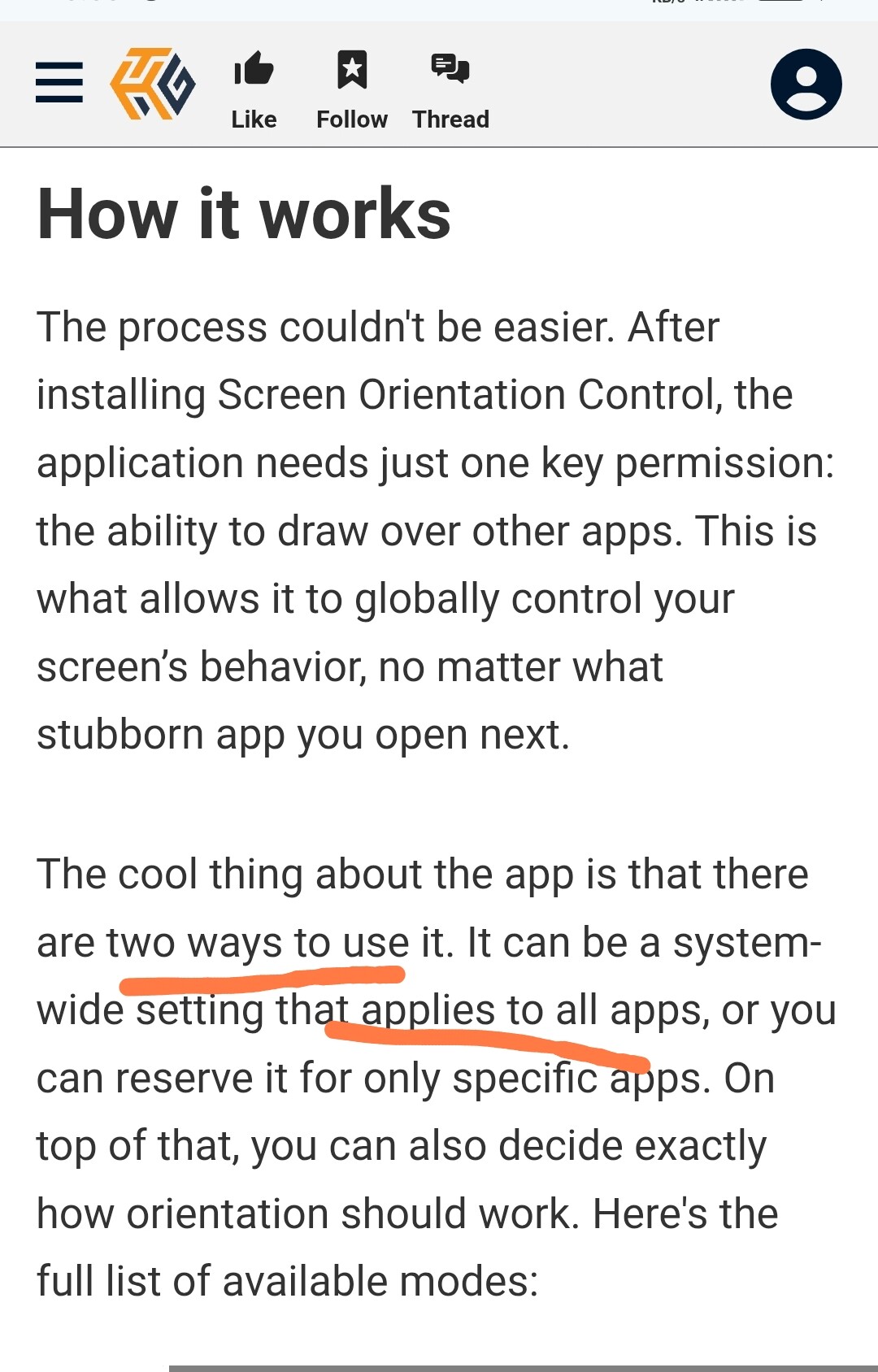
Found screen locking apphttps://www.howtogeek.com/force-android-app-into-landscape-mode-with-this-simple-app/
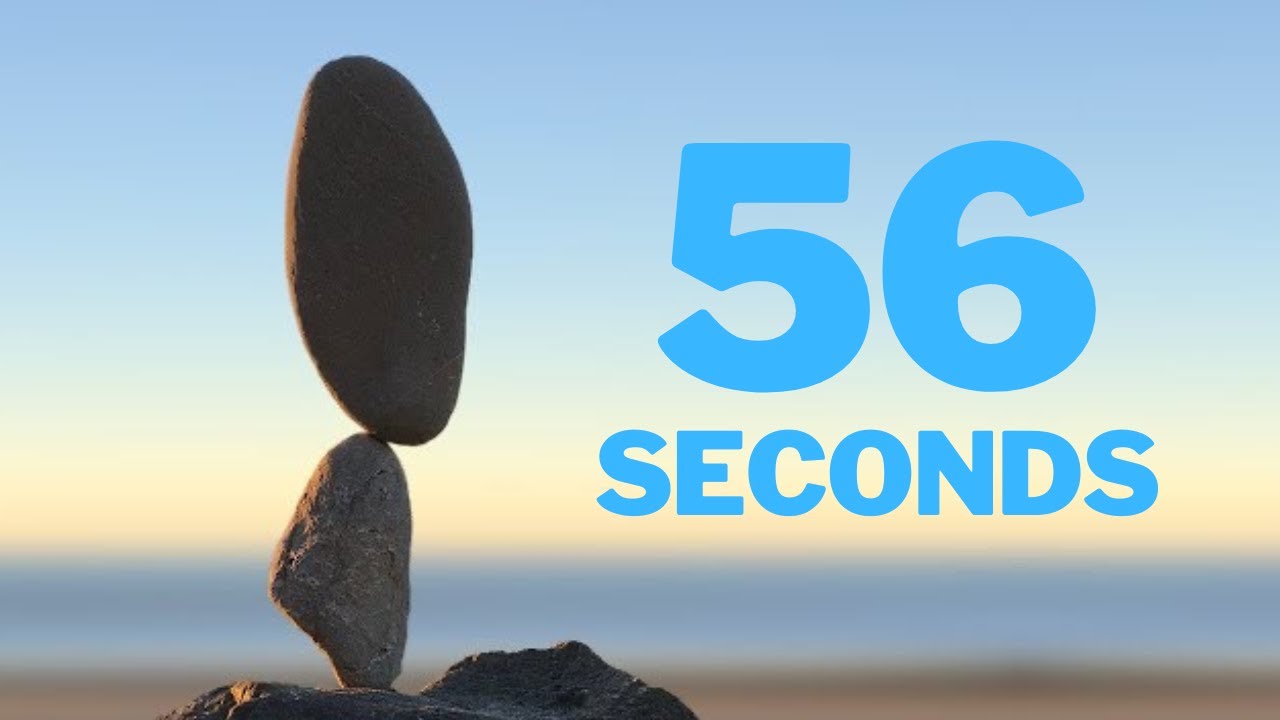
Ziljs physics idea to stone astroids balancing