Hoping to have speech.talk pronounce text with an Italian accent. Doable?
I am not sure... does anyone in @Core know. The one who has worked the most with it is a way on vacation at the moment. I do know that it is an extension of the JavaScript speech API. I have not had a lot of luck with customizing it - I think there was some back and forth in the forum recently - do a search on speech. @EducaSoft were you in on that?
Nope sorry. Karel worked with this also and there is a way to select voices and use one, but.... the speech output depends on what is installed on your computer and even on the browser you use. Since I want consistent and quality speech in my apps I pregenerate it all in .mp3 and use those.
1 Like
Thanks for looking into this. I have created a flash card application, so pregenerating is not a realistic option. It turns out it can be done quite easily in javascript. In its simplest form, as an example:
let utterance = new SpeechSynthesisUtterance("Buongiorno, come stai?");
utterance.lang = "it-IT";
speechSynthesis.speak(utterance);
ZIM Talk() has a lang parameter - does that work for you - we are using JS SpeechSynthesisUtterance(); behind the scene...
talk(text, voice, volume, lang, rate, pitch) - the computer will say the words
	returns an utterance object on which all these parameter can be dynamically set including the words
	note: currently, talk() does not work on mousedown on iOS so use pressup events or set tap to mobileUp:true
	text - the text to say (or see Web Speech API for special formats)
	voice (default "Microsoft David - English (United States)") - the voice
		also see "voiceschanged" event at which point speech.voices will be a list
		the voices do not need to be loaded if using the default voice
	volume (default 1) the volume of the voice
	lang (default user system language) the language of the voice
	rate (default 1) the rate of the voice
	pitch (default 1) the pitch of the voice
Tried that initially but it didn't work. I discovered a bit of javascript to do it, and this works.
let utterance = new SpeechSynthesisUtterance("Buongiorno, come stai?");
utterance.lang = "it-IT";
speechSynthesis.speak(utterance);
So when you noted that you are using the same function, I retried speech.talk, but still no success. (Initially I used "Italian" as the language, but that's a no-no).
When I try this:
const speech = new Speech();
speech.talk("Buongiorno","Luca",1.0, "it-IT");
I get this complaint:
TypeError: The SpeechSynthesisUtterance.voice attribute must be an instance of SpeechSynthesisVoice
Not sure what I'm doing wrong.
maybe it is a bug on our end - l will have a look now.
Did you interact first? This worked for me:
const speech = new Speech();
new Button({label:"Talk"}).center().tap(()=>{
	speech.talk("Buongiorno","Luca",1.0, "it-IT");
});
Actually, sounded quite nice!
Copied your code but still get that TypeError message. I'm running macOS Tahoe 26.6.2. When I do the straight javascript I noted earlier it works just fine.
1 Like
Dr. ZIM, please don't spend a lot of time on this on my account. I can use the javascript. I have a Flash Card app that I did several years ago with ZIM, and I thought that doing text-to-speech would be a nice alternative to just displaying text.
You can see it at Ciao da ITFC
You don't need a password; just tap on "Sign In Please"
1 Like
Oh we don't mind spending some time. I will test on a mac tomorrow. If the JavaScript you used works, we will probably get it to work too. Had not tested on a mac.
Okay - please try a refresh and see if it works for you.
We have tested that when we assign the voice, it is an instance of SpeechSynthesisVoice maybe it did not like null being assigned to it.
Yes! Works for me too. Grazie.
1 Like
Excellent. Thanks for letting us know. Anytime you need something or see something that could be better, we are here.
Cheers.
1 Like
btw, now you don't need to "interact" first, you can just issue "speech.talk" after "new Speech()"
1 Like
hi @jarlook
nice to share your projects,
I did a lot of apps about speech..
but what do you mean with 'yout don't need to 'interact' first'
flipcard = flashcard
also for counting a real flashcard with sound
2.see talking people
in all languages
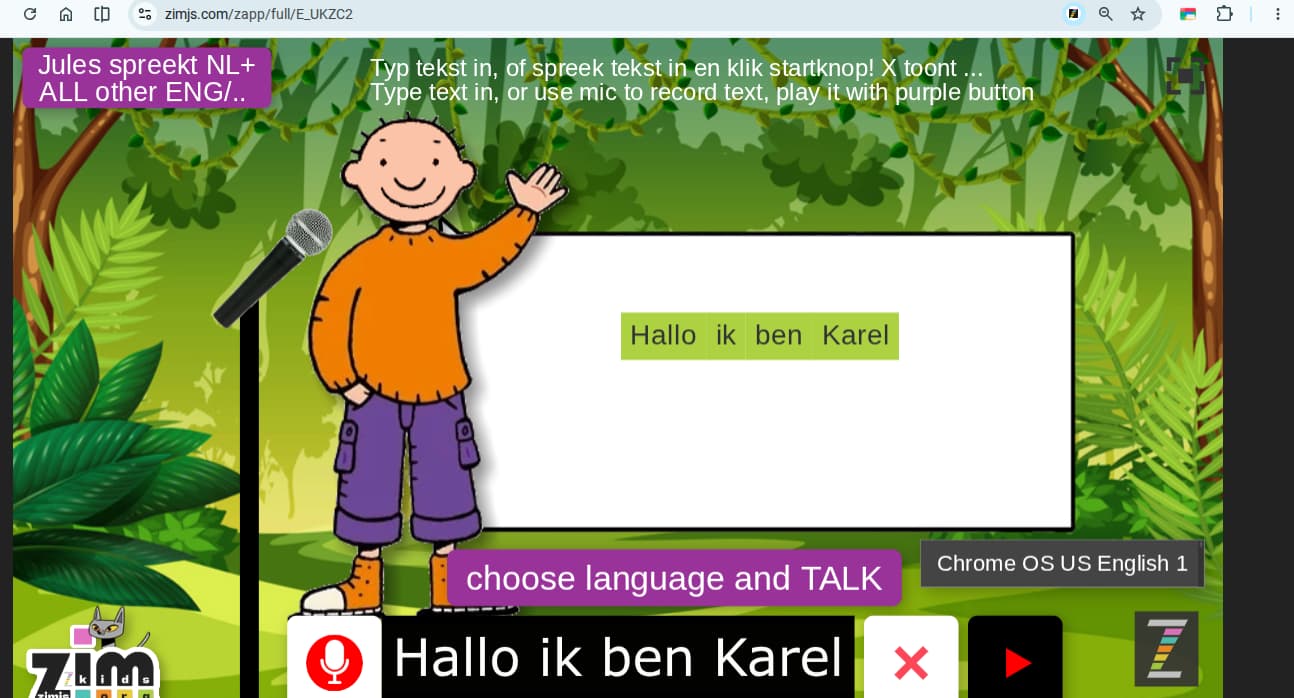
selecting languages correctly
into a pane
animals in dutch pane to choose language
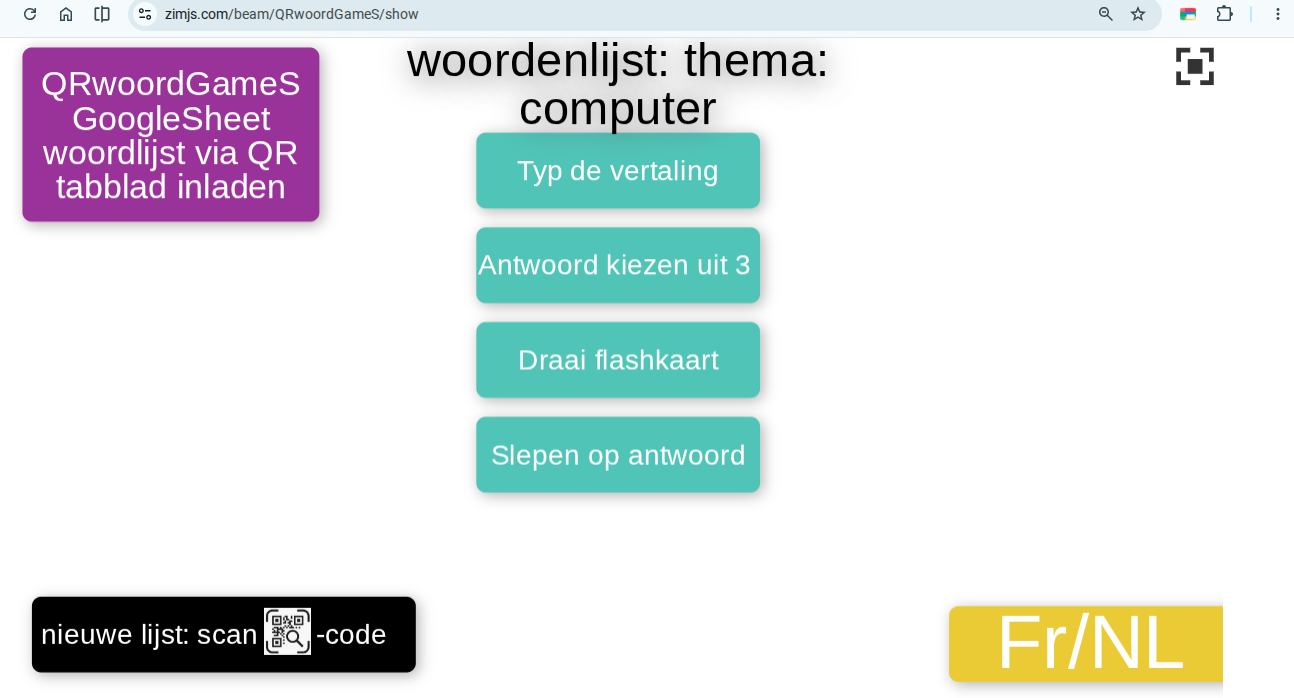
I made also flashing cards system french-dutch
https://zimjs.com/beam/QRwoordGameS/show
I made the idea as game with falling circles you can change color
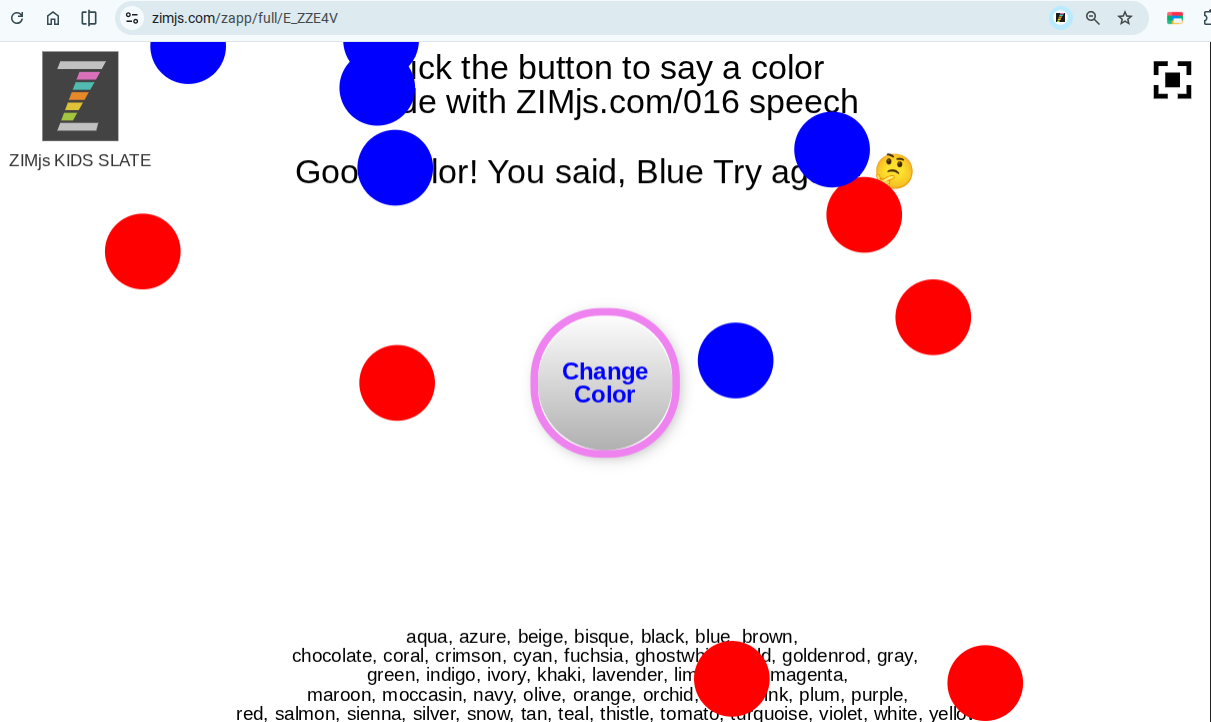
with different emoji falling
as this game idea but with speech
or as this file falling pictures
here if you say a color the colored emoji is showing up
If you look at the examples in ZIM Docs for Speech(), there is this note: “interact at least once before talking”. I took that to mean that something like the Button and .tap in those examples was needed. Perhaps that is a misinterpretation. Regardless, I was able to use speech.talk() directly.
1 Like
Yes - it seems to work right away on my desktop / laptop. Not on Android or iOS - or local on desktop.
Yes, macOS works, iOS and iPadOS don't work directly.