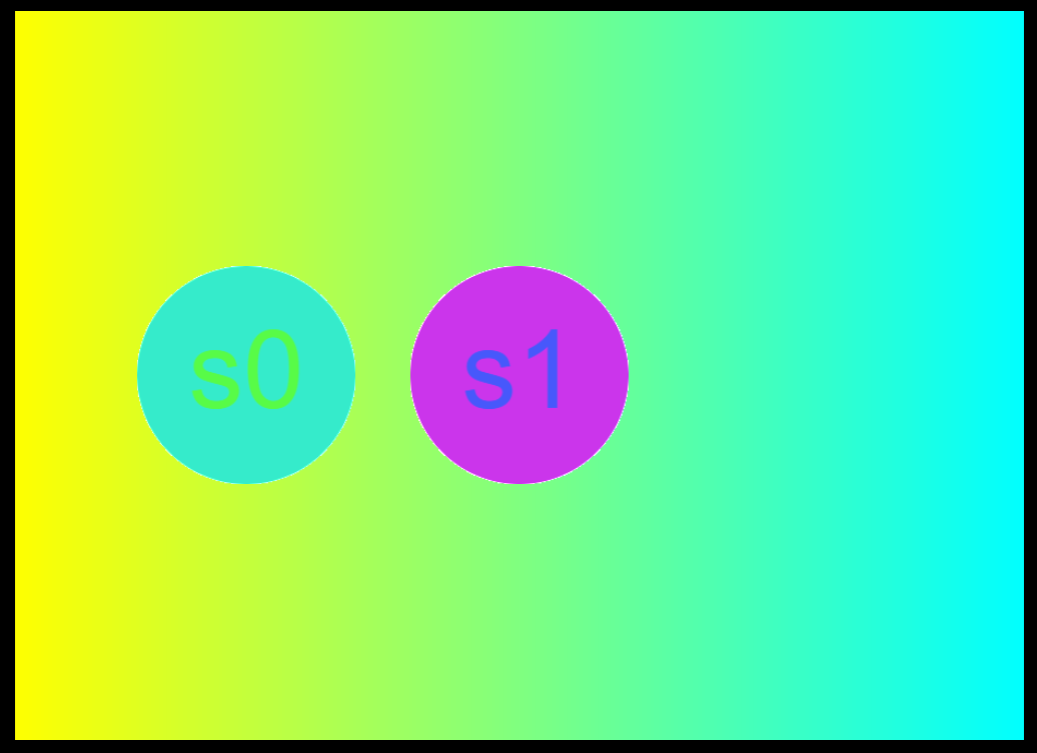
Yan
1
            // VERSION 4 - traditional GLSL 1 format (note version param in Shader)
            const fragment2 = `
void main() {
    gl_FragColor = mix(vec4(1,1,0,1), vec4(0,1,1,1), gl_FragCoord.x/iResolution.x);
    vec2 fragCoord = gl_FragCoord.xy;
    vec4 t = texture(iChannel0, fragCoord.xy/iResolution.xy);
    gl_FragColor = vec4(t.g, t.b, t.r, t.a);
}
`;
            const shader2 = new Shader({
                width: 200,
                height: 200,
                fragment: fragment2,
                version:"",
                channel0: obj.clone()
            }).pos(250, 0, CENTER, CENTER).drag();
i use VERSION 4 - traditional GLSL 1 format fragment,can't show the shader.
where is the problem ?
They work for me - I see them...
Yan
3
    const fragment3 = `
void main() {
    vec2 fragCoord = gl_FragCoord.xy;
    vec4 t = texture(iChannel0, fragCoord.xy/iResolution.xy);
    gl_FragColor = vec4(t.g, t.b, t.r, t.a);
}
`;
    const obj3 = new Circle(100,yellow);
    new Label({text:'s3',size:'100',color:red}).center(obj3)
    const shader3 = new Shader({
        width: 200,
        height: 200,
        fragment: fragment3,
        version: "",
        channel0: obj3
    })
        .pos(250, 0, CENTER, CENTER)
        .drag();
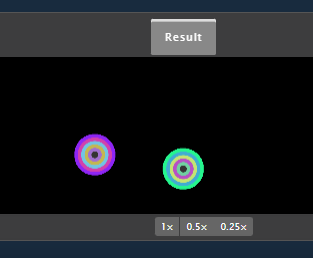
s3 shader not show in my computer
Yan
4
Uncaught Error: Failed to compile. {
"vertexStatus": true,
"fragmentStatus": "ERROR: 0:17: 'texture' : no matching overloaded function found\nERROR: 0:17: '=' : dimension mismatch\nERROR: 0:17: '=' : cannot convert from 'const mediump float' to 'mediump 4-component vector of float'\n\u0000"
}
Oh right - I see it. Getting this error:
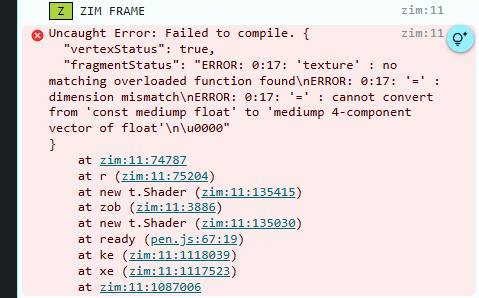
Oh - for GLSL 1, I think you have to use texture2D() not texture()
1 Like