This is a post where we can keep track of any TypeScript typings that are missing or broken. Just let us know down below and we will get them fixed up. Cheers.
TypeScript is usually used with our NPM modules but you can install node.js and npm install zimjs and then in any js file (not HTML file) you will see code hints coming from the typings.
<script lang="ts">
	import zim from "zimjs";
</script>
I get the error: Module '.../workspace/node_modules/.store/zimjs@20.0.9-Kug2sXzeEC6Qge1tIg2TtQ/node_modules/zimjs/ts-src/typings/ZIM/index"' has no default export. ts(1192)
Another approach:
<script lang="ts">
	import { zim } from "zimjs";
</script>
I get the error: 'ZIM' can only be imported by using a default import.
ZIM needs to be in a script type=module I think. Could you try and follow the instructions here https://www.npmjs.com/package/zimjs under NPM in PART A use npm create vite to make your project folder. Then replace the app.js with the sample ZIM code in PART B for vanilla js and either typescript or no typescript. I just went through the process and it worked. If you have any problems, just ask again and we can help.
npm create vite
test
Here I choose Svelte and TypeScript
cd test
npm i zimjs
Open the folder in VSCodium
In App.svelte or main.ts:
import ZIM from 'zimjs' <- Here comes the error above
Hm - perhaps I'm approaching this the wrong way:
In DOCS - ZIM JavaScript Canvas Framework - Documentation there is in ZIM code the function browserZoom() (as example).
How can I use this function?
I thought, I have to add "import ZIM from 'zimjs'"
I am wrong?
I did not try with Svelte... did you see the template we have for Svelte...
And then how to use it here:
Let us know if it still is not working. I have to race now to dance on the beach... but will check in after.
Yes... to use anything in ZIM you would want to import ZIM or the specific class / function. I did not even remember browserZoom and when I went to check it - it was missing from Typescript typings. So just added it in ZIM NPM 20.1.1 so if using it in Typscript - make sure to use the latest version.
Thanks for letting us know. We tested the plain ZIM NPM and it was working. Will try the Svelte one tomorrow afternoon. Again, thanks for letting us know, and we will let you know what we find tomorrow (er... later today)
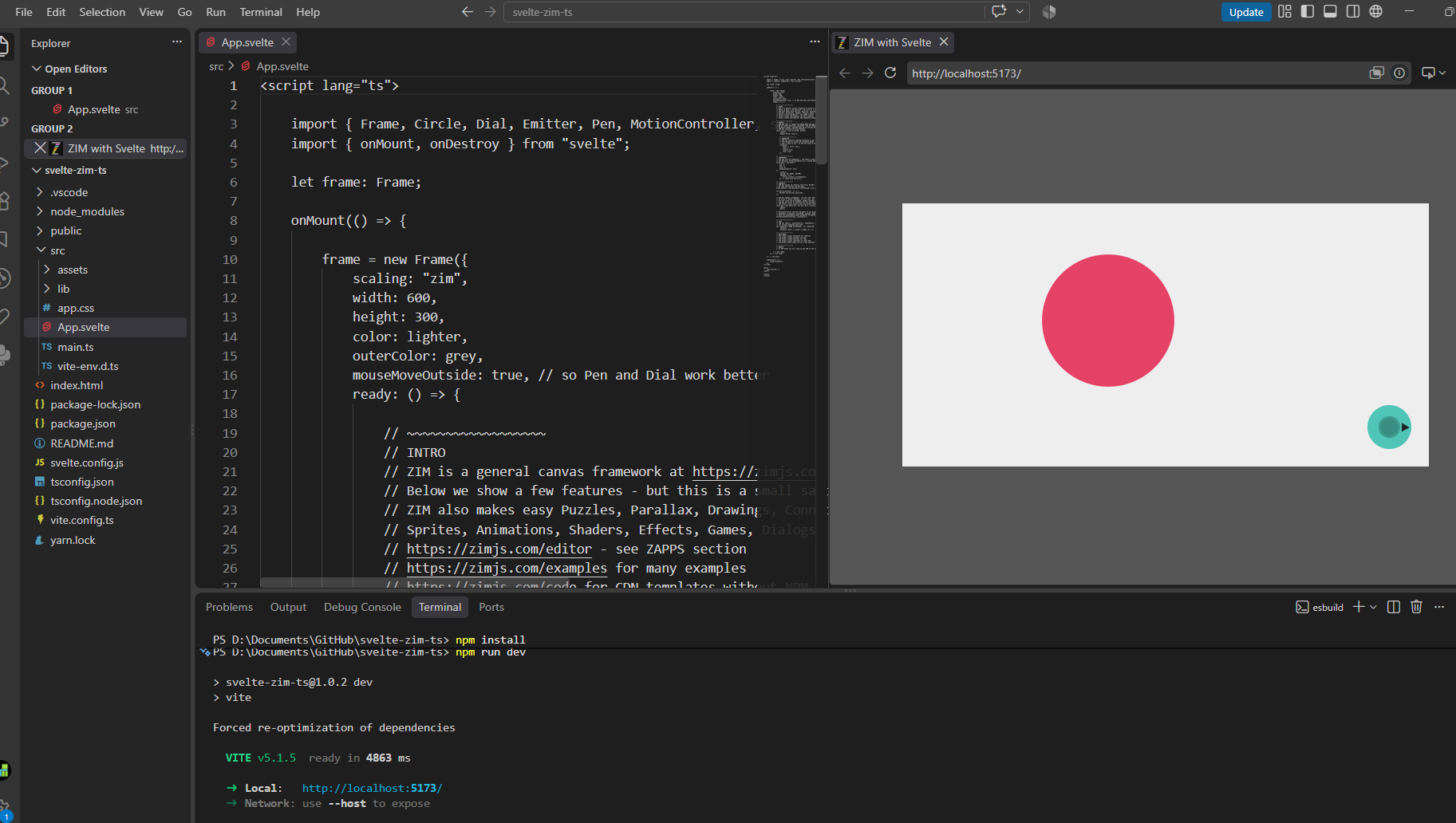
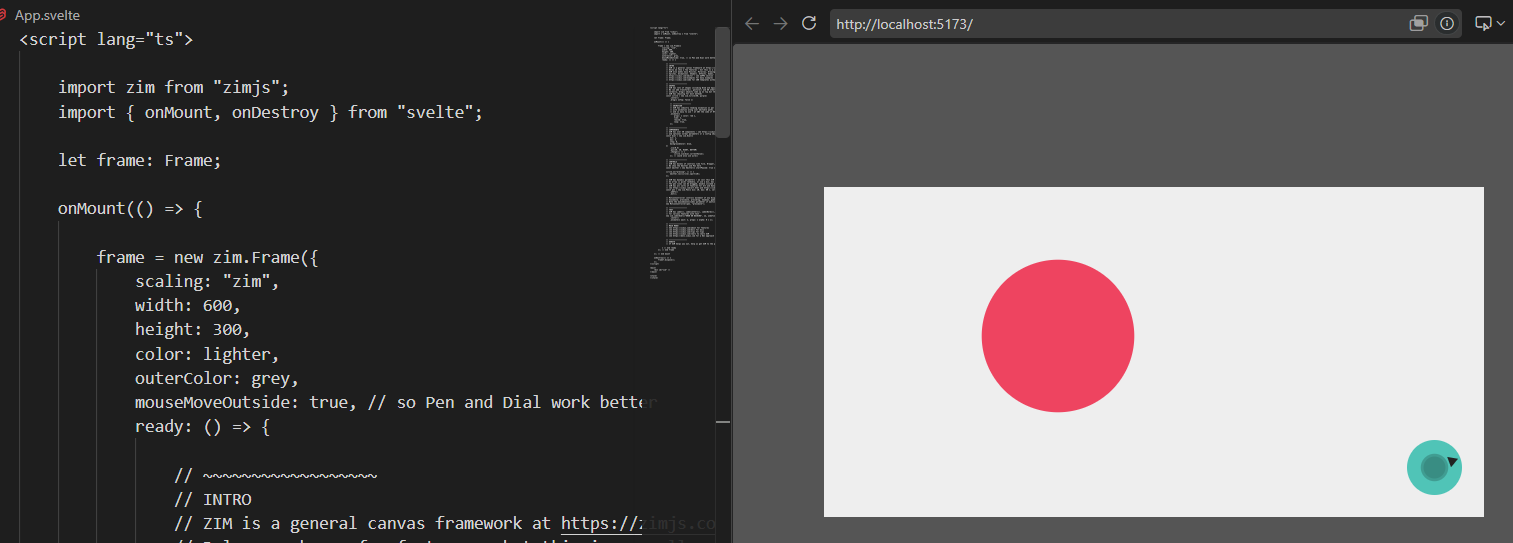
Svelte and ZIM run okay copying the Svelte Template folder, and using npm install and npm run dev. Then I right alt click on the blue link there and it opens the window with ZIM running.
you would then need the namespace in front of ZIM classes, etc. like new z-i-m.Frame (I put the dashes there as small z-i-m gets converted by our forum to ZIM.
If you could take a look and see what might be different with your project... it would be nice to figure it out as it could help others.
Here is a ZIP of my starting folder - I think that is the same as on GitHub svelte-zim-ts.zip (37.0 KB)