I found out gamma.app can make nice presentations today.
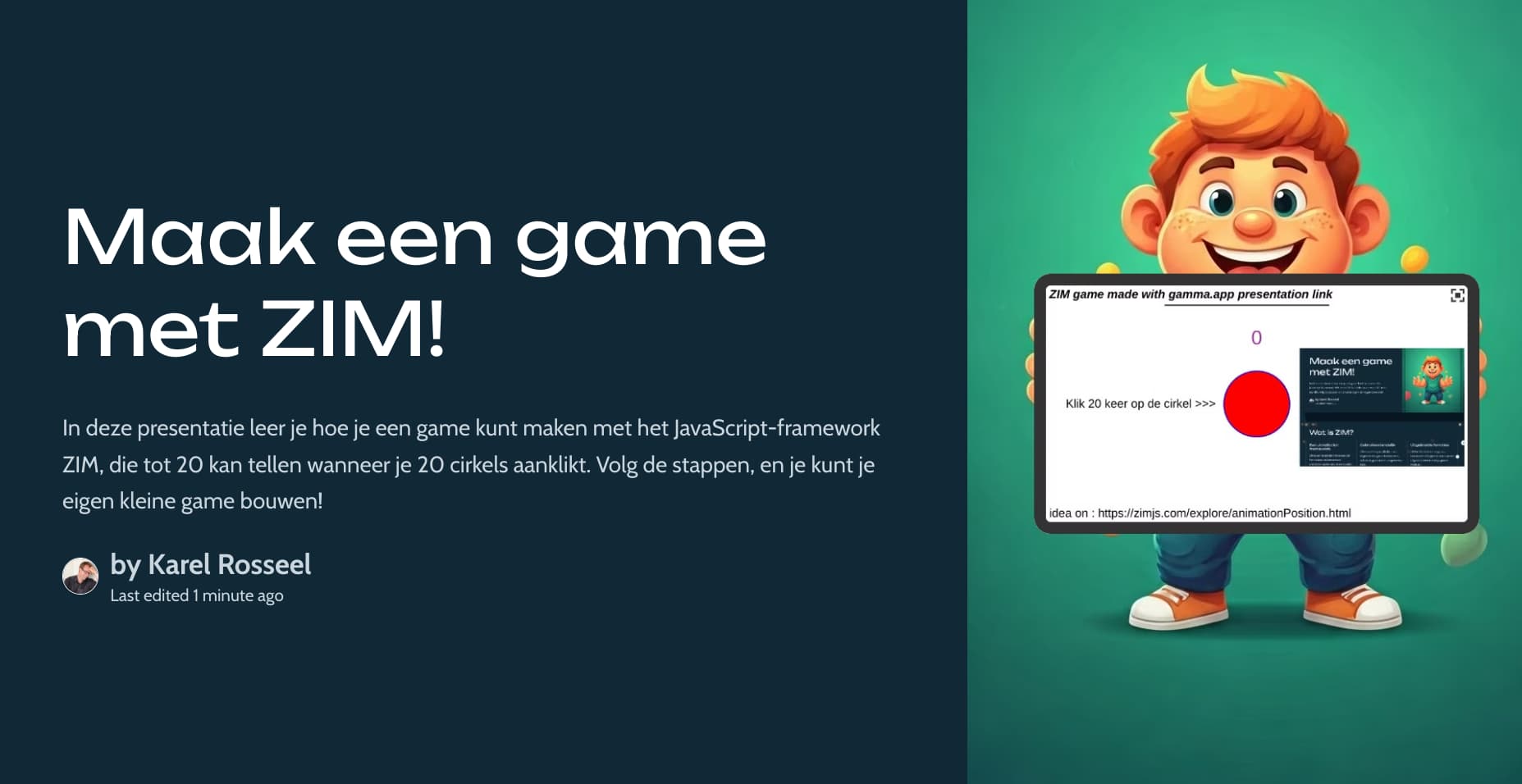
So I tested "make a 10 slides long presentation with a ZIM game where you can click a circle 20 times with counter' (in Dutch)
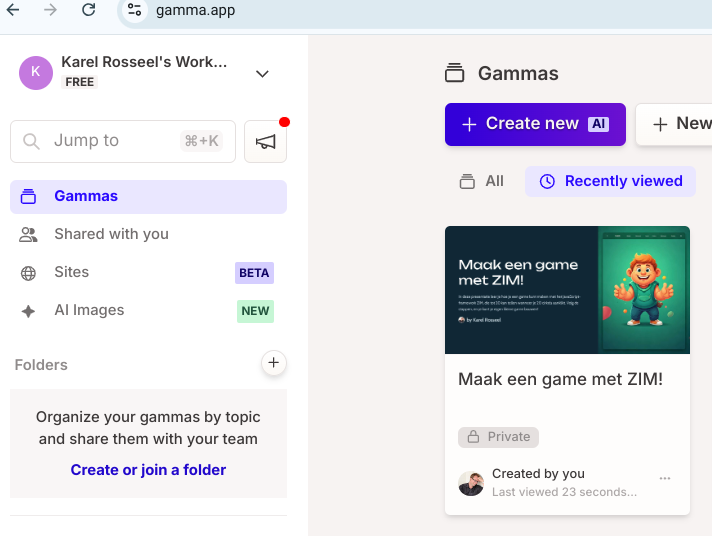
https://gamma.app/docs/Maak-een-game-met-ZIM-4lm10a8yp9682ou
so this looks nice to start but the code was not correct..
F.color=white;

let cirkel = new Circle(100, "red", "blue",3).center().cur();

var teller=  new Label({text:"0", size:60, color:purple, align:CENTER}).pos(0,130,CENTER,TOP).drag(S);

cirkel.on("click", ()=> {
     //teller.text =  teller.text + " 1 ";
       teller.text++ ;
        S.update();
    // make text red when 5 numbers are to go
    if (teller.text >= 15 ) {
        teller.backgroundColor = red;
        teller.color=white;
    }

        if (teller.text >= 20) { // Afsluitende actie
             new Pane("Goed gedaan!\n\nRESET").show(()=>{
                 window.location.reload("Refresh")});
             S.update()
       }
  });
idea also on https://zimjs.com/explore/animationPosition.html
and game
GreetZ Karel