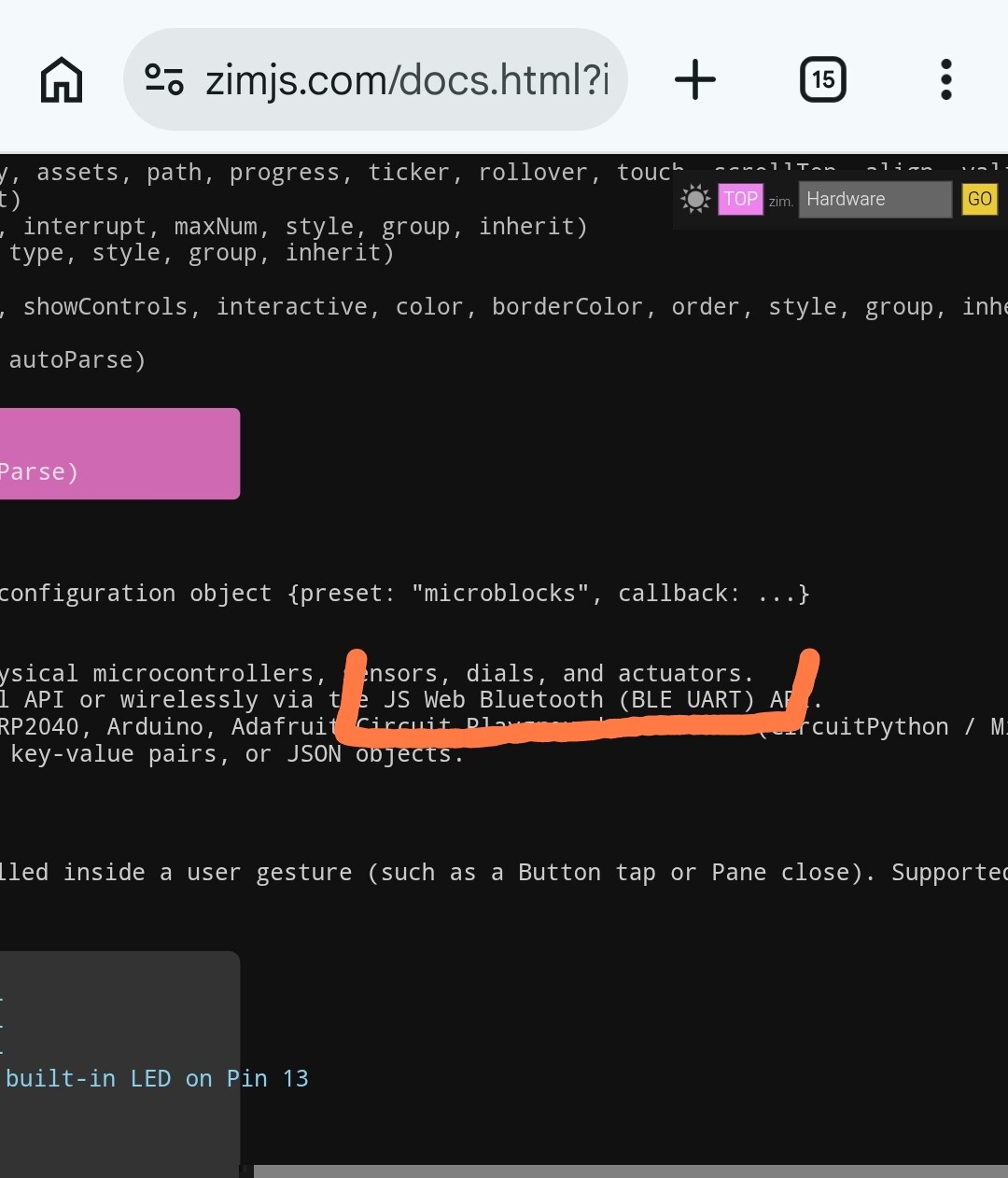
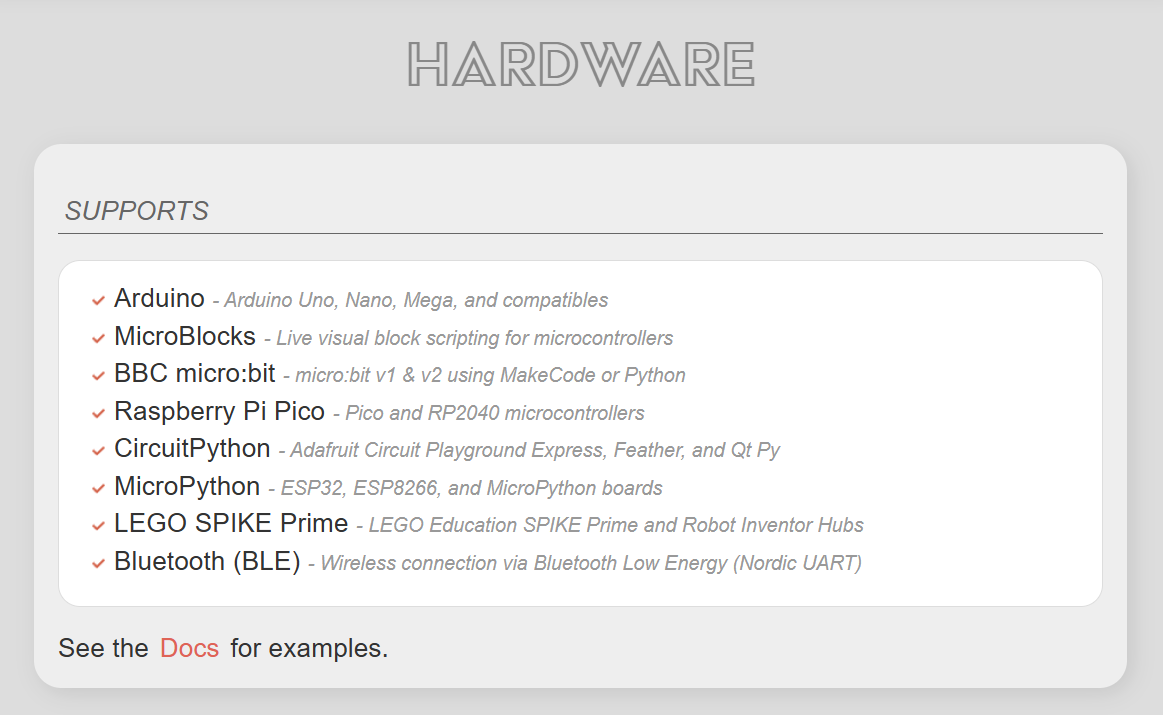
ZIM Hardware() now supports different devices. If you test any - let us know how it goes. We have tested the Arduino. And will look into testing the others in simulators.
// DEFAULT (ARDUINO)
const device = new Hardware(data => { ... }); // Defaults to Arduino @ 9600 baud

// ARDUINO
const arduino = new Hardware("arduino", data => { ... }); // Arduino Uno, Nano, Mega, etc. @ 9600 baud

// MICROBLOCKS
const hw = new Hardware("microblocks", data => { ... }); // MicroBlocks live block scripting @ 115200 baud

// BBC MICRO:BIT
const mb = new Hardware("microbit", data => { ... }); // BBC micro:bit v1 & v2 (MakeCode / Python) @ 115200 baud

// RASPBERRY PI PICO
const pico = new Hardware("pico", data => { ... }); // Raspberry Pi Pico & RP2040 boards @ 115200 baud

// CIRCUITPYTHON (ADAFRUIT)
const cp = new Hardware("circuitpython", data => { ... }); // Circuit Playground, Feather, Qt Py, etc. @ 115200 baud

// MICROPYTHON
const mp = new Hardware("micropython", data => { ... }); // ESP32, ESP8266, MicroPython boards @ 115200 baud

// LEGO EDUCATION
const spike = new Hardware("spike", data => { ... }); // LEGO SPIKE Prime & Robot Inventor Hubs @ 115200 baud
const lego = new Hardware("lego", data => { ... });  // LEGO Education hubs @ 115200 baud

// WIRELESS WEB BLUETOOTH (BLE UART)
const ble = new Hardware("ble", data => { ... }); // Wireless Nordic UART (micro:bit, ESP32, Bluefruit)
const bt = new Hardware("bluetooth", data => { ... }); // Wireless Web Bluetooth UART
This was AI coded. It is about to support the different devices was from 1K to 3K