ZIM Zapp Directives
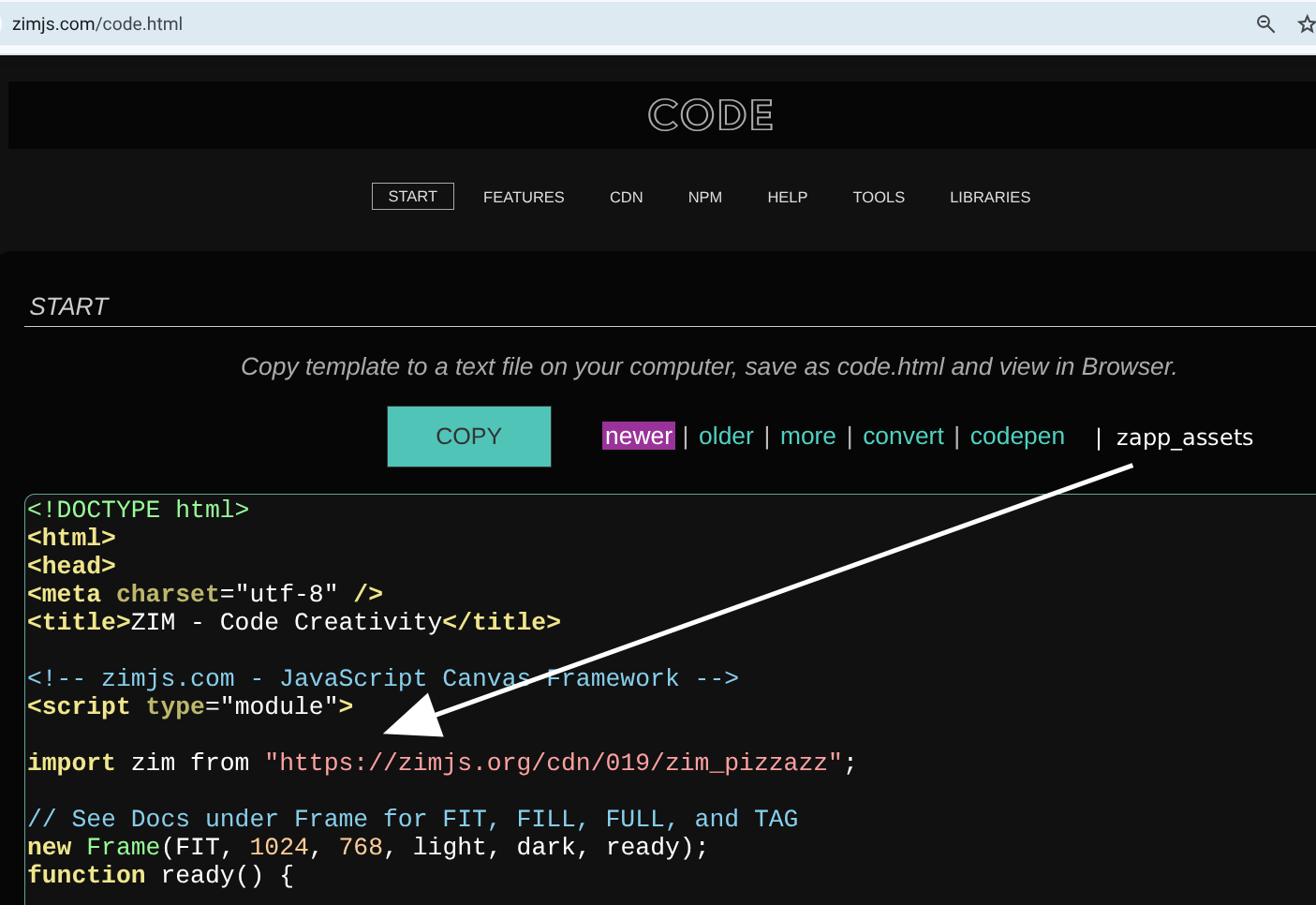
Previously, Zapp directives like F.zapp_assets worked only in the ZIM Editor and Slate. The directives have been changed to no longer use the F but instead use global variables zapp_assets, etc. The ZIM Frame now accepts these globals and overrides any matching frame parameters.
This makes it easier to copy code from the Editor and Slate into the ZIM template code. The zapp directives must be moved up above the Frame() call.
The older F.zapp directives still work in the Editor and Slate - but not in the ZIM template.
ZAPP DIRECTIVES
- zapp_scaling
- zapp_width
- zapp_height
- zapp_color
- zapp_outerColor
- zapp_assets
- zapp_path
- zapp_progress
- zapp_gpu
- zapp_gpuObj
- zapp_maxNum
- zapp_singleTouch
// A. In the Editor or Slate use:
zapp_color = black;
zapp_assets = "cards.png"; // must be on one line
zapp_path = "htt ps://zimjs.org/assets/";

// the Frame color will be black and the asset preloaded
new Sprite("cards.png",13,4).center();


// B. In the ZIM Template use:
zapp_color = black;
zapp_assets = "cards.png";
zapp_path = "htt ps://zimjs.org/assets/";

new Frame(FIT, 1024, 768, light, dark, ready);
function ready() {
    // The frame color will be black as the zapp_color overrides the light.
    // The Sprite will be preloaded.
    // Any assets in the Frame parameters will NOT be loaded
    // as the zapp_assets overrides them.
    // They could be merged, but there should be no reason for doing both.
    new Sprite("cards.png",13,4).center();
}
 where can I find the ZIM_template?