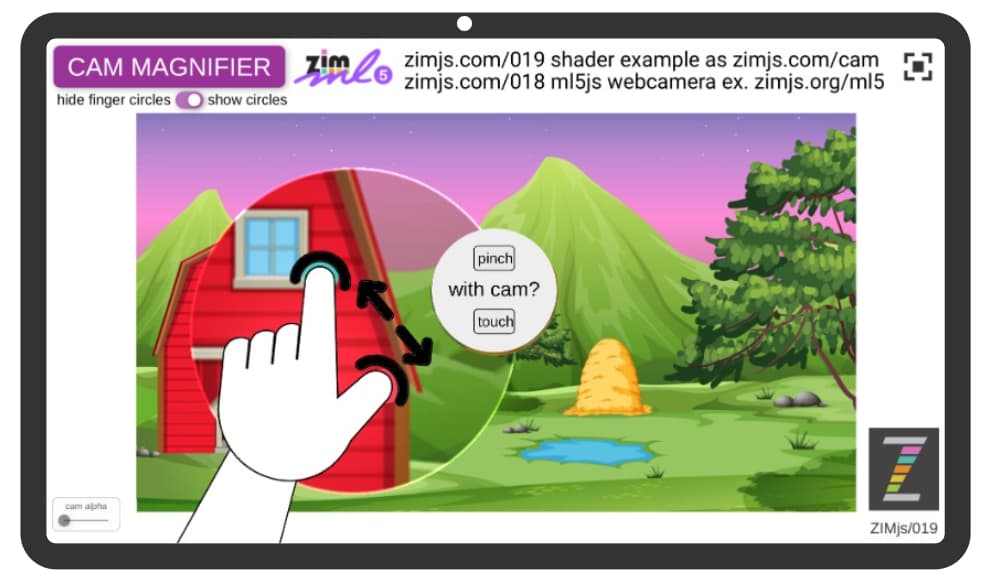
how cool with zooming shader of 019
magnifier works with cam to make bigger and smaller
I now have all colored fingers
and diamond shape that can turn the middel picture
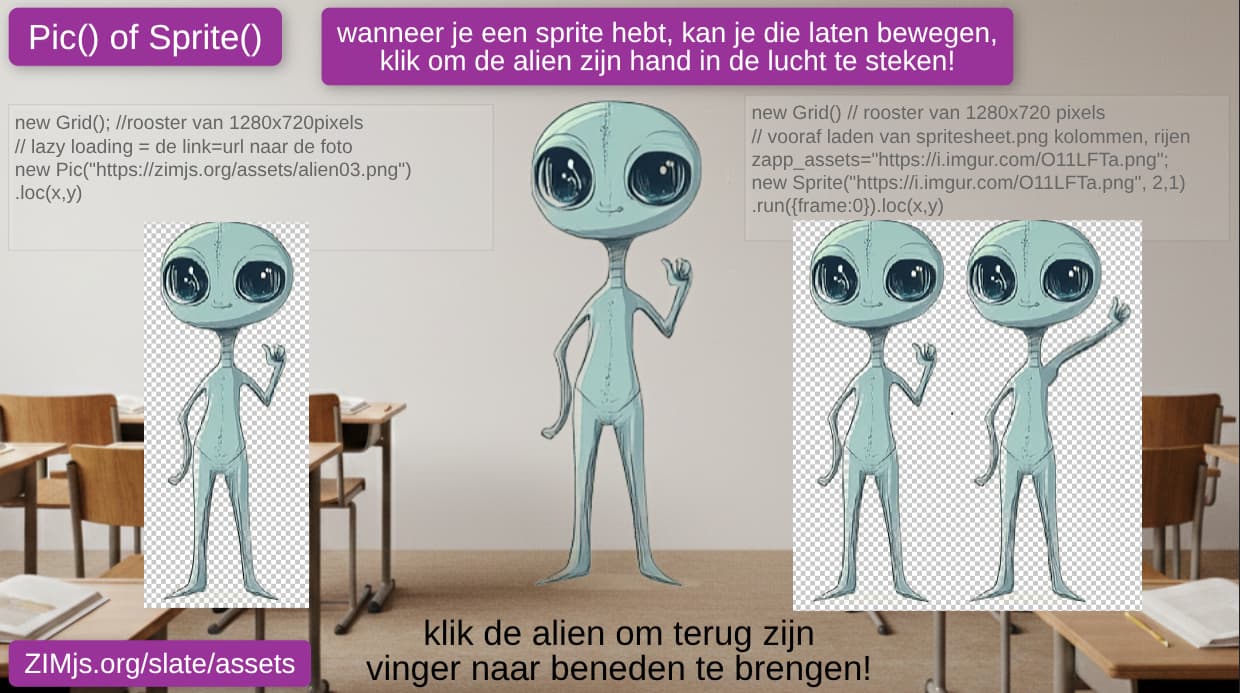
I like the sprite fruit,
now kids can play around also without the external fruit.json, I integrated it
/// this code comes from https://zimjs.com/assets/fruit.json
 var fruitJson =  {
                    images: [
                        "fruit.png"
                    ],
                    frames: [
                        [1, 1, 100, 66, 0, 0, 0], // array-number [0]
                        [103, 1, 77, 92, 0, -2, -2], // array-number [1]
                        [1, 95, 83, 92, 0, -3, -2], // array-number [2]
                        [86, 95, 79, 98, 0, -9, 0],// array-number [3]
                        [1, 195, 90, 91, 0, -4, -2],// array-number [4]
                        [93, 195, 95, 94, 0, -1, 0],// array-number [5]
                        [1, 291, 81, 111, 0, -4, 0],// array-number [6]
                        [84, 291, 93, 105, 0, -2, -3]// array-number [7]
                    ],

                    animations: {
                        "melon": { frames: [0] },
                        "apple": { frames: [1] },
                        "orange": { frames: [2] },
                        "avacado": { frames: [3] },
                        "grapefruit": { frames: [4] },
                        "cherries": { frames: [5] },
                        "papya": { frames: [6] },
                        "strawberry": { frames: [7] }
                    },

};

     var apple = new Sprite({json:fruitJson, label:"apple"}) //asset("fruit.json")
        .reg(CENTER).pos(350,100,RIGHT,TOP);
        //.animate({scale:1}, 2, "elasticOut");
you can test the total zapp at
and here
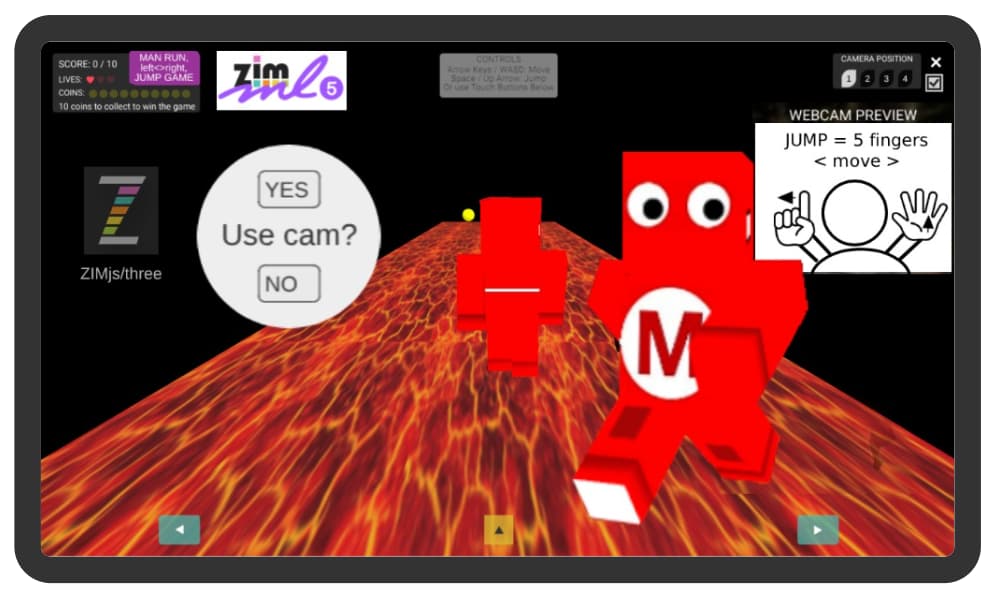
happy with my new minecraft lava game , the lava moves, and you can jump over it, I will introduce it on https://makerfaireGent.be
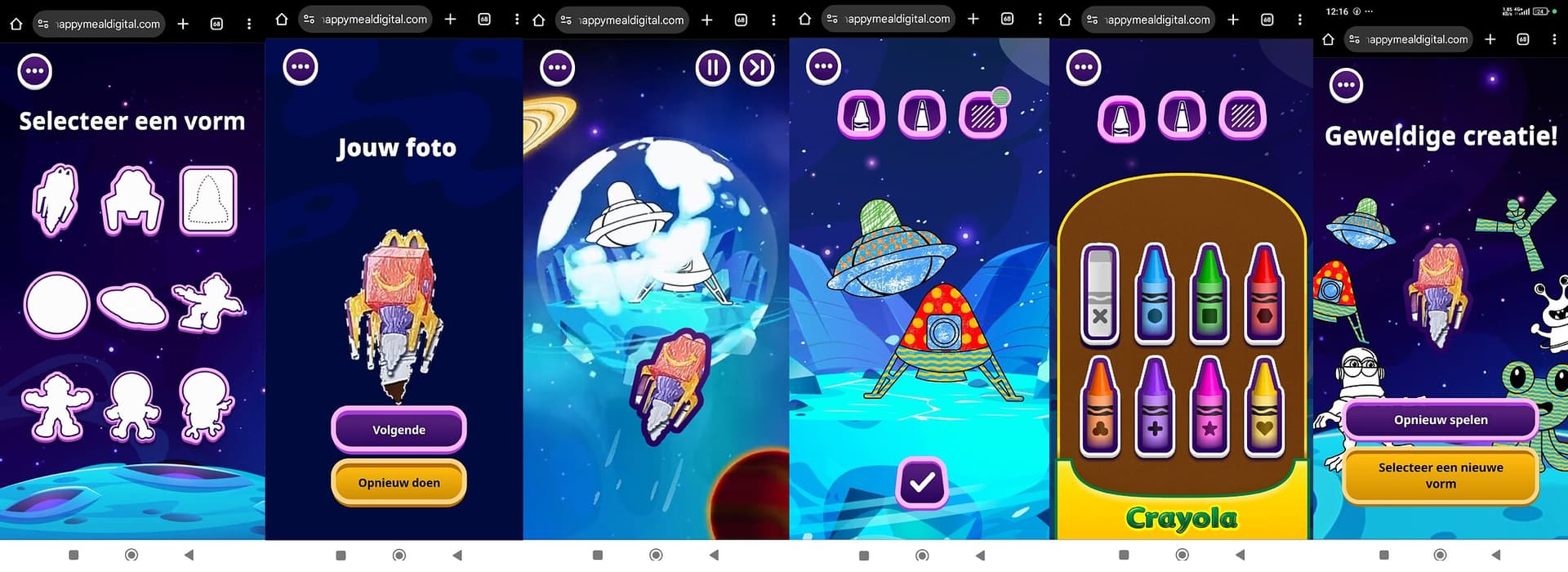
happy meal is now with the cam..
picture into a mask
choose, take a picture, color, full with pattern, see all drawing afterwards
should be ZIM code?
https://cy29661.happymealdigital.com/?locale=fr_BE
as this app was ariginal also for landscape,
it can also be portrait
all peope are talking about CANVA = vibecoding games
but where are the kids , and the jobs to learn ooding?
look to this post on linkedin
I converted to several numbers with pane + random numbers again
and multiple games with numbers
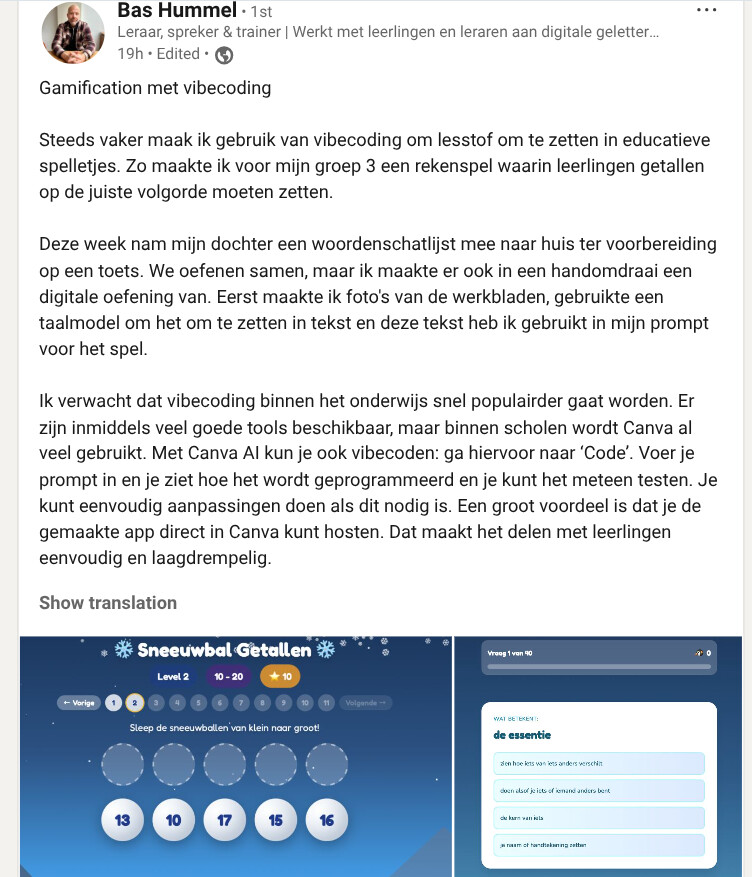
Gamification with Vibe Coding
I'm increasingly using vibe coding to transform lesson materials into educational games. For example, I created a math game for my third-grade class where students have to put numbers in the correct order.
This week, my daughter brought home a vocabulary list to prepare for a test. We practice together, but I also quickly turned it into a digital exercise. First, I took photos of the worksheets, used a language model to convert them into text, and then used this text in my prompt for the game.
I expect vibe coding to quickly become more popular in education. Many good tools are now available, but Canva is already widely used in schools. You can also vibe code with Canva AI: go to "Code." Enter your prompt and you'll see how it's coded and can test it immediately. You can easily make adjustments if necessary. A major advantage is that you can host the created app directly in Canva. This makes sharing it with students simple and accessible.
as I asked to Dan and he helped me.. now 6 years later all teacher are searching for games
my first thing I wanted to be able to make and understand this
as
I made this 'joepie' when match is correct
other idea with border around number
as https://zimjs.com/elearning has
see
and
I made this
I made already several with speech()
word on colored shape with connected picture
with the webcam ml5js
and also with robots to connect to colors
it seems many teachers are searching for the code.. and now are start vibecoding..
colors connecting from picture to shape
and multiple pages
even this
I made this for the workshop tomorrow at tajo.be
I made this for the kids also using zapp_ always
We'd like to ask you to take one minute to introduce yourself at the start of the day. This way, the TAJO youth will know which guest instructors are leading workshops. Tell our youth your name, your profession/passion, and what you'd like them to experience today. Do this in a stimulating way. How? It's entirely up to you, but here are some examples.
Talents?
Do you recognize talents in the young people that are specific to your profession/passion? Identify the specific observable behavior you see and connect it to your passion/expertise/profession.
in summer with beachball
multiple balls
and soccerball
https://youtube.com/playlist?list=PLTR8zrKWyBqhwQt80J_NNcLRRy6cCU31U&si=Dz6zDXC0IV6FnxhC
found this
kids are wizards, learn to tile pictures from a sprite with frame:number , size:number
using ai_tips.png into a tile (not a loop) I need to clone() each time the asset
and example with ai_asteroids into a tile (not a loop) I need to clone() each time the asset
https://zimjs.org/assets/E_5JVHD
as the snowballs where appearning directly with a loop
I also have the asteroids into a line
from Scratch to ZIM https://www.youtube.com/playlist?list=PLpfxVARjkP-8C0jPzeeAwwQMWDhBLJnzl
found via X
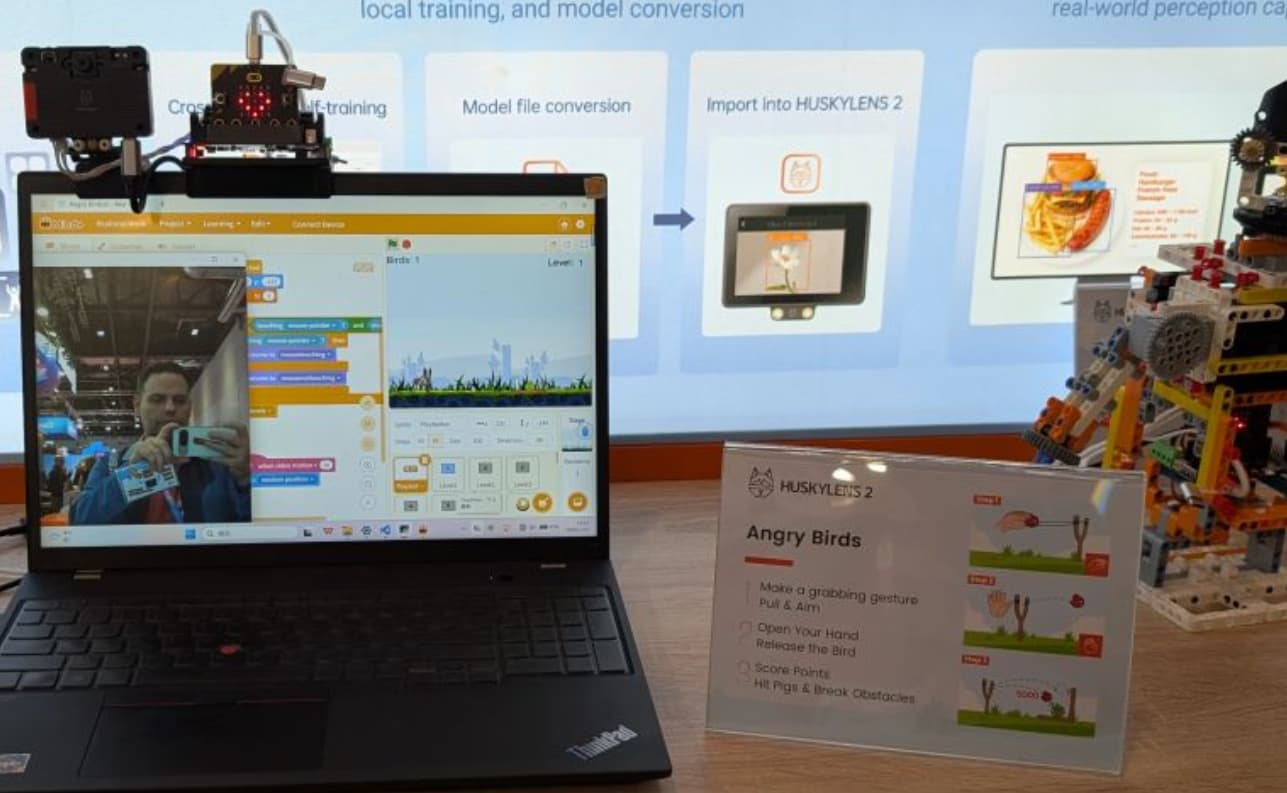
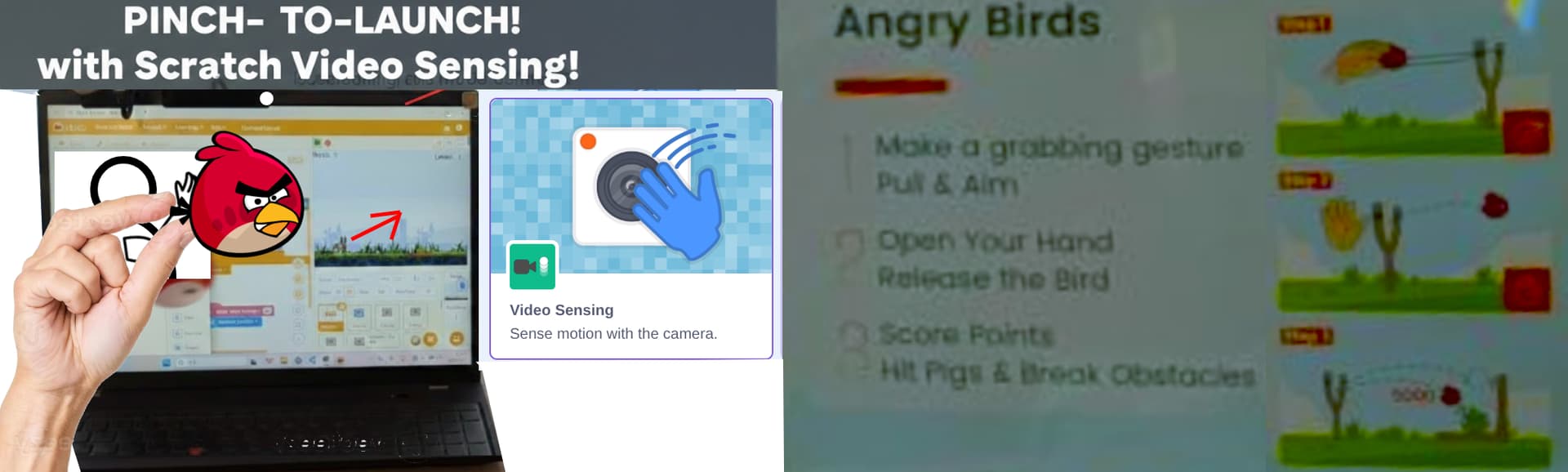
how cool in Scratch sensor, also grabbing and shooting angry birds is possible
making it in ZIM ml5js also possible
angry bird projects
https://scratch.mit.edu/studios/32076232
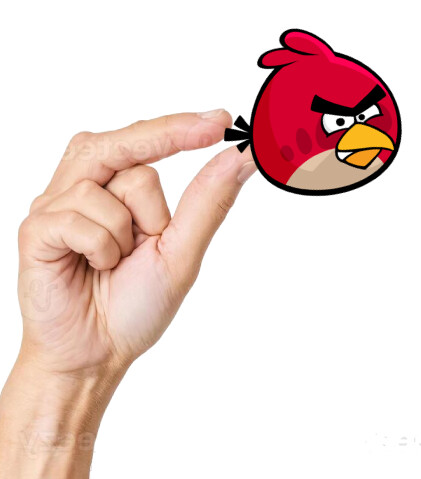
should be possible with ZIM physics?
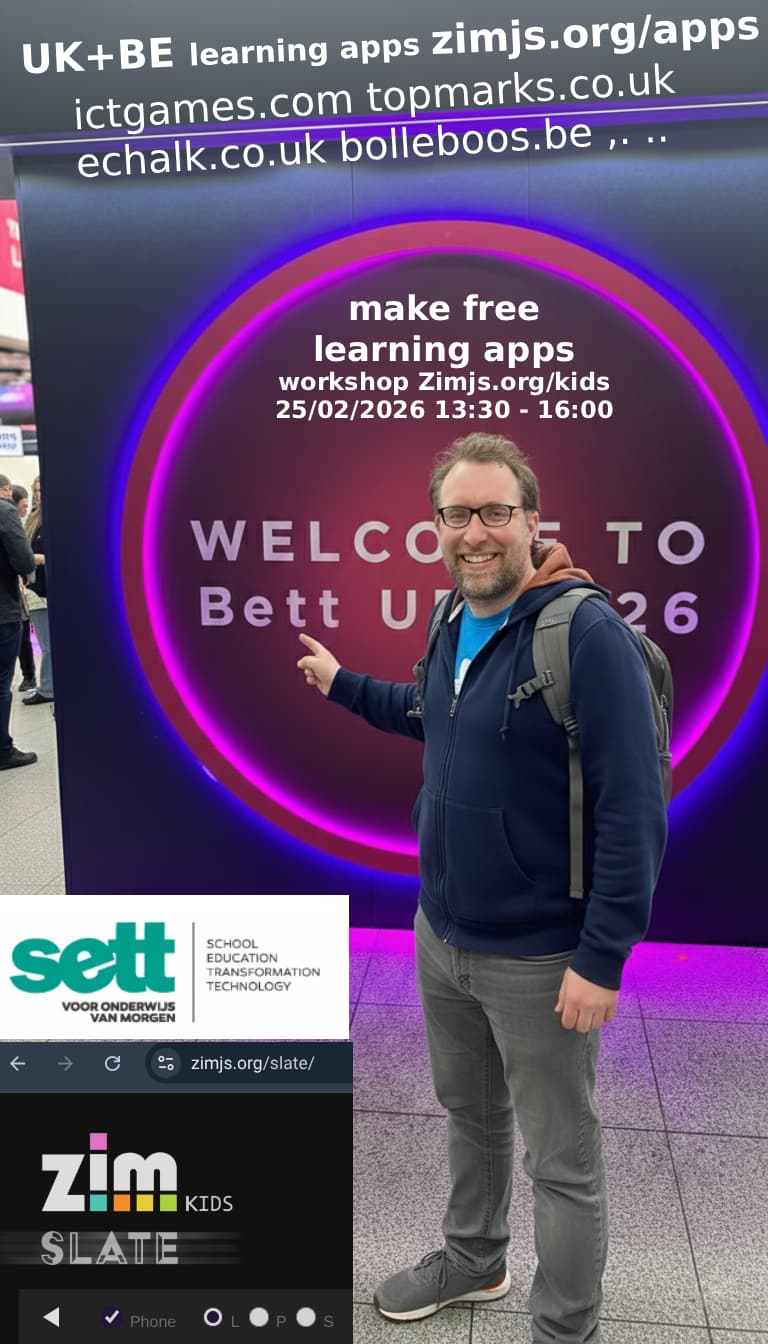
ready to make next appointment SEtt
proud I can make https://zimjs.org/puzzle jigsaw with my kids pictures
and
reference to working on codepen https://codepen.io/danzen/pen/rNjQWRY
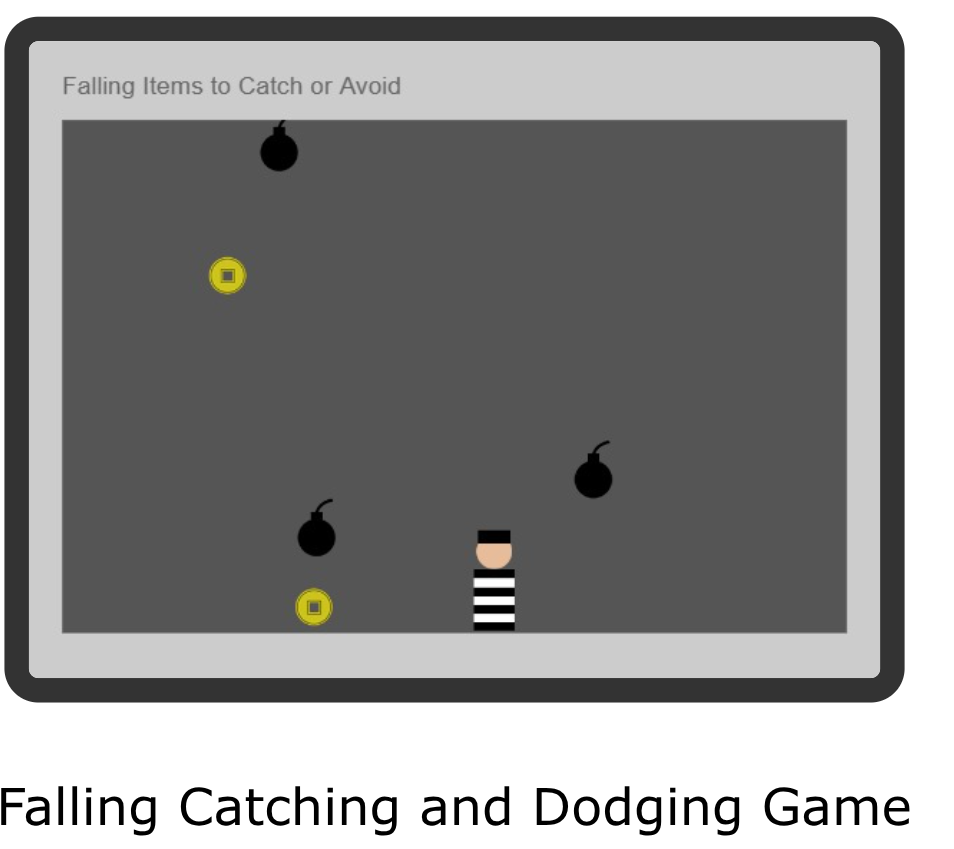
I made a game with pirates and falling bombs (explosion is only a picture of a star here), based on basic example of bits https://zimjs.com/bits/view/falling.html
you can navigate on 3 methods (not yet the cam)
explosions here are with a sprite Dutch
comes from original of Dan English
and reChoose() function
without information about emitter,
kids>explosion level1 with sprite ai_asteroids
https://zimjs.org/zapp/E_AMUAUµ
kids>explosion level2 with sprite ai_asteroids = game
https://zimjs.org/assets/E_59VET
kids>explosions level3 (+info kids no moving backing) + sprite explosion.png + boom.mp3
and with moving backing and info to go to kids
ZAPP: ZIM/kids/explosion level3: Sprite(ai_asteroids.png)+Emitter() (GAME NL) | ZIM JavaScript Canvas Framework
I have also made ZONG again with leaderboard and arrows to move
I learn kids how to navigate with ZIM game in tile : full game on
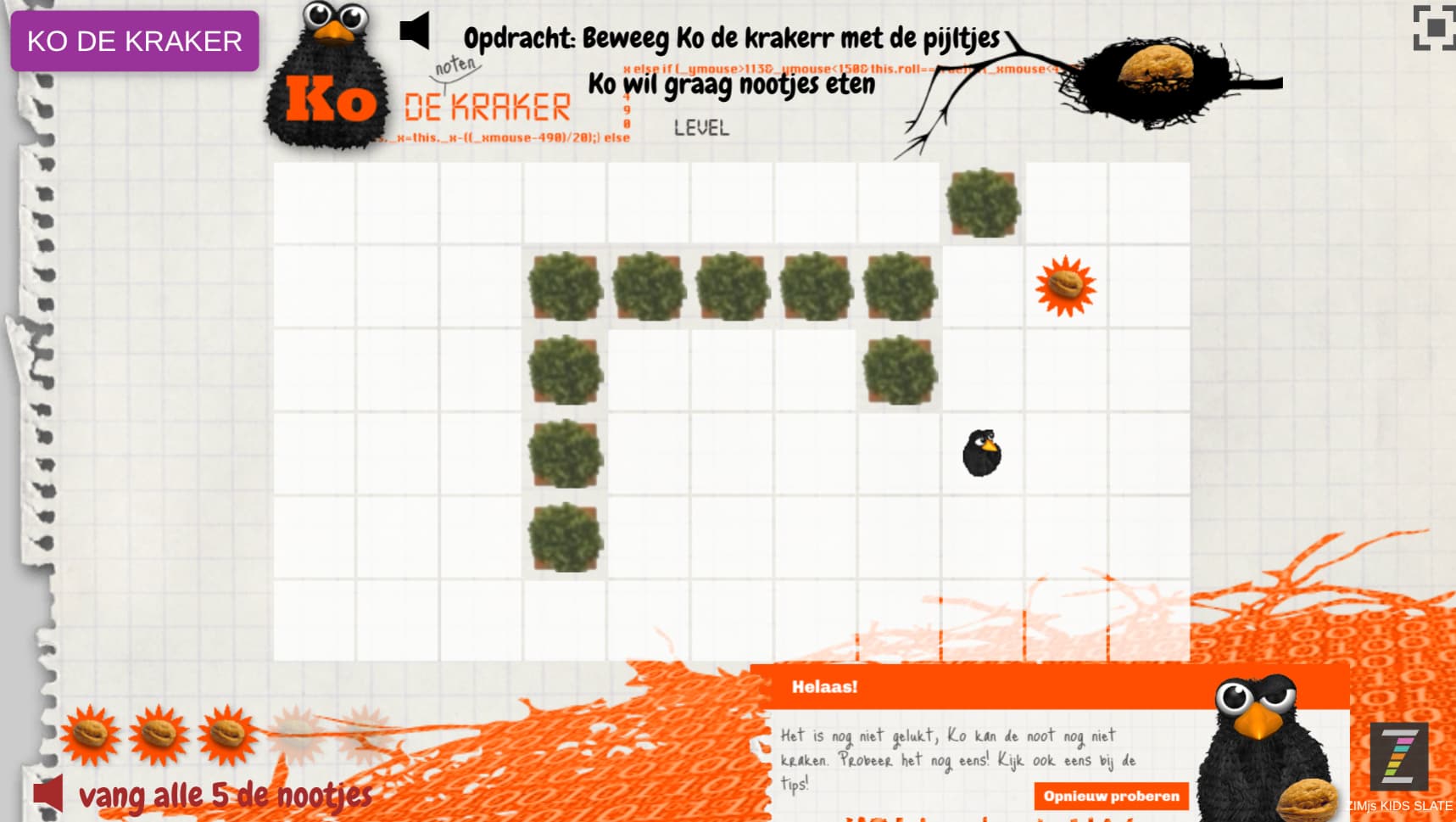
http://kodekraker.watnou.nl/
also
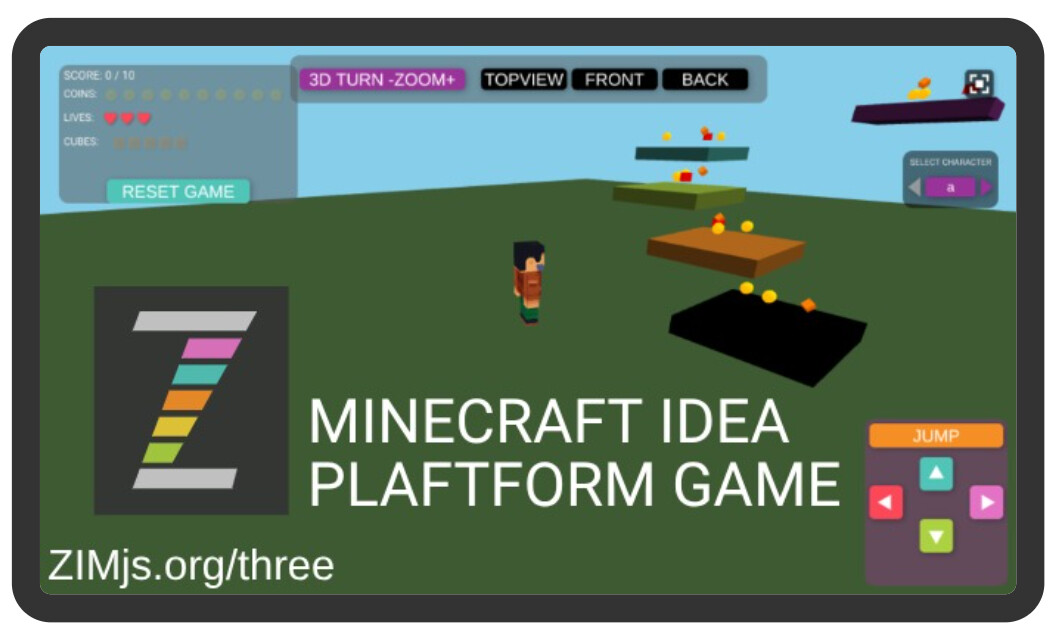
happy minecraft look-a-like with jumping on platforms
and to catch to objects : spheres and cubes
and with green big floor
Might want to animate camera to different views - like we do in ZIM 015 - TextureActive HUD - Code Creativity
yes I made a better walking man now , even with touching the screen, so awesome for kids, I can now say minecraft can be made into ZIM.. this will be a eyeopener
(only problem with pane at the end when all coins are catched)
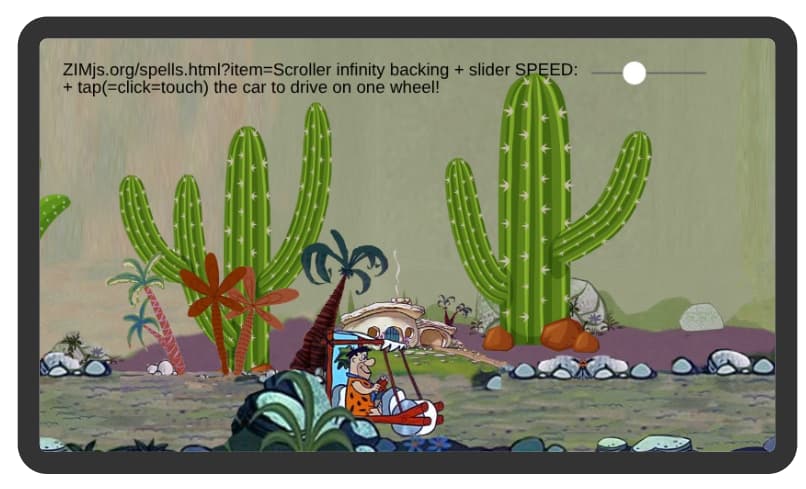
I now can explain kids how a scroller works
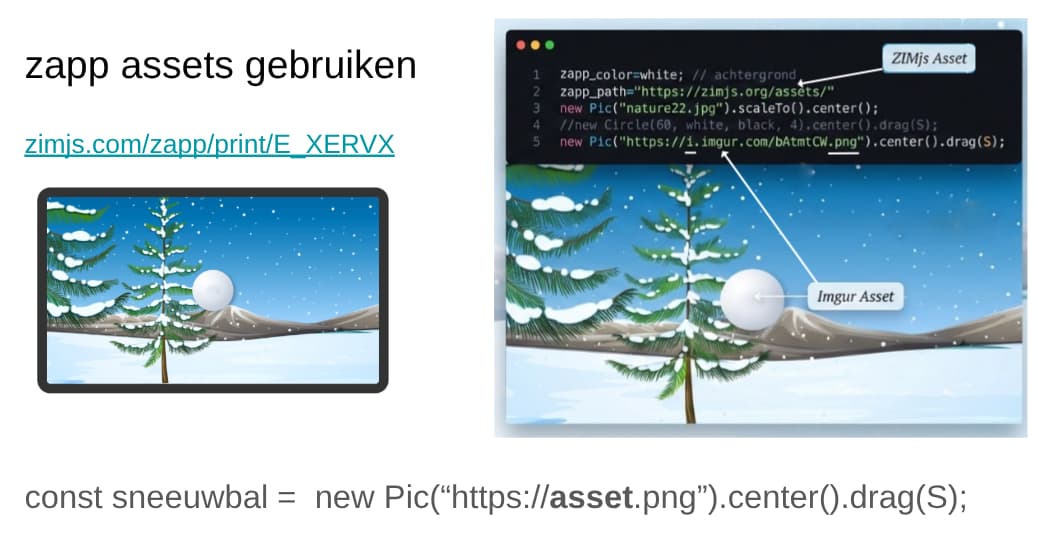
I did update with zapp_assets, easier for kids: https://zimjs.org/bits/scroller is version ZIM 01 using F.loadAssets,
so I needed updated example with
larger backing picture and road some different pictures saved on imgur
and also the y vertical direction to go up and down more visible
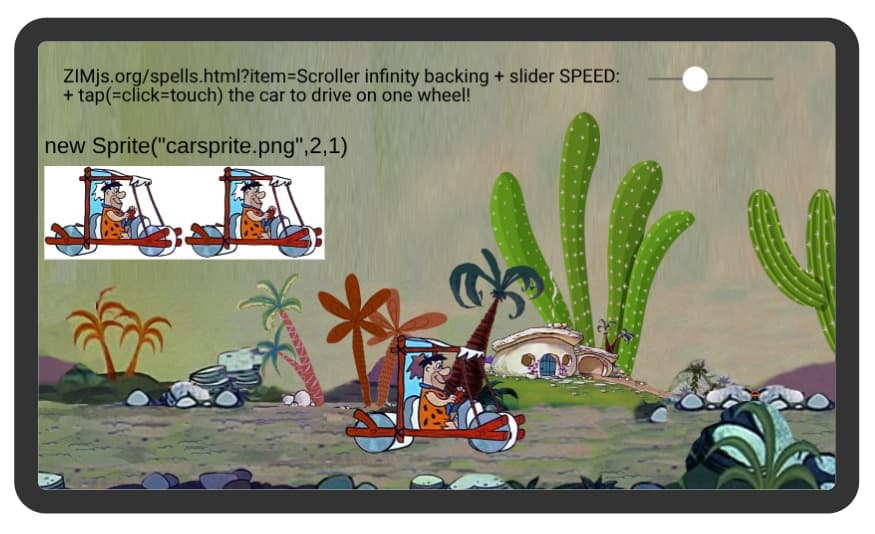
now with new Sprite to see the wheels turning
as this also exists without speed slider but moving the object
at the beach
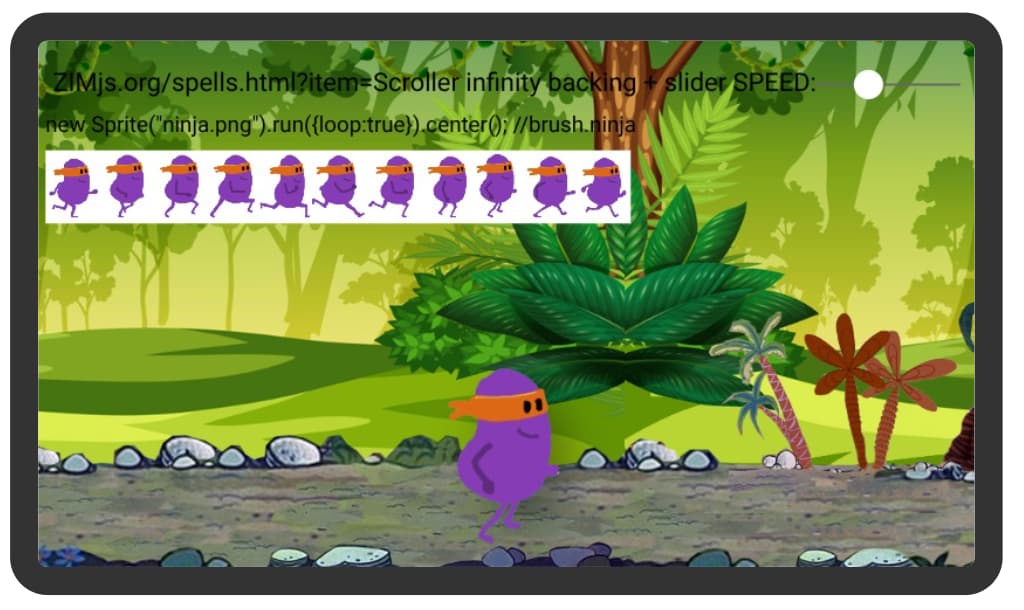
so here the https://brush.ninja sprite
there are not a lot of scroller backings
I used nature20.jpg and a changed road of the flinesotnes so the water was not visible
with a changed backing because it was not a scroller backing
now with arrows left and right
with info
also new walking/skateboard man TexturePacker + ZIM Demo!>
ZAPP: man/noskate new Sprite(.png) pijltjes <> backing left<>right (scroller)OK | ZIM JavaScript Canvas Framework
was before this on 2023
also driving around with joystick