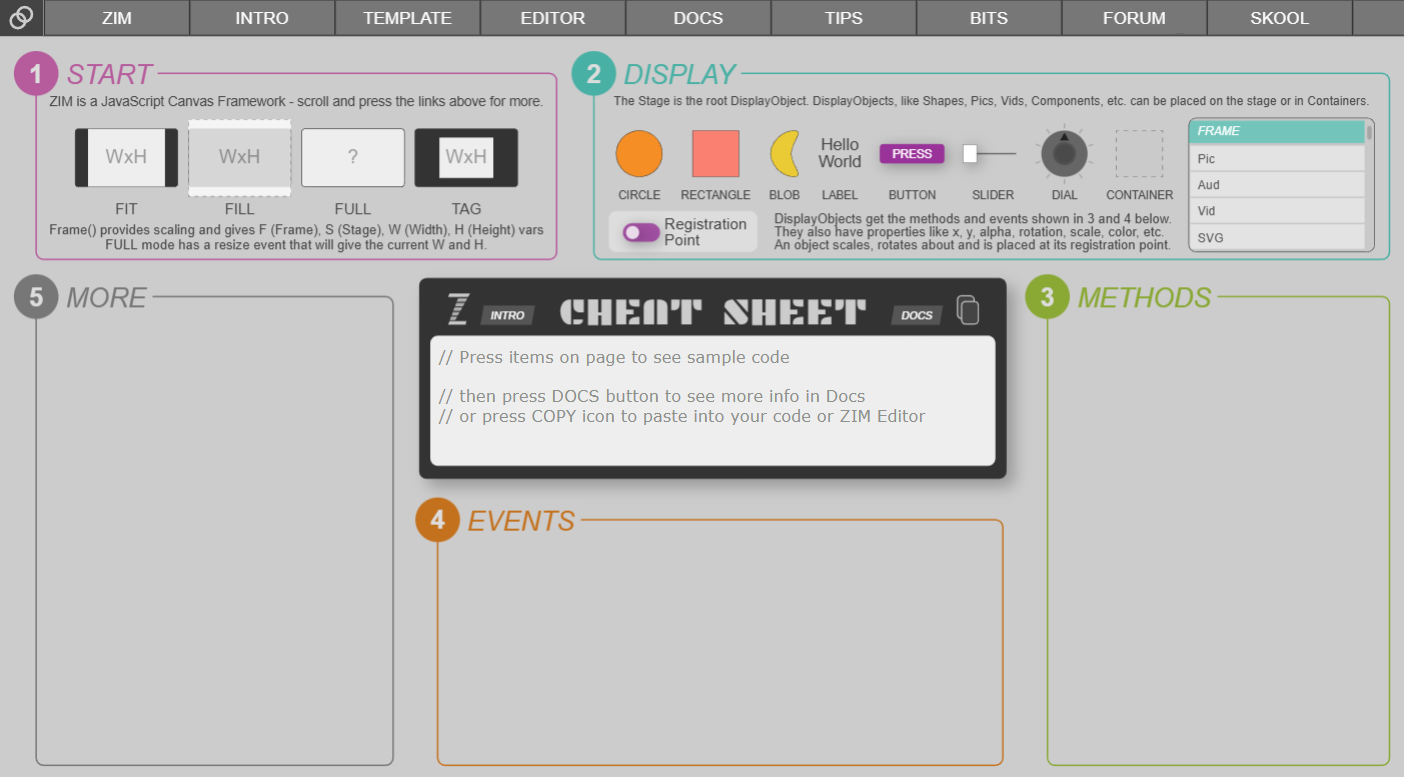
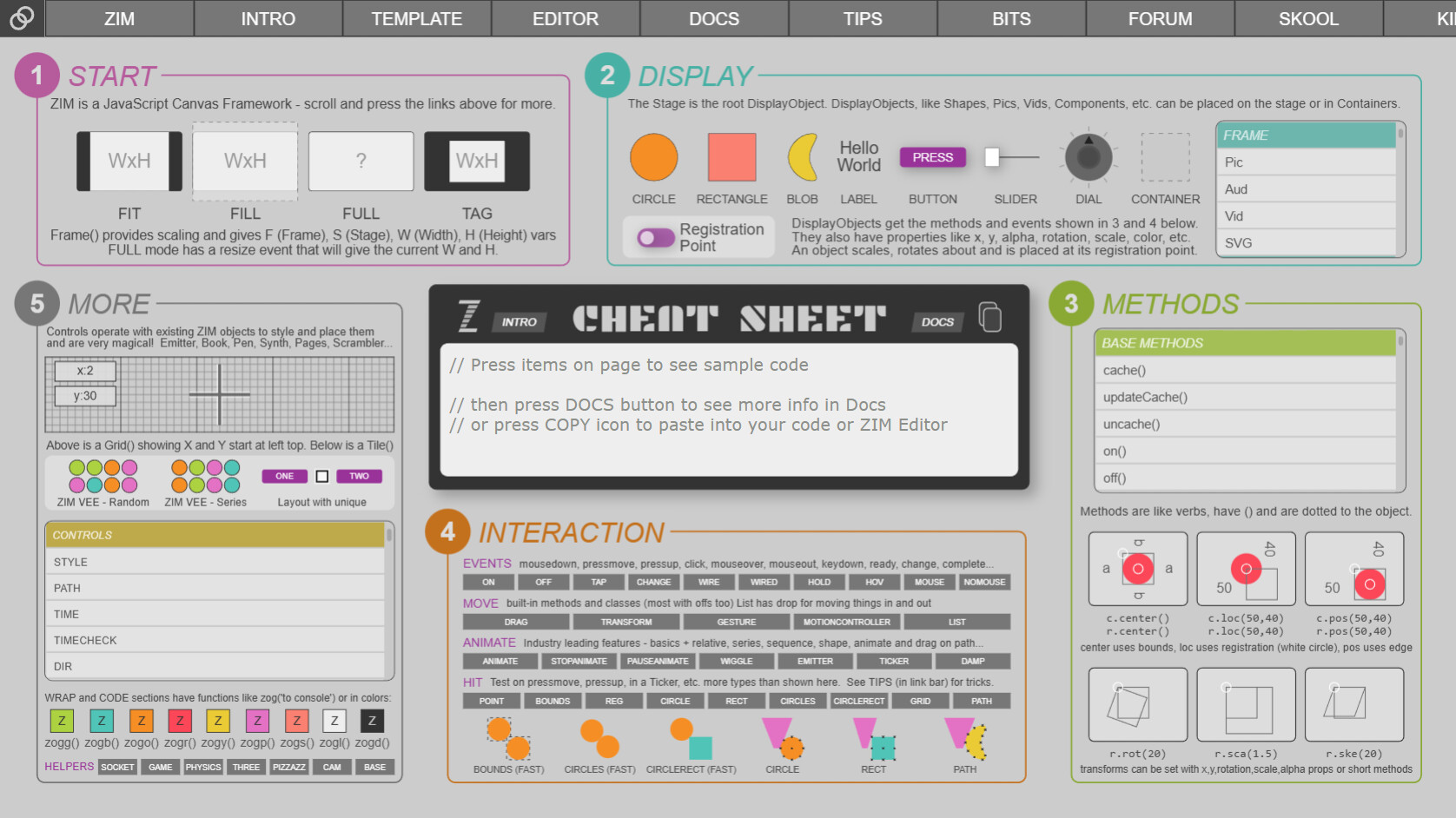
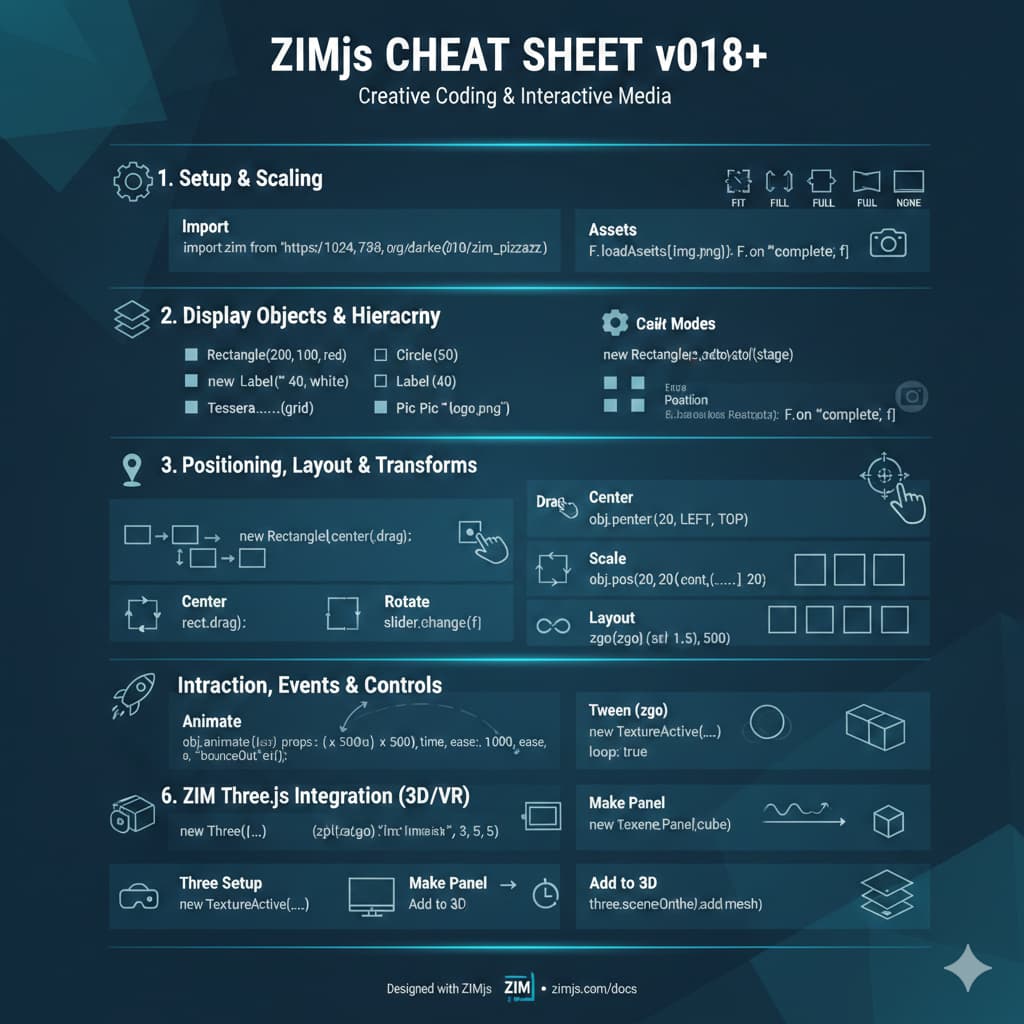
We have officially started on ZIM 019. The expected launch date is late November perhaps December. If we end up adding more than expected, then perhaps the new year.
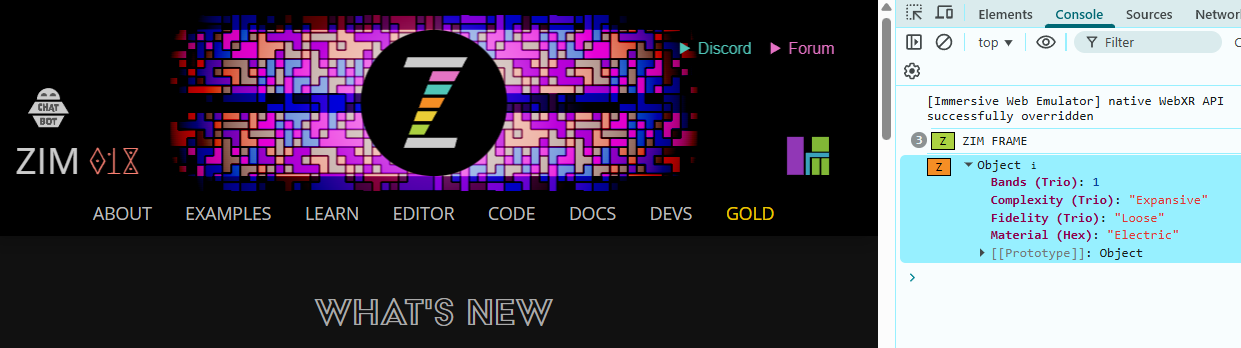
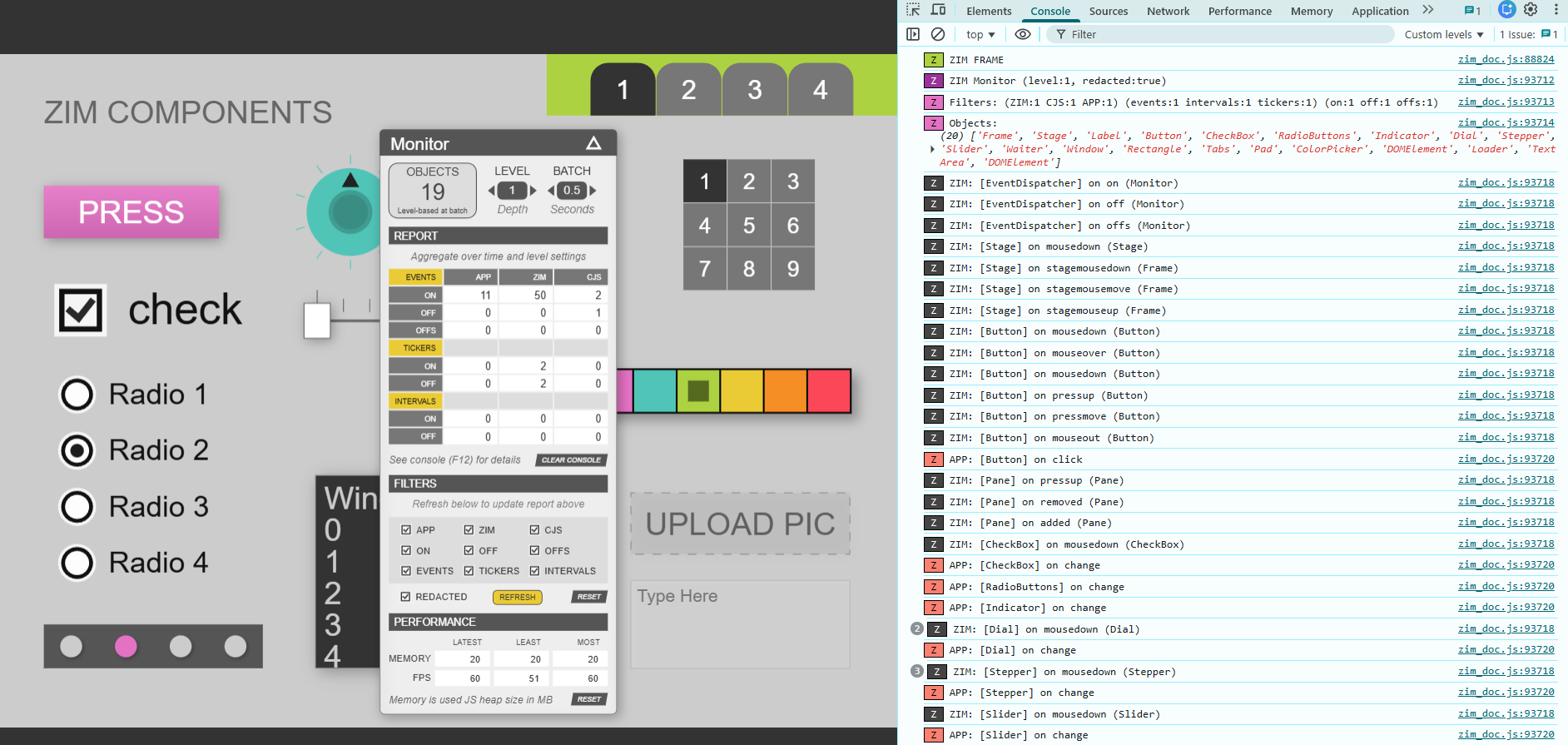
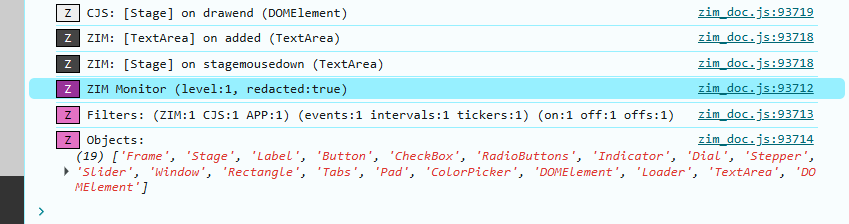
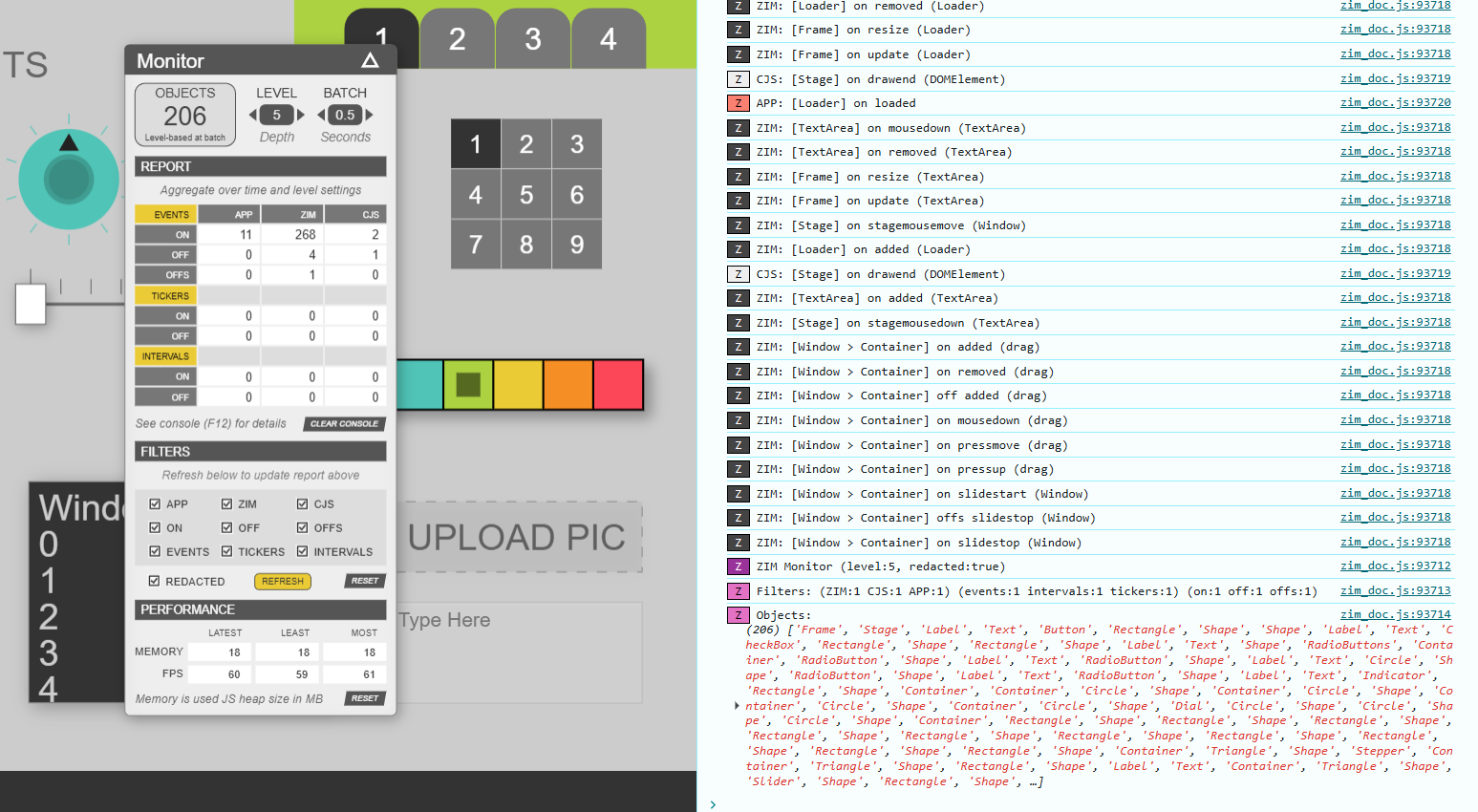
The Monitor panel currently reads 19 objects but the console says 20. If I scrolled down in the console, another batch went and reported the one less object.
Will be sad to see our current header go - it was one of the nicest, I think. It will still be around for the 018 feature page. Note the settings in the console for each.
Still need to add all the code snips - which is considerable work as we are putting in multiple examples and teaching tips in the snips. We considered making them go directly to the editor... but if there is already code in the editor, we need to make sure they don't lose it... so really... it is a hit the copy icon, go to the editor and paste. For now it will be like that.
For instance, if we hit the "ON" button under interaction or in the Methods list we get this code in the central Cheet Sheet area:
const circle = new Circle().cur().pos(100,100);
circle.on("mousedown", remove);
function remove() {
	circle.removeFrom();
	S.update();
}
// do not chain the on() method as it does not return the object
// it returns an id that can be used to turn the event off()

// usually, we use an arrow function
const circle2 = new Circle().cur().pos(100,100,RIGHT);
circle2.on("mousedown", ()=>{
	circle2.removeFrom();
	S.update();
});
// do not chain the on() method as it does not return the object
// it returns an id that can be used to turn the event off()

// using the event object, e
const tile = new Tile().cur().center();
tile.on("mousedown", e=>{
	// e.target gives what caused the event
	// in this case an item of the tile will be removed
	e.target.removeFrom();
	// e.currentTarget gives what the event was placed on
	// in this case the tile will move
	e.currentTarget.mov(10);
	S.update();
});

// remove the event if runs once
const tri = new Triangle()
	.cur()
	.pos(100,100,LEFT,BOTTOM);
tri.on("click", e=>{
	tri.rot(180);
	S.update();
}, null, true); // true for run once

// remove the event using remove() method of event object
const rect = new Rectangle()
	.cur()
	.pos(100,100,RIGHT,BOTTOM);
rect.on("mouseover", e=>{
	rect.rotation += 20;
	if (rect.rotation > 50) e.remove();
	S.update();
});

 Thanks!!!!